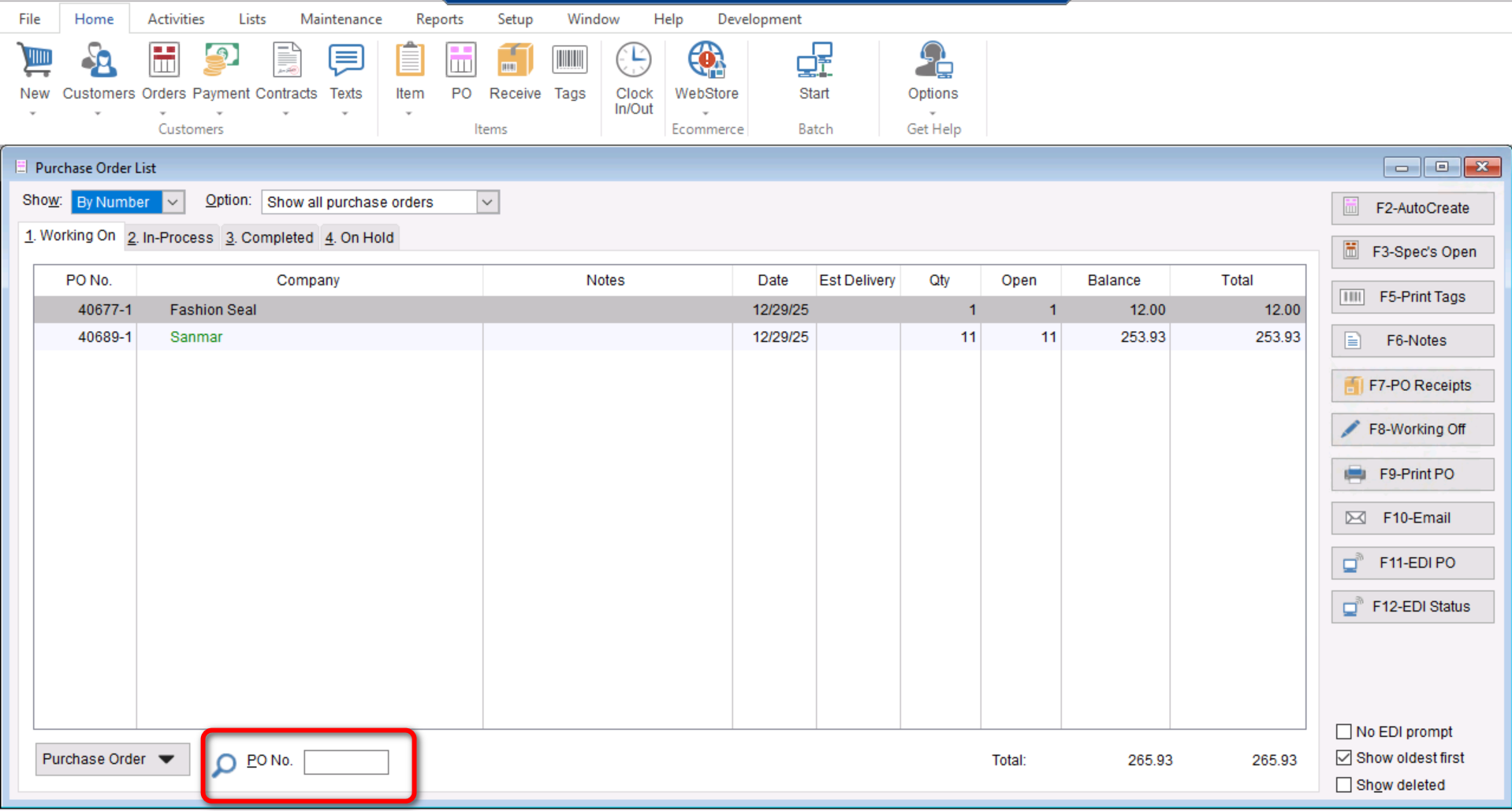
This article will cover how to search for a “Purchase Order” using the “PO number”.
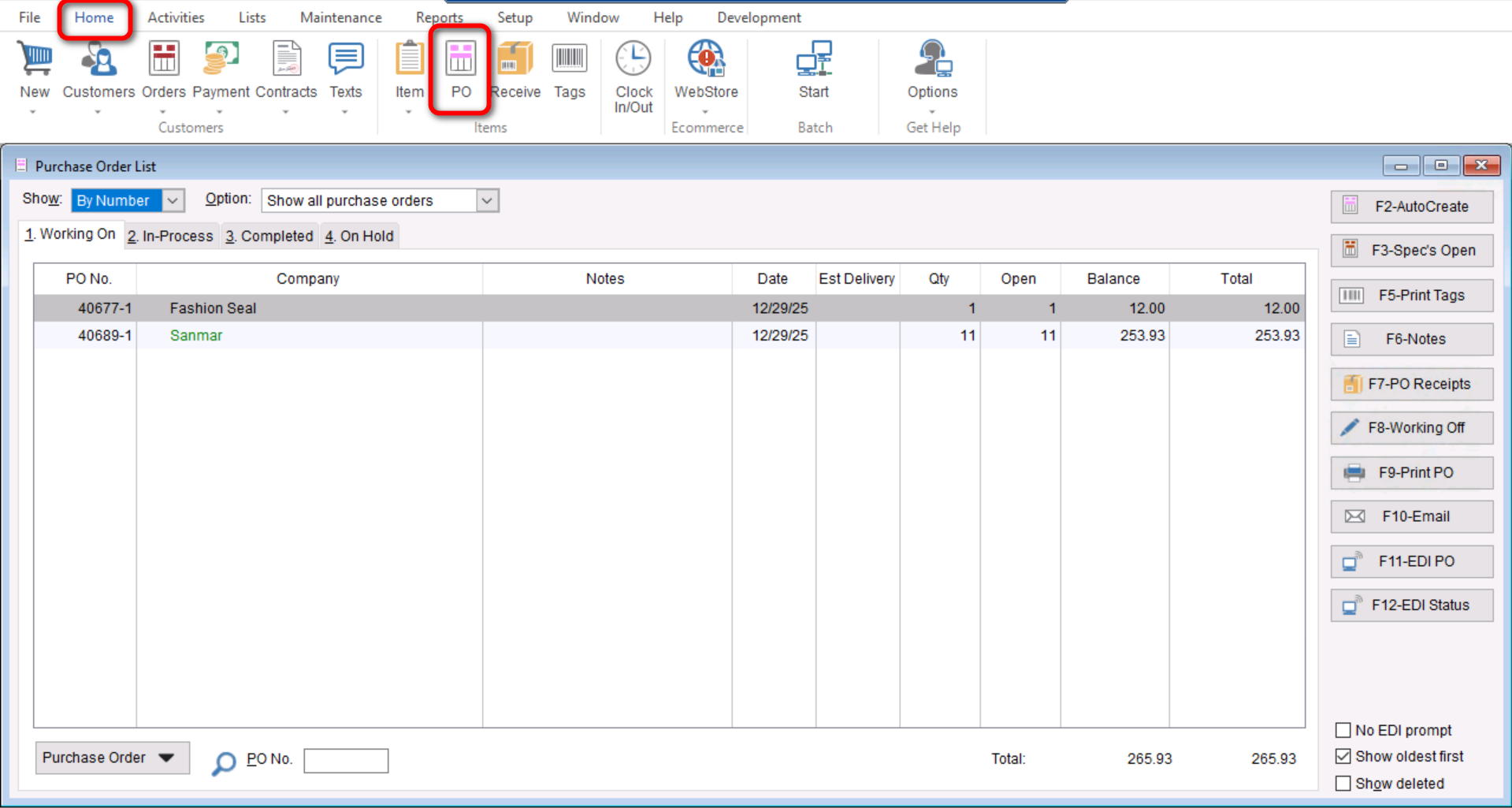
- First you will go to “Home>PO” to get to your “Purchase Order List”
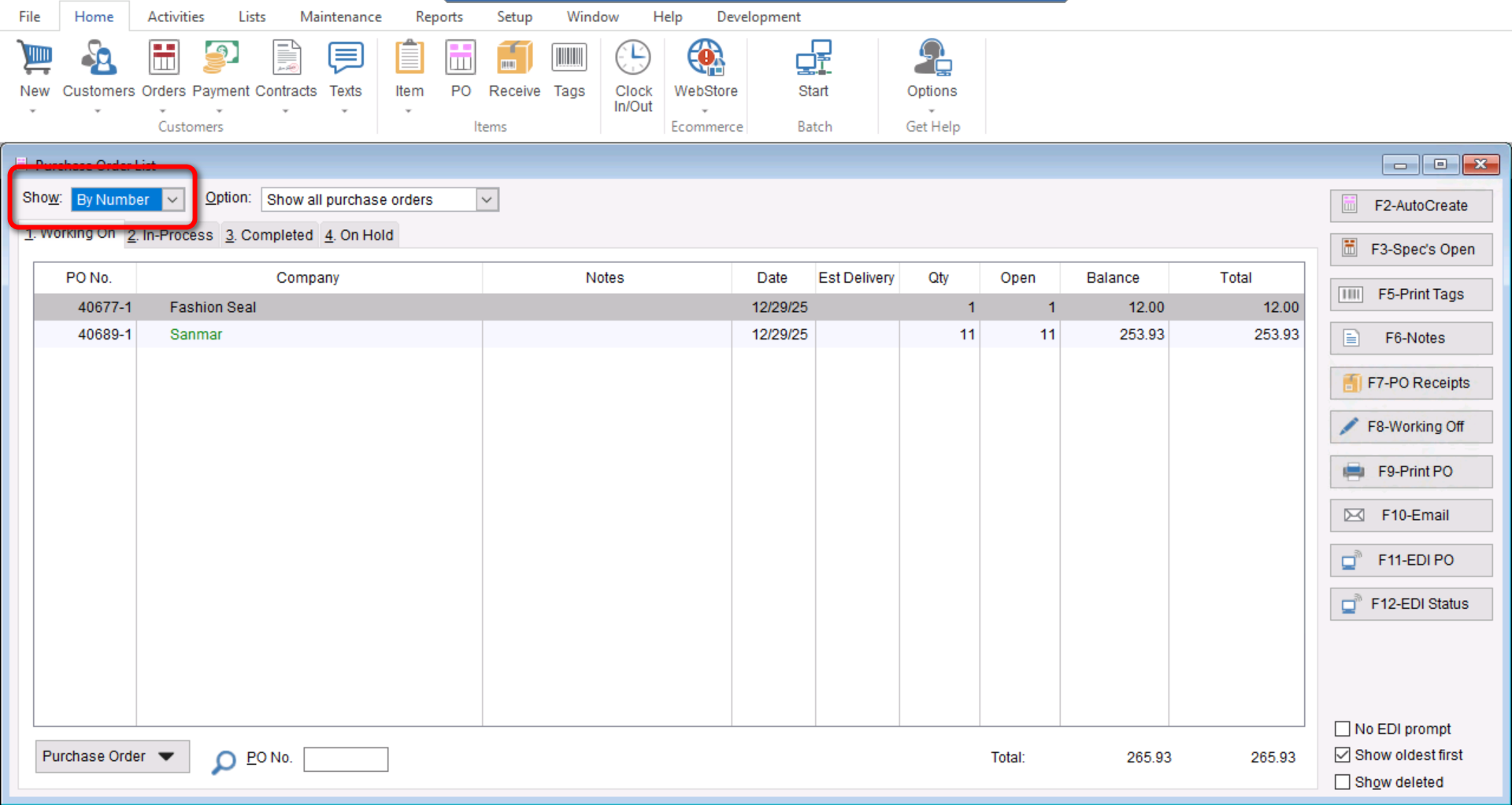
- Once you have opened your “Purchase Order List” you will make sure the “Show” drop down menu is set to “By Number”.
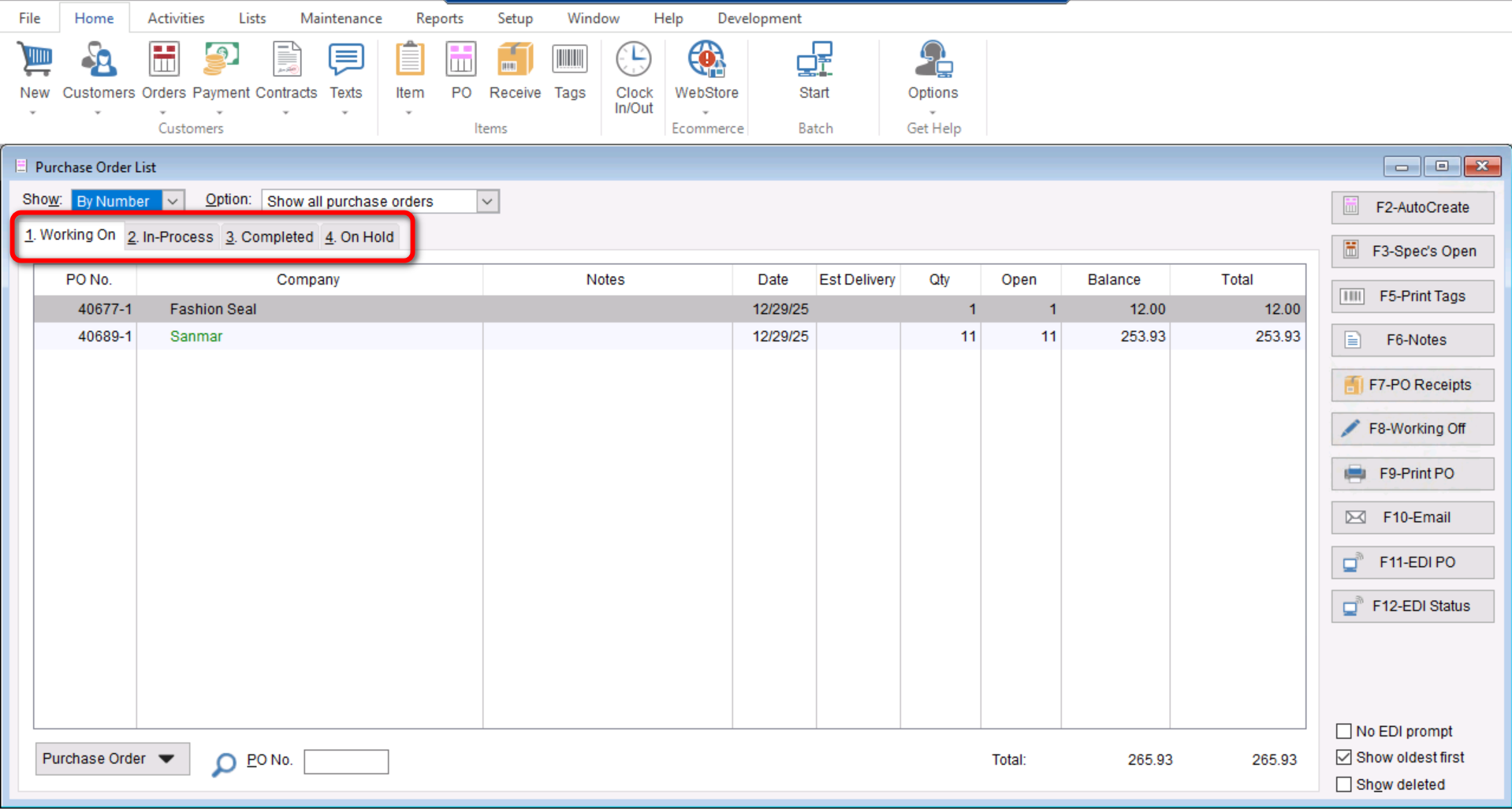
- Once you have confirmed this information you can make sure you are in the correct tab, there are four Purchase order tabs “1. Working On” “2. In-Process” “3. Completed” “4. On Hold”. Make sure you are selected into the correct tab to make sure you find your Purchase Order properly.
- Once you have checked all this information you can enter your “Purchase Order Number (PO No.)” at the bottom left of the screen and select “Tab” or “Enter” on your keyboard.