
A backup is created every morning when the program is opened for the first time. The backup is automatically set to be located in the “USW” folder in the sub-folder “BackupA”.
(Note – This would only be applicable for On-Site/Desktop License setups – customers on cloud will not have this option.)
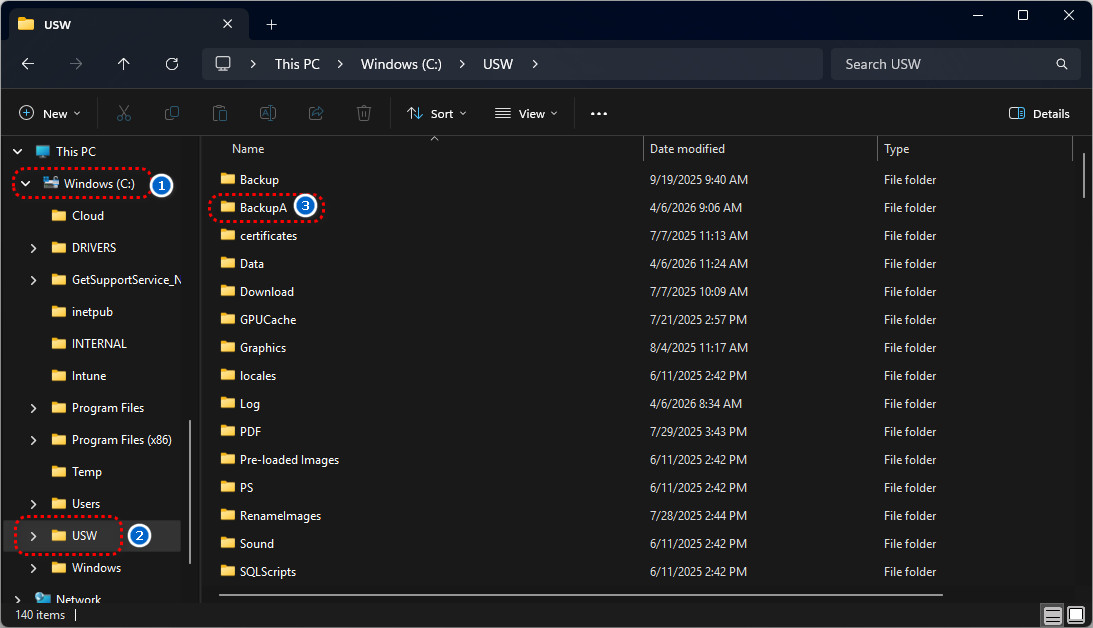
If you would like to change where your backups are located – :
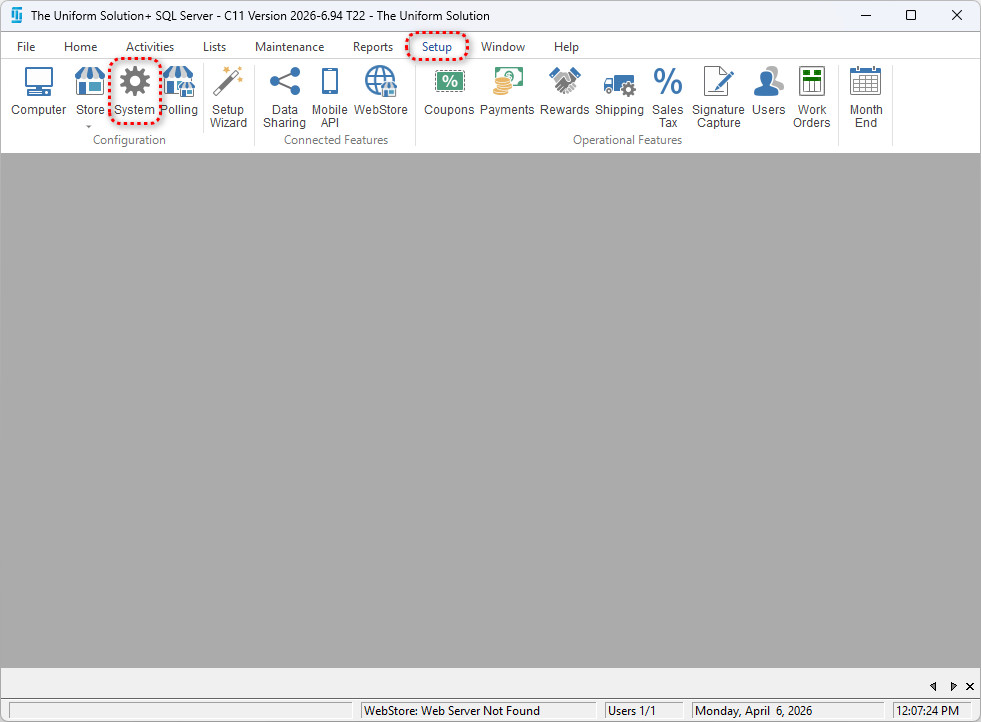
Go to: Setup > System Options.
On the General tab under Backup Options, check the box that says Specify the backup folder.
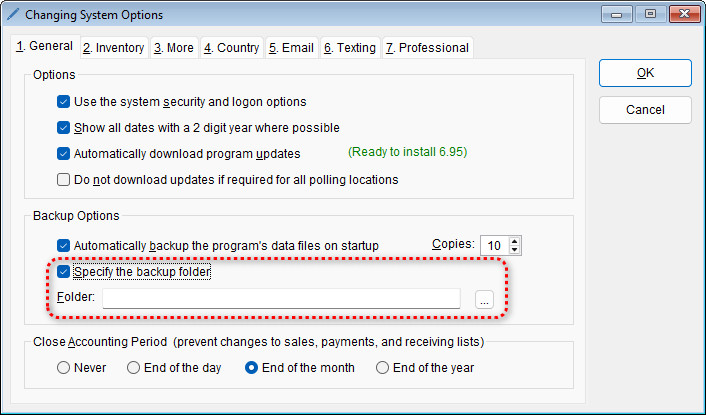
Now you will be able to choose where your backups are stored.