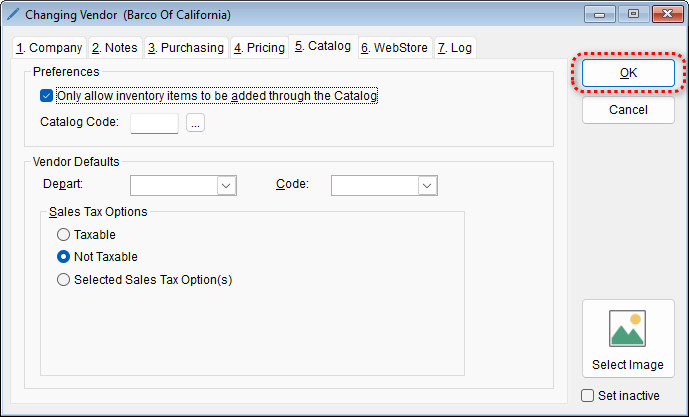
The program allows you to assign specific sales tax options to individual vendors. This ensures that items associated with that vendor follow the correct tax rules. Follow the steps below to update a vendor’s tax settings.
Steps to Set Vendor Sales Tax Options
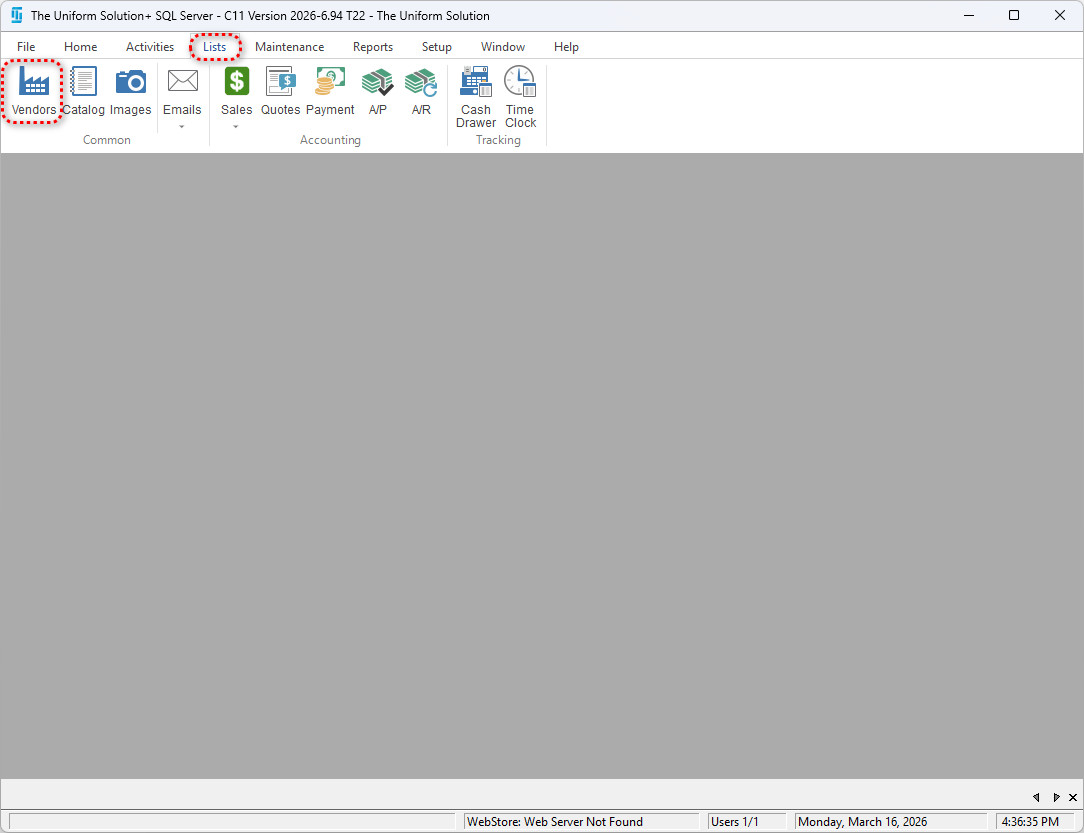
- Go to: Lists > Vendors
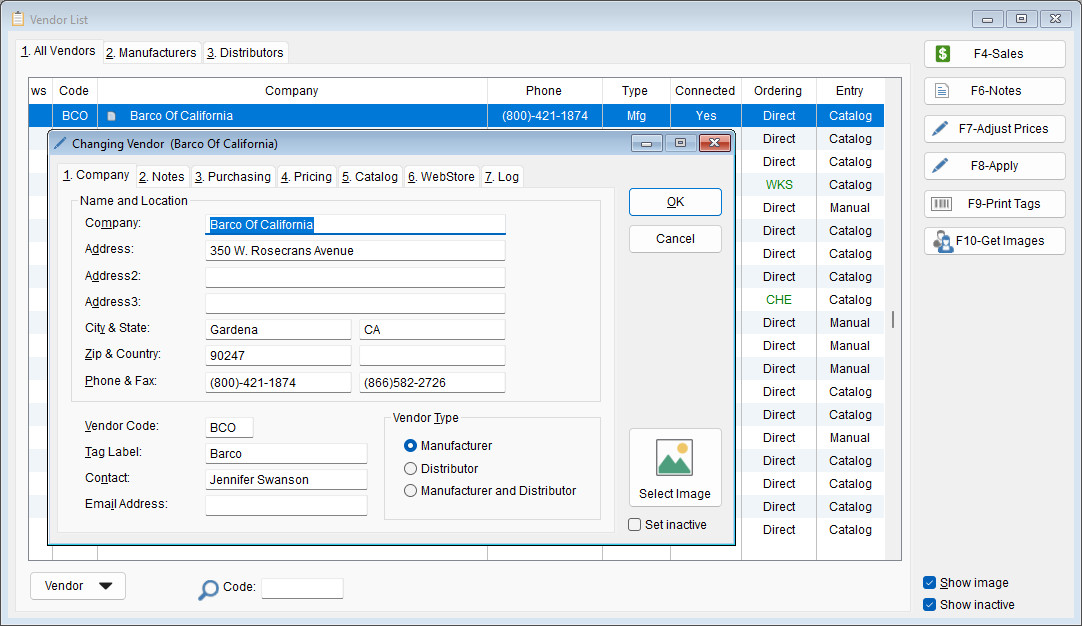
- Double-click to open the desired vendor
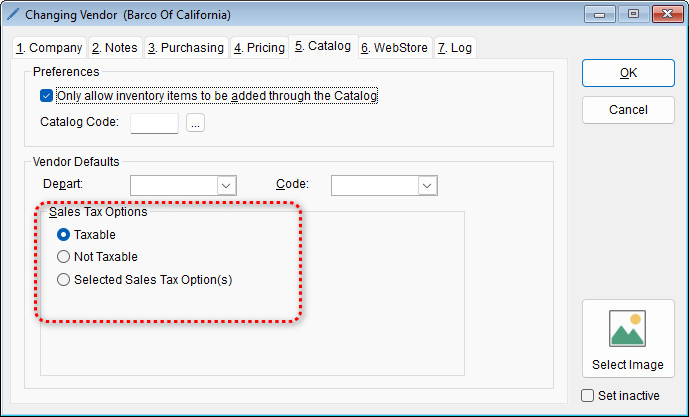
- Select the Catalog tab
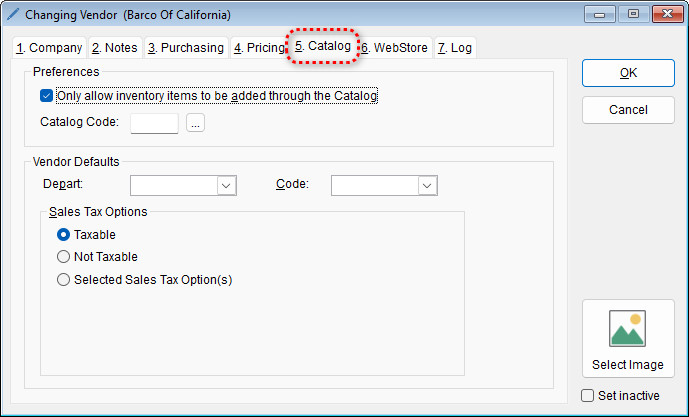
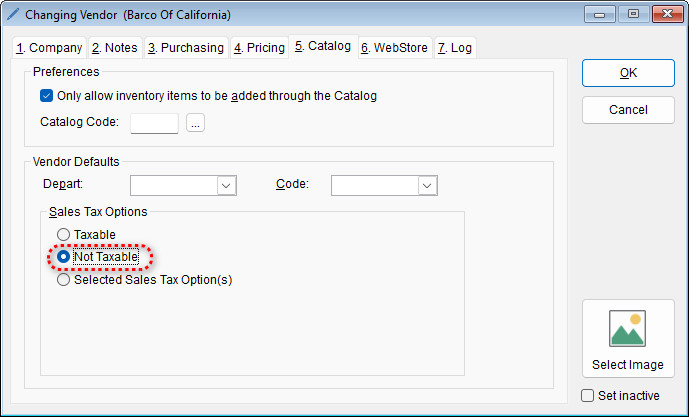
- Under the Sales Tax Options section, select the desired tax option
- Select OK to save this change