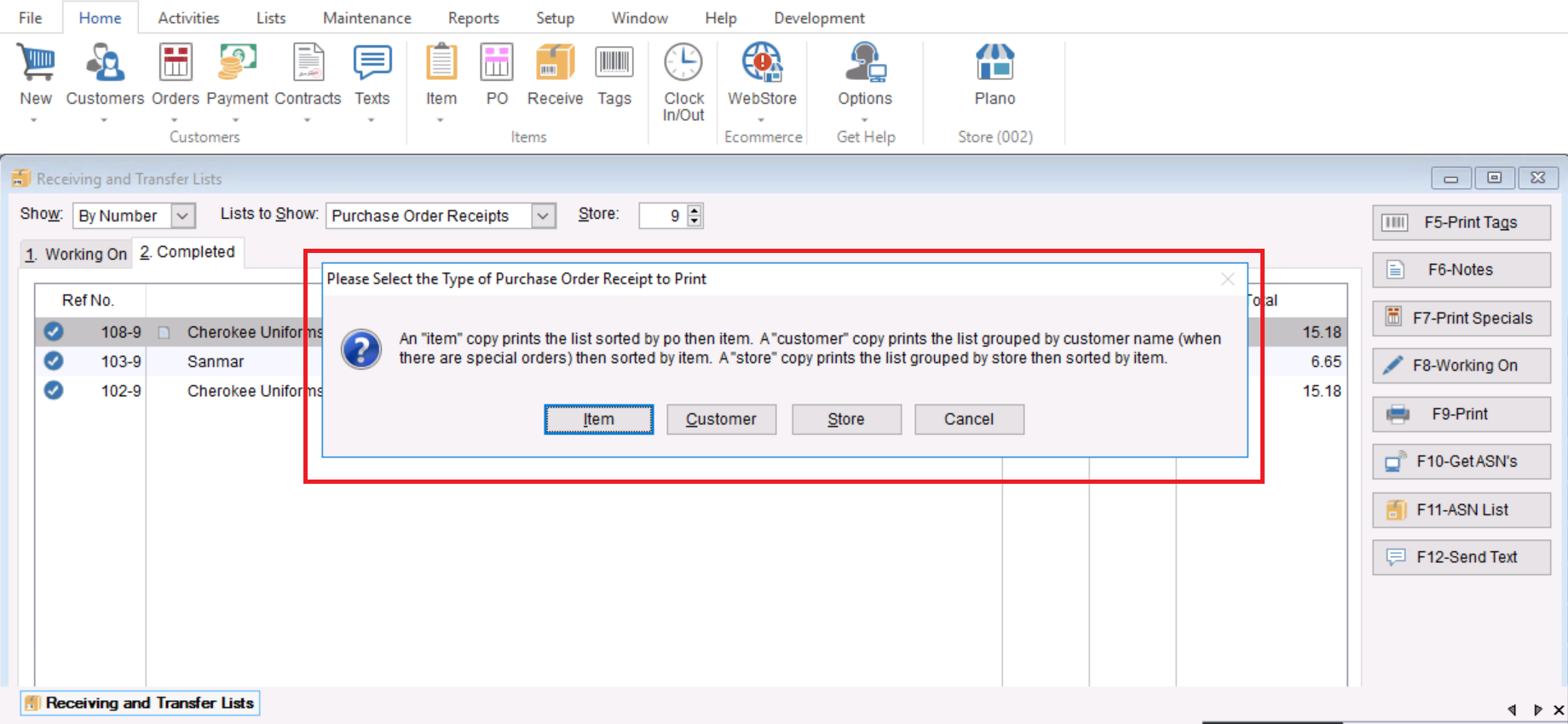
This Article will cover how to print out a receiving list from the Receiving list screen.
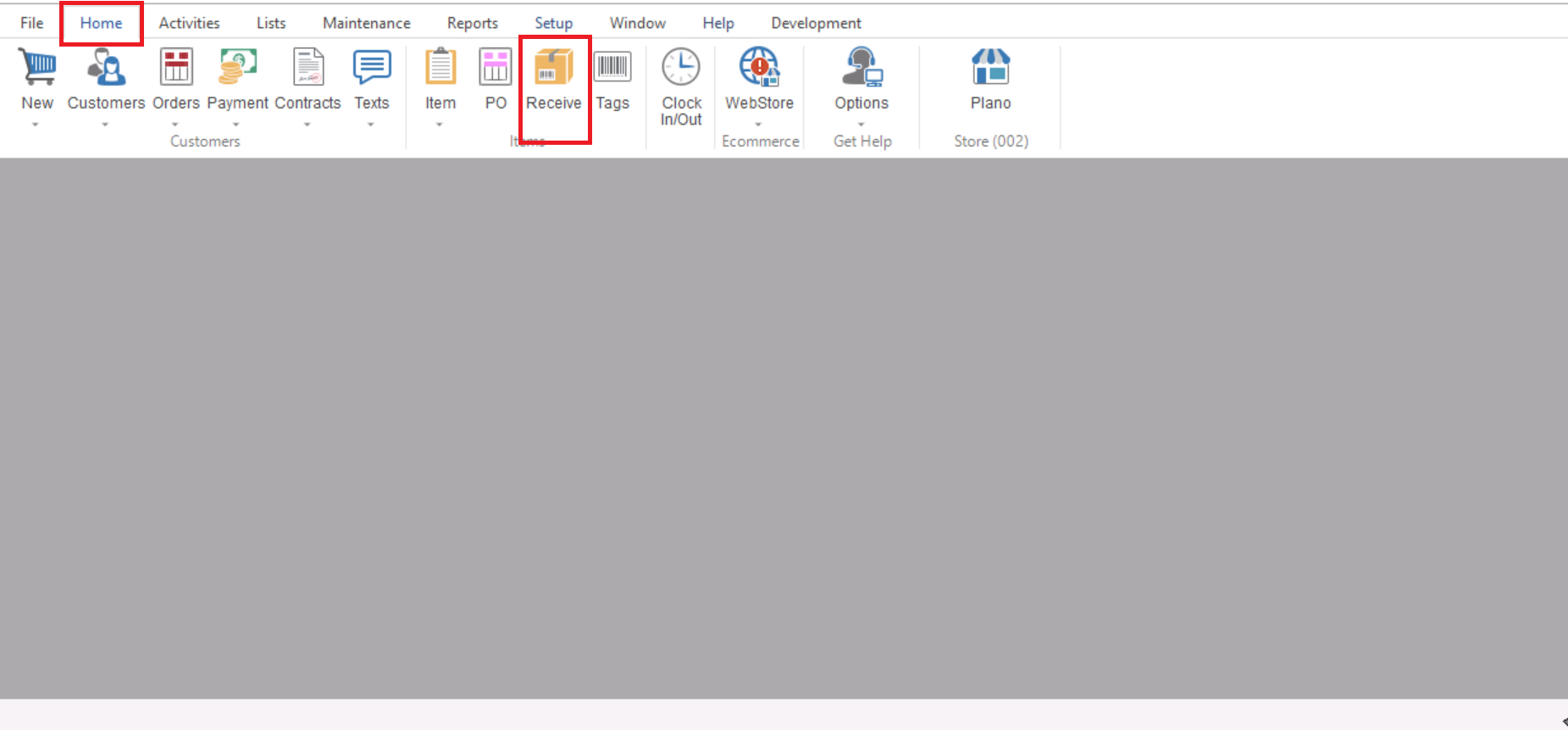
- First you will go to Home>Receive to open your Purchase Order Receipt list (Receiving list)
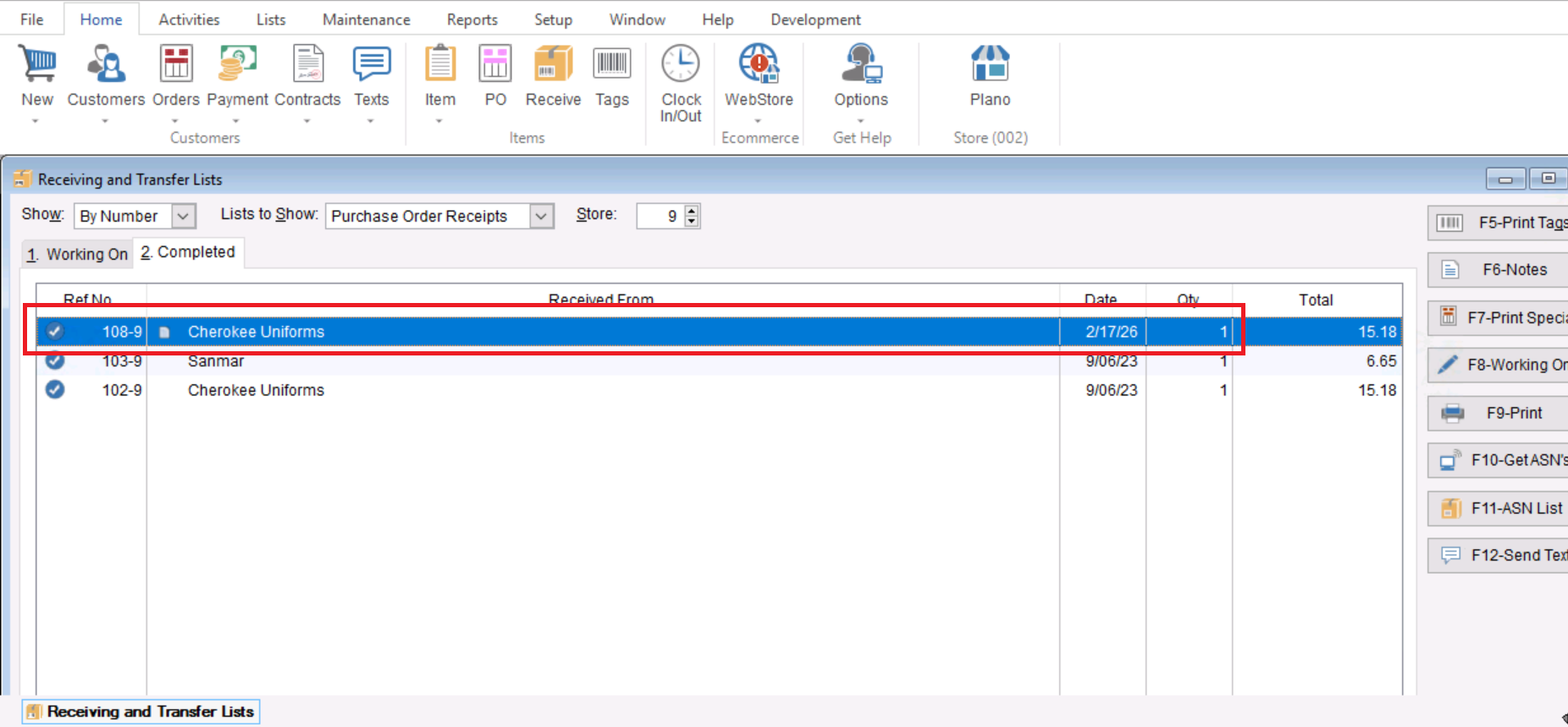
- Once your receiving list is opened you will “Highlight” the desired record by single clicking on it.
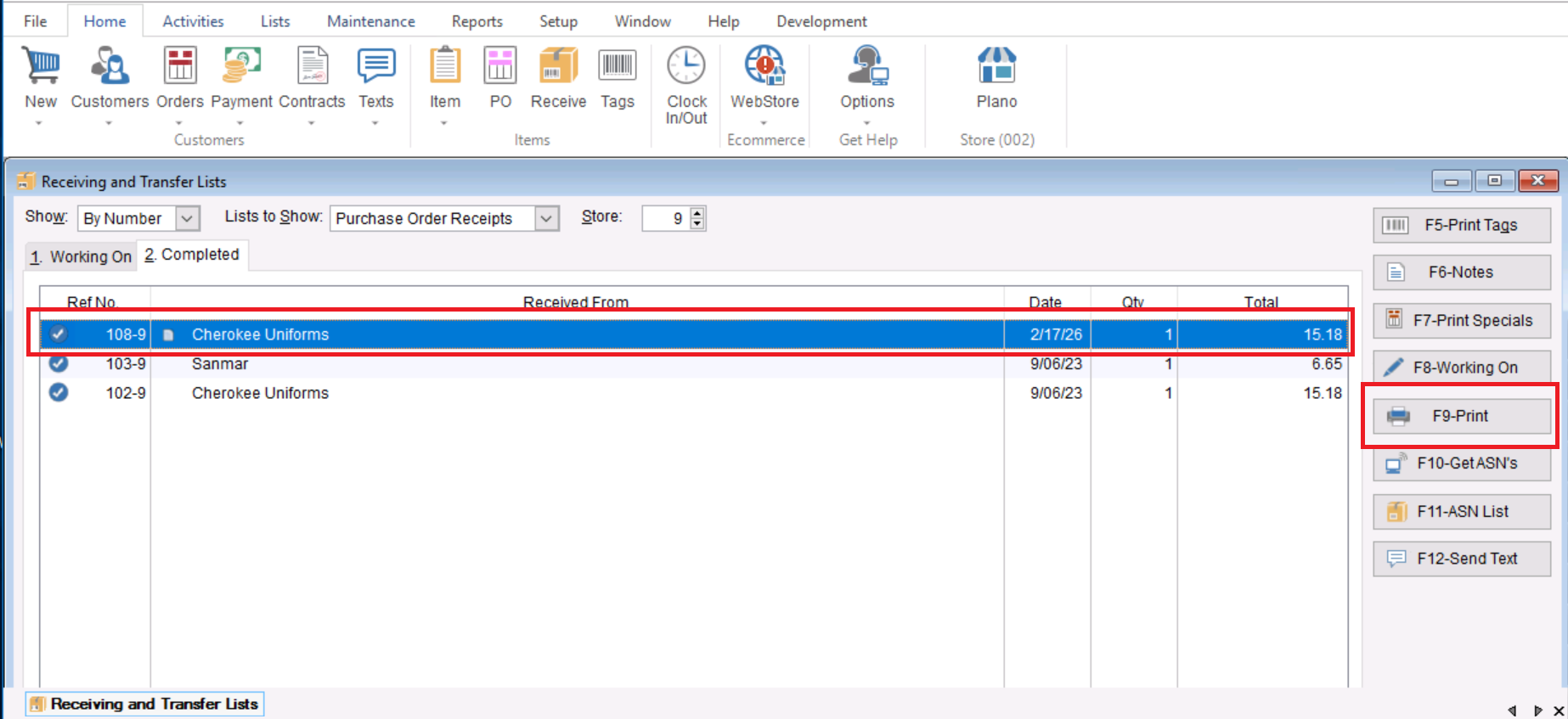
- Once the desired record is highlighted you will select “F9-Print” on the right hand side to choose to print this record.
- An active screen will appear asking you to select the Type of Purchase Order Receipt to Print. Select the desired option