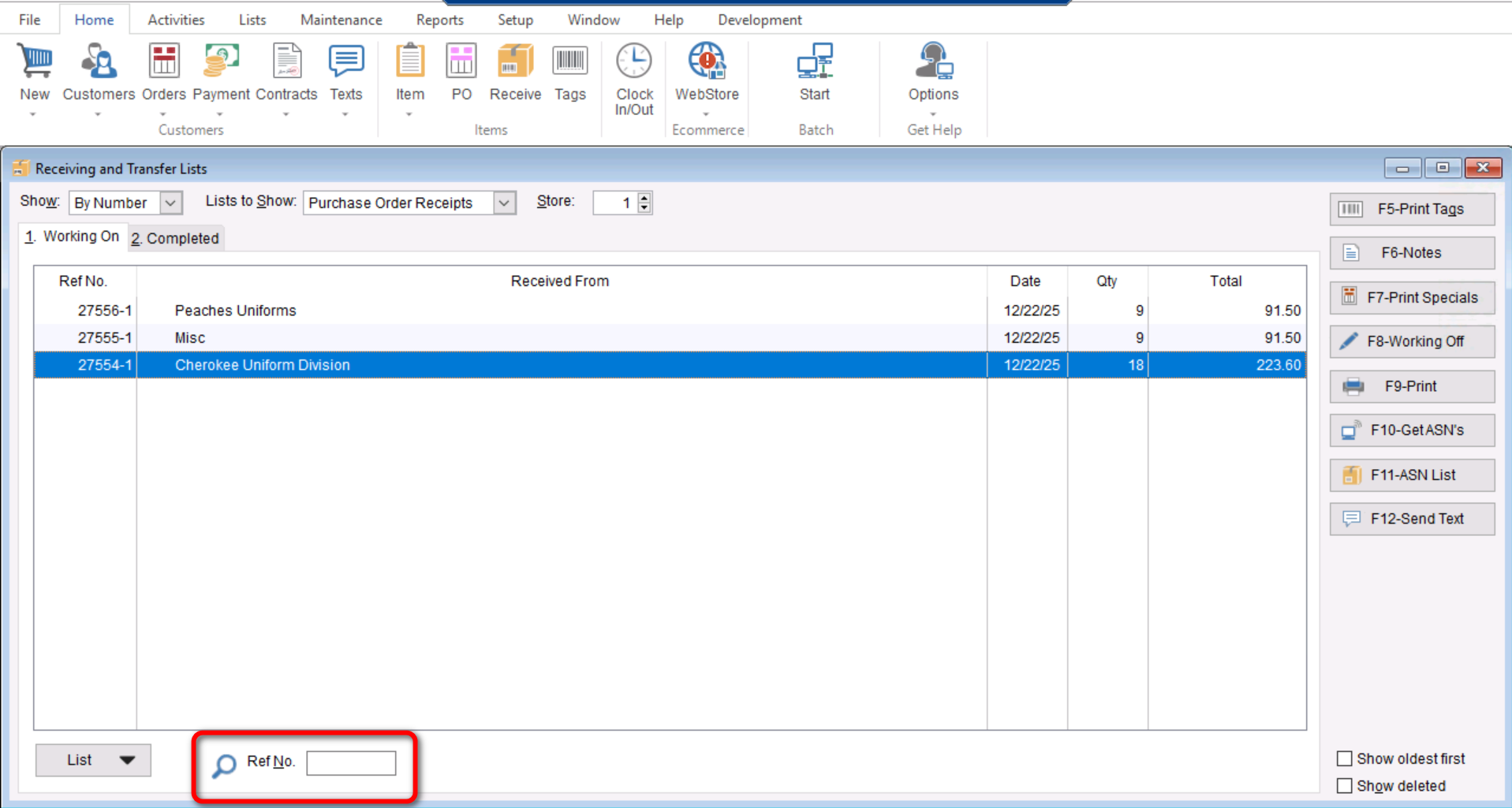
This document will cover how to locate a Receiving List using a Reference Number.
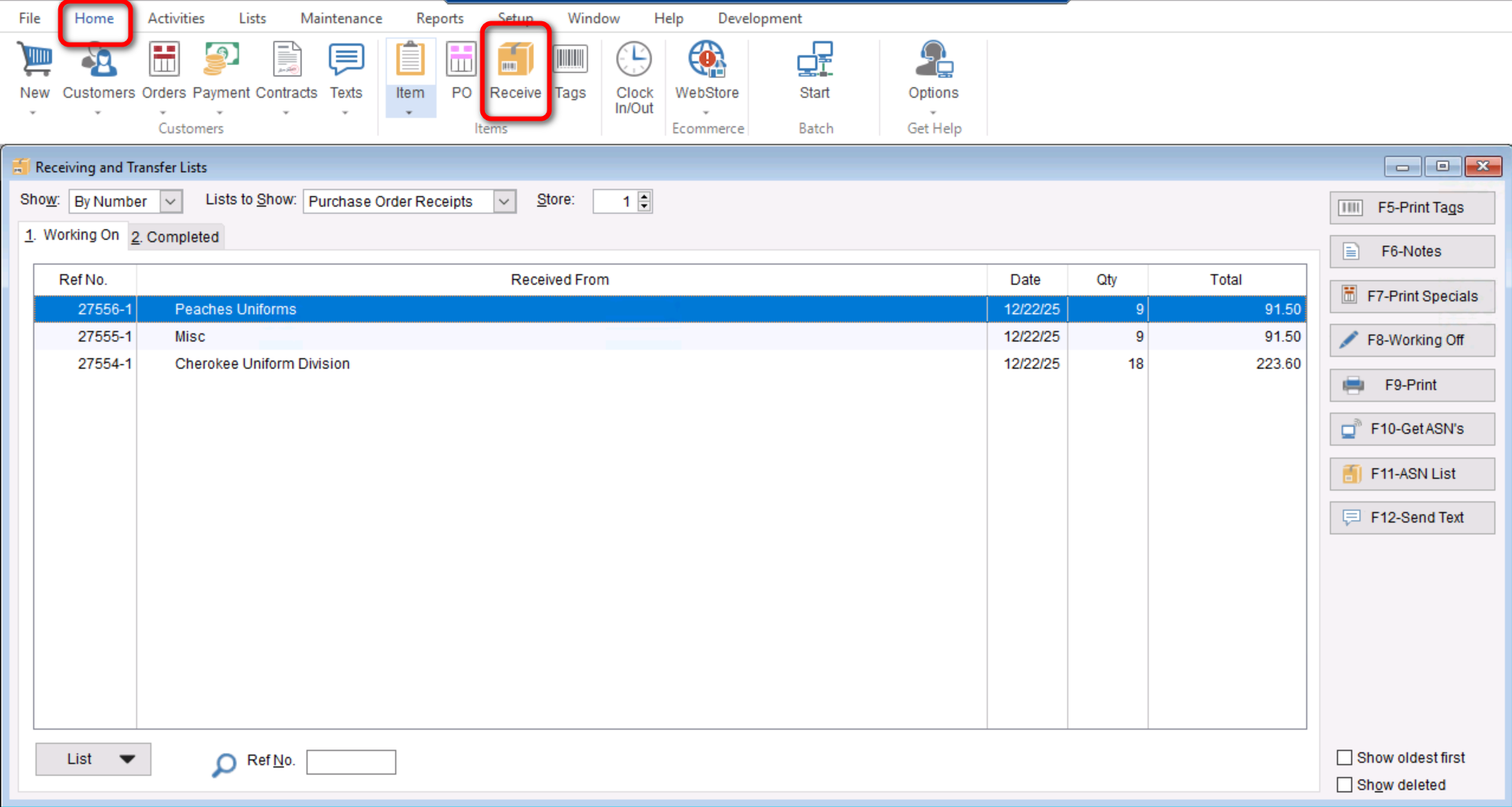
- You will start by going to “Home>Receive.”
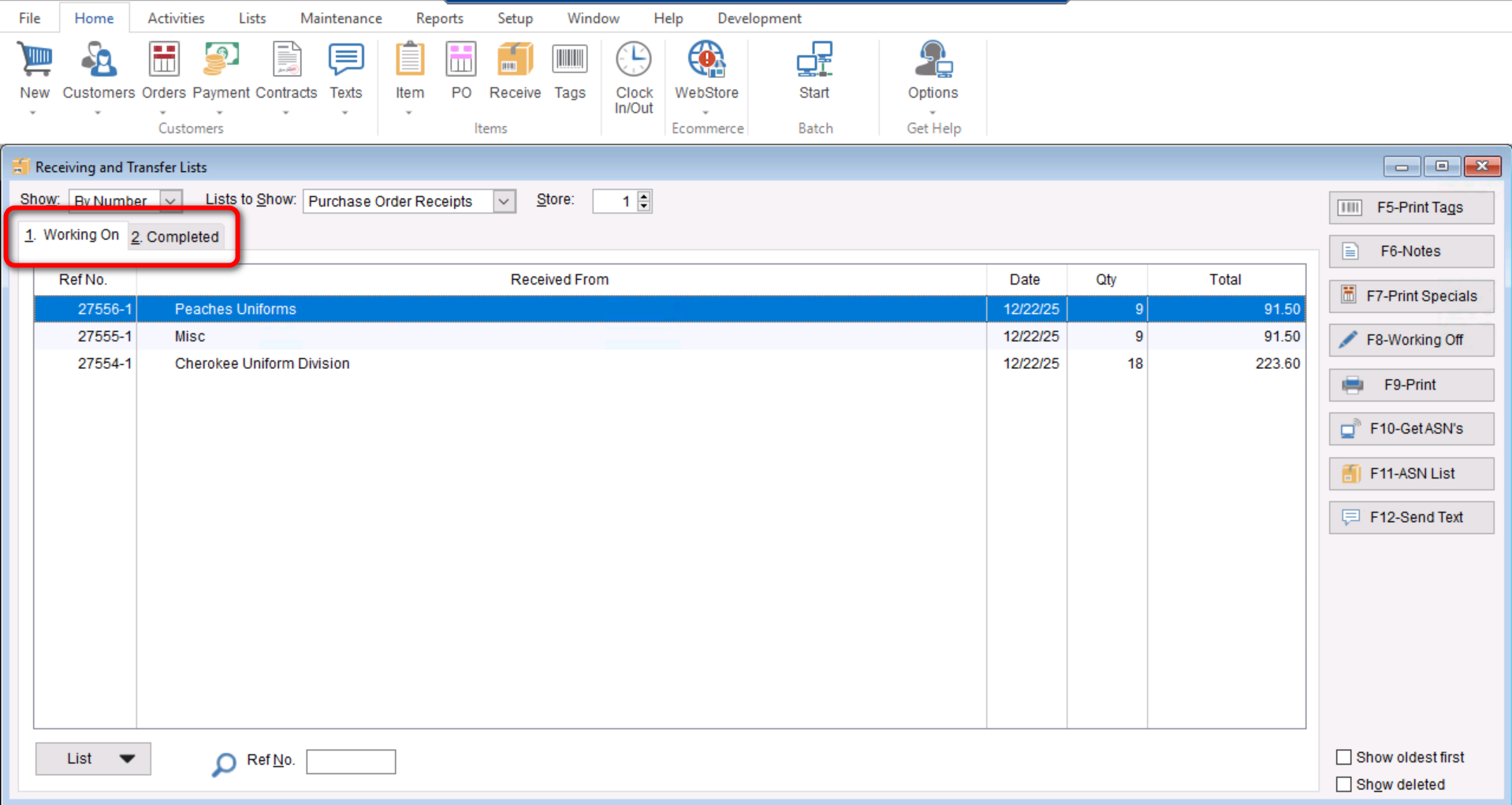
- Next you will either select the “Working On” tab for active Receiving lists or the “Completed” tab depending on if we are looking for a receiving list that is actively being worked on or one that has been completed.
- Lastly you will enter the enter the Reference Number at the bottom left where it says “Ref No.” and select either “Tab” or “Enter” on your keyboard.