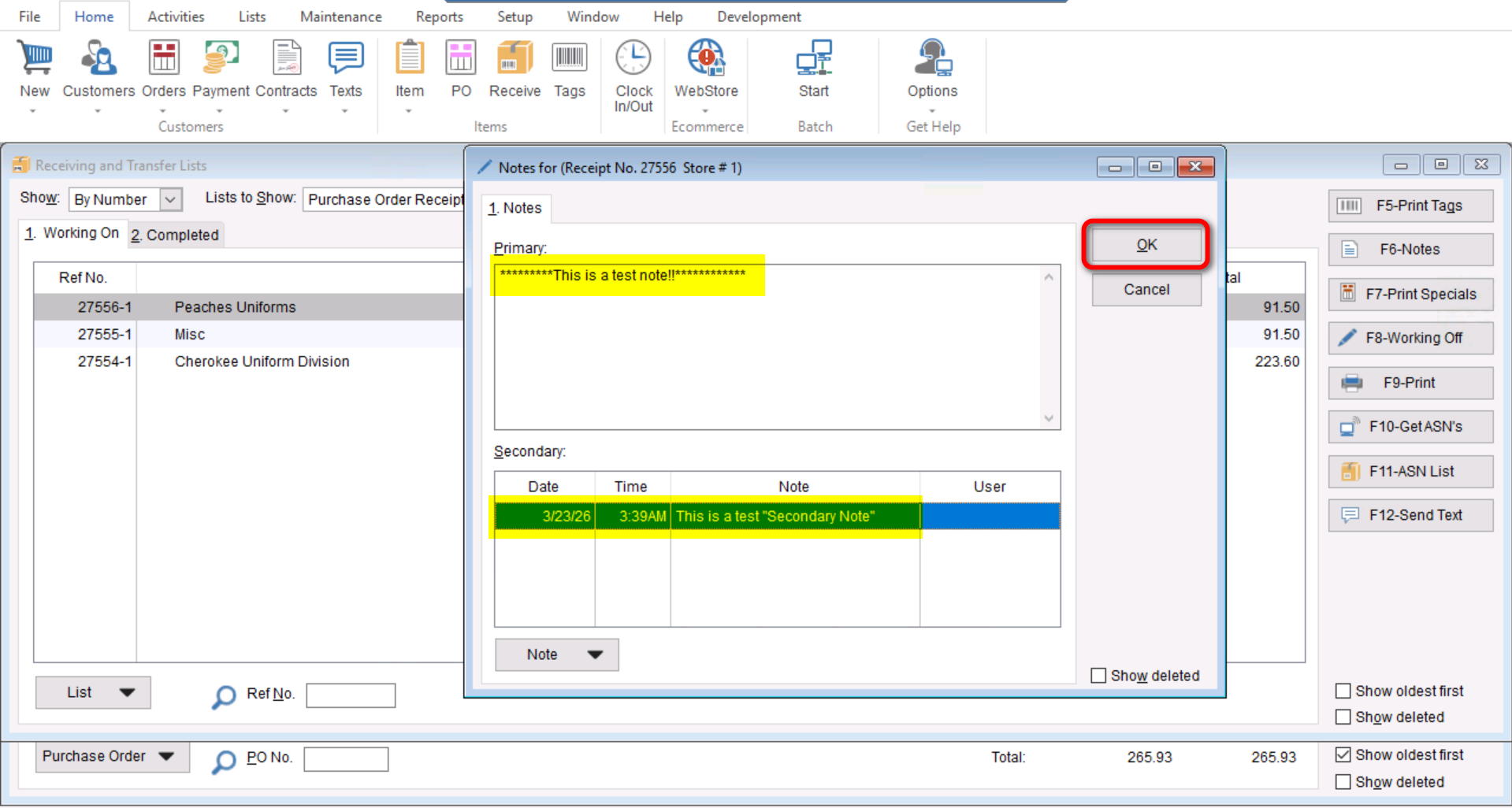
This document will cover how to add internal notes to your Receiving Lists.
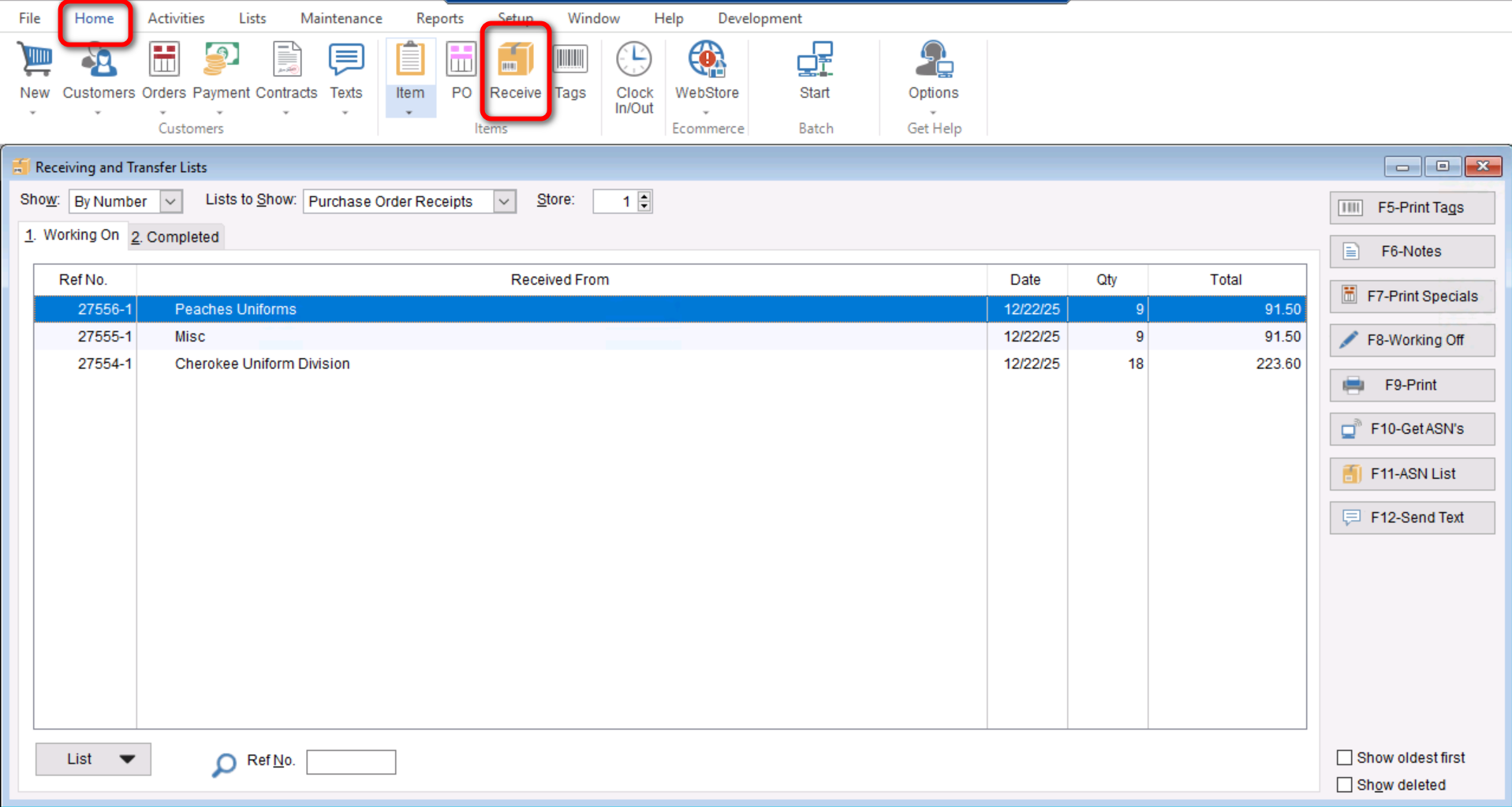
- First you will go to “Home>Receive” to open the “Purchase Order Receipt” screen.
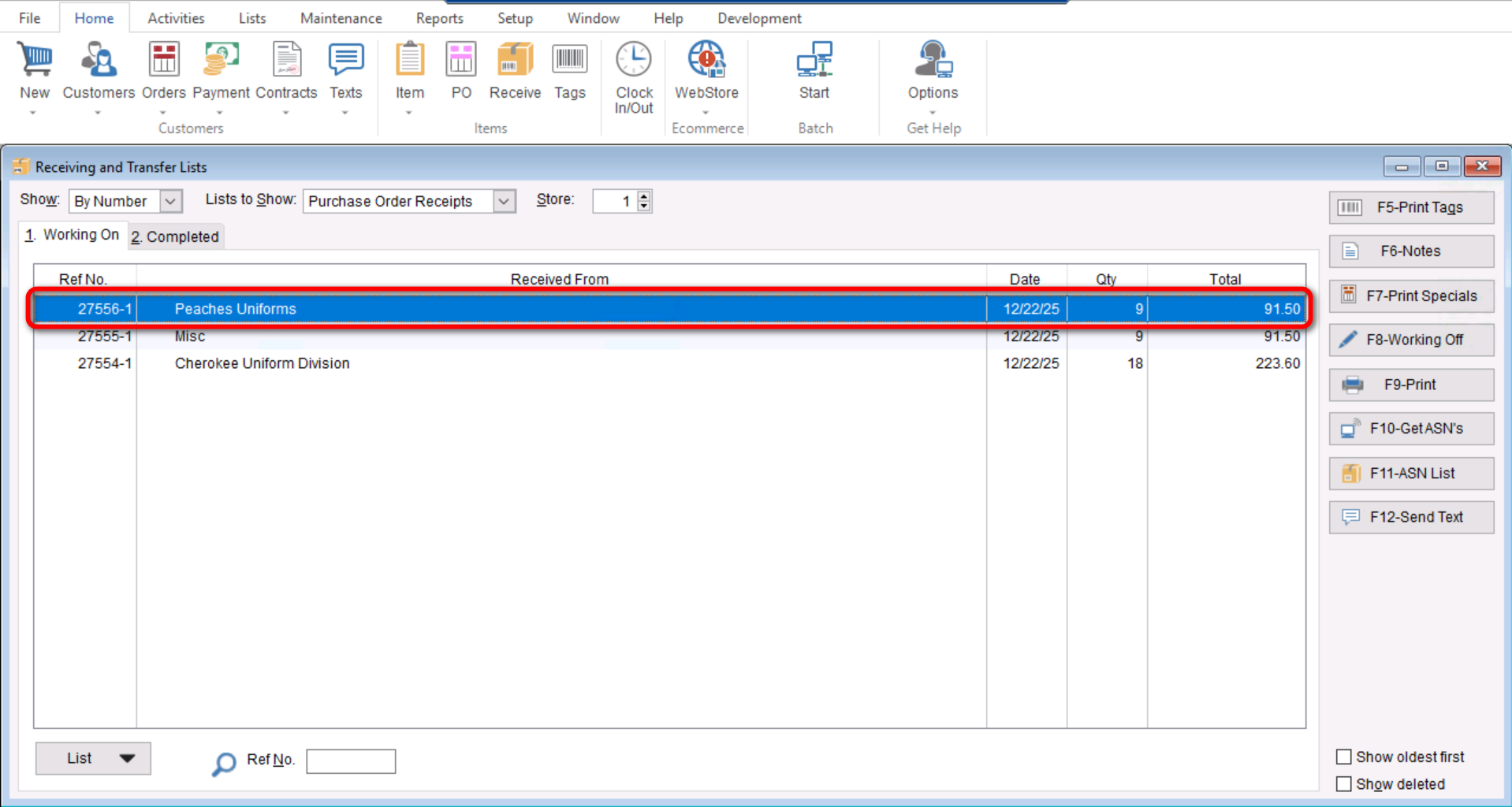
- Highlight the desired Receiving List.
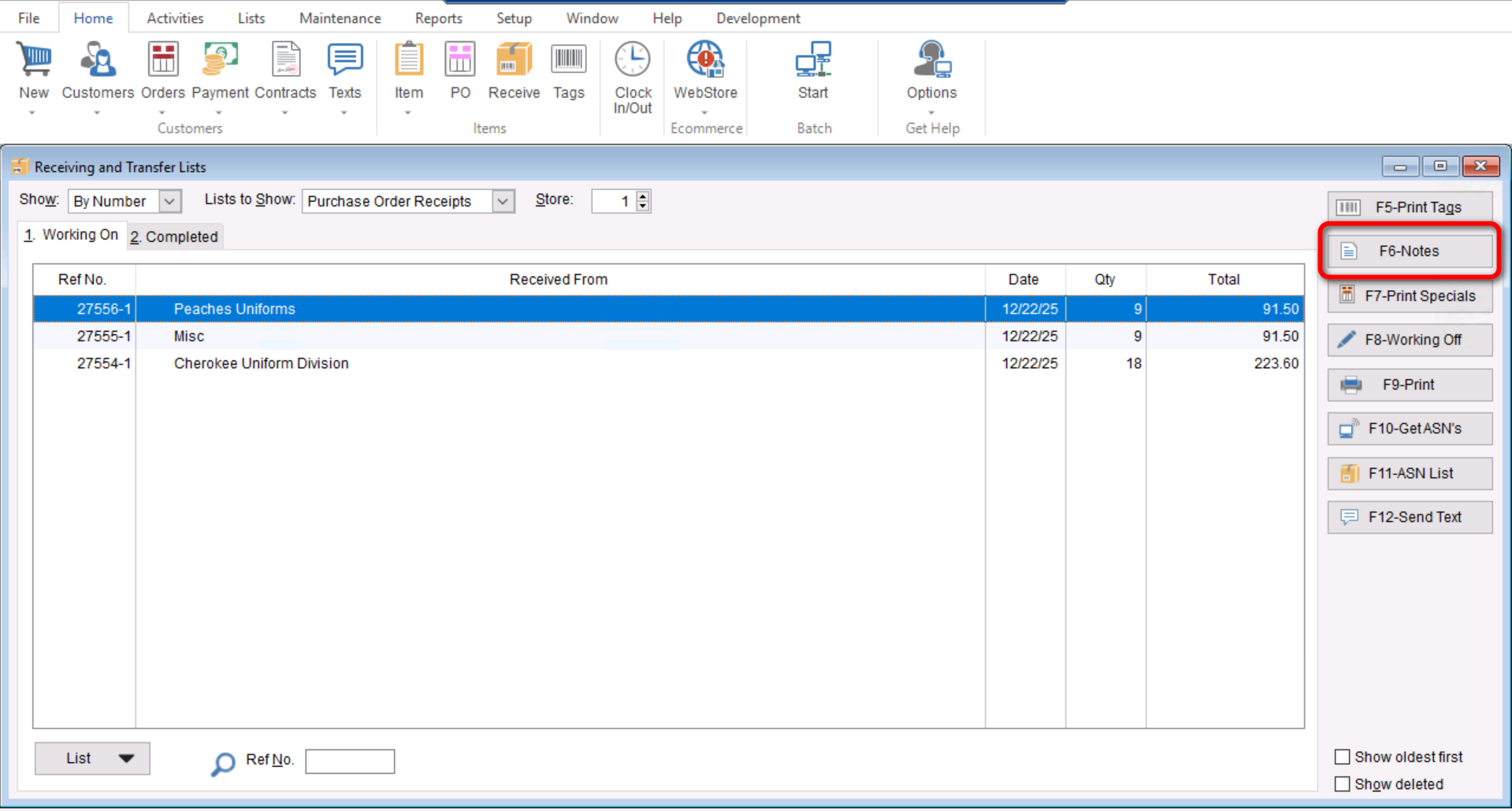
- Select the “F6-Notes” button
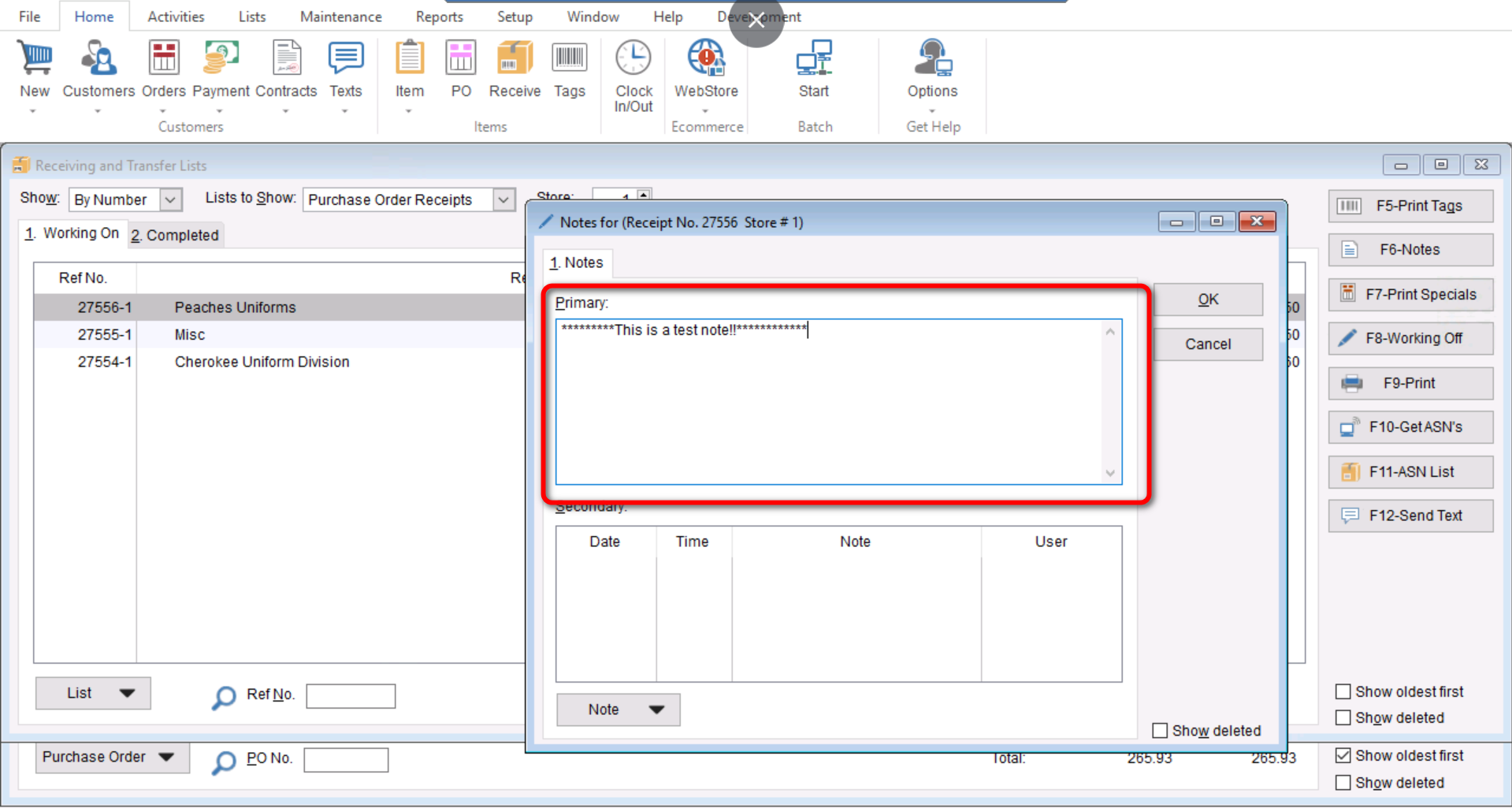
- Enter any primary notes in the Primary Section. (Note that the primary section notes will not be Date or Time stamped.)
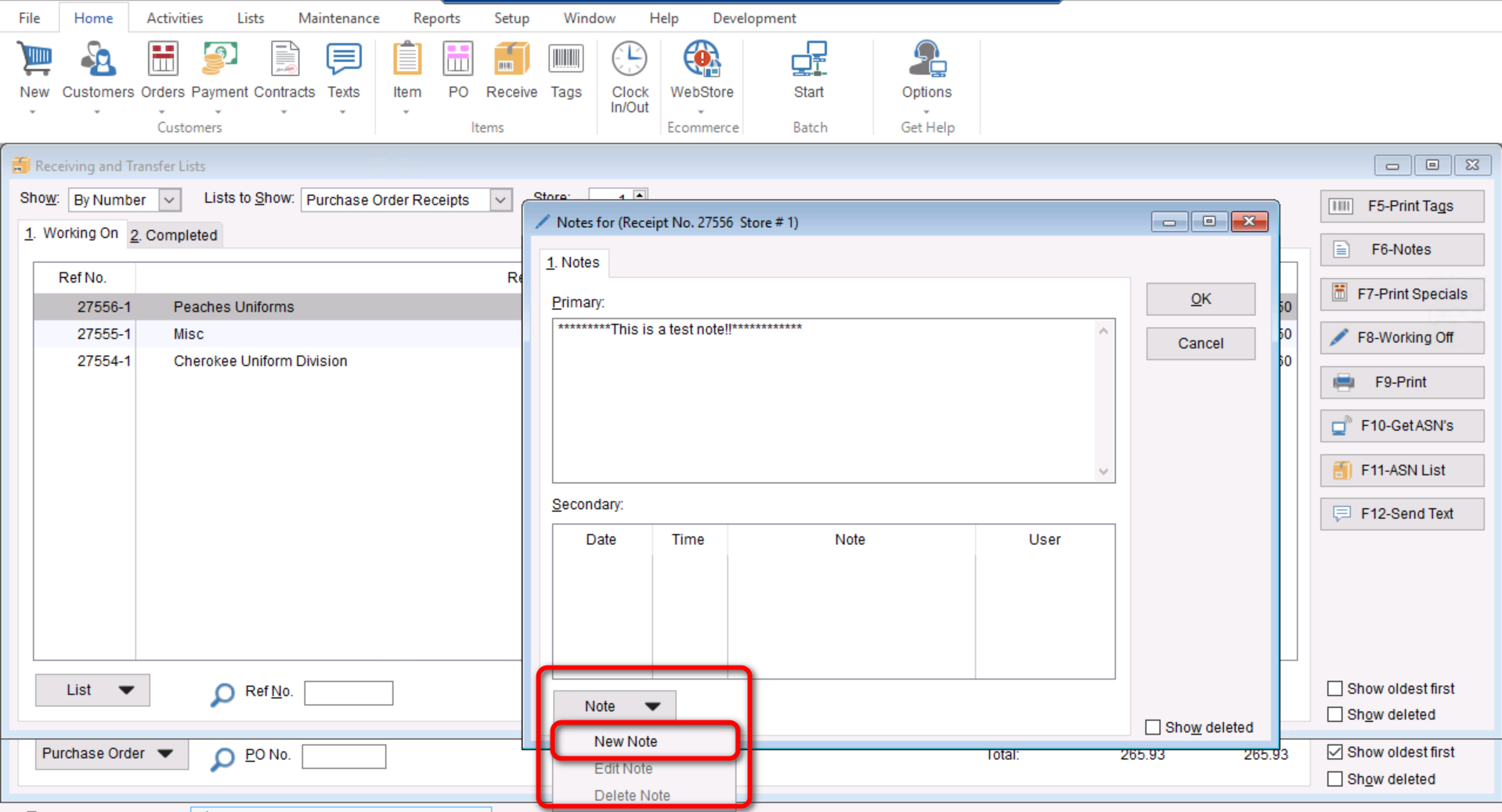
- Enter secondary notes by selecting “Note > New Note”
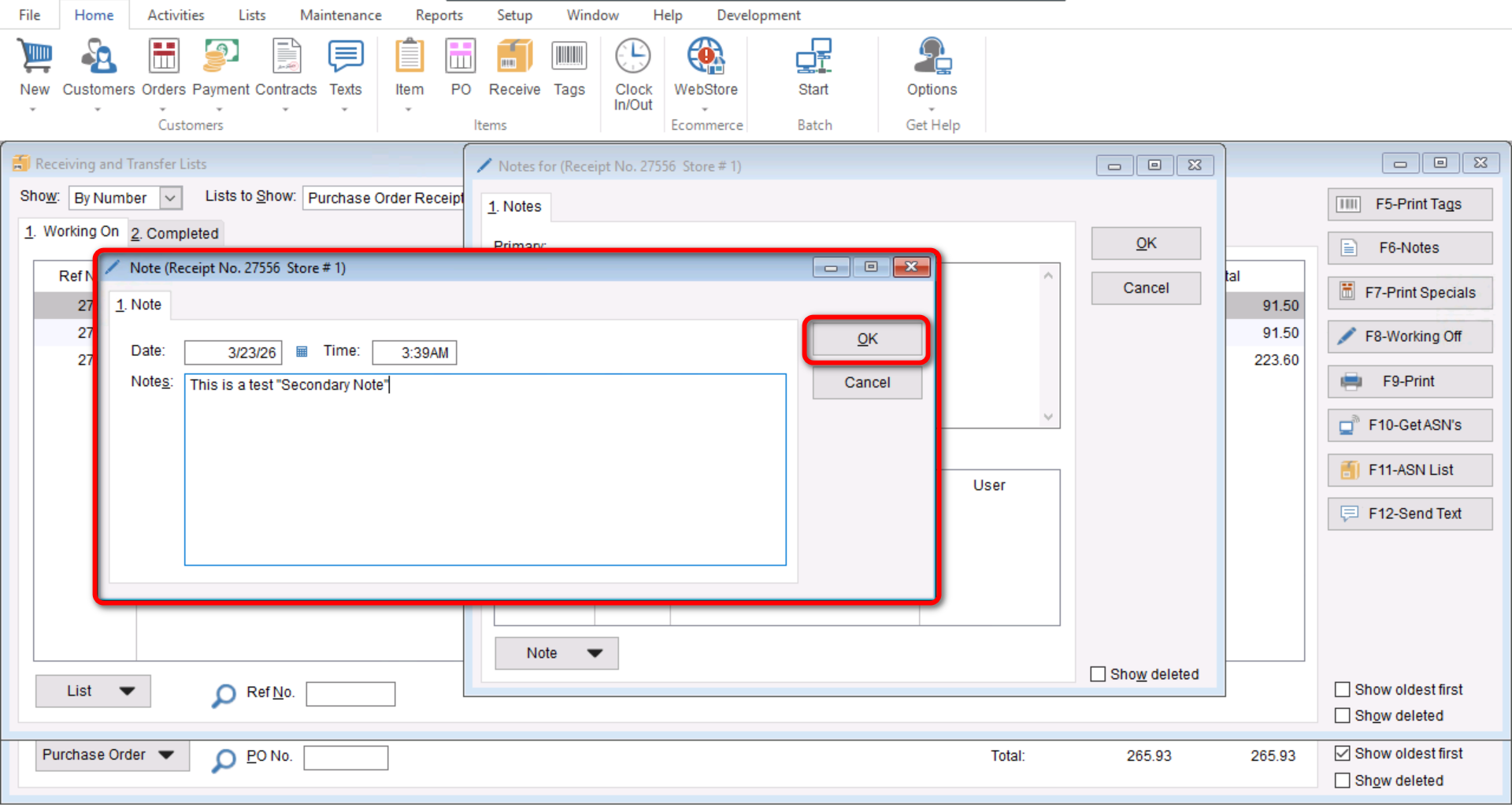
- Enter the desired note and select “OK” to save it
- Select “OK” again to save your notes