
Overview
An Advance Ship Notice (ASN) is an electronic document provided by participating vendors for pending deliveries. ASN data functions like a digital packing list and includes detailed information about each shipment before it arrives.
Each ASN is organized into cartons, and each carton contains individual items. Items are identified by UPC barcode, a quantity shipped, and a reference to the original purchase order, ensuring items can be accurately and efficiently received into inventory.
Using ASN’s helps reduce receiving errors, speeds up the check-in process, and ensures that shipments are accurately matched to purchase orders.
Downloading ASN’s
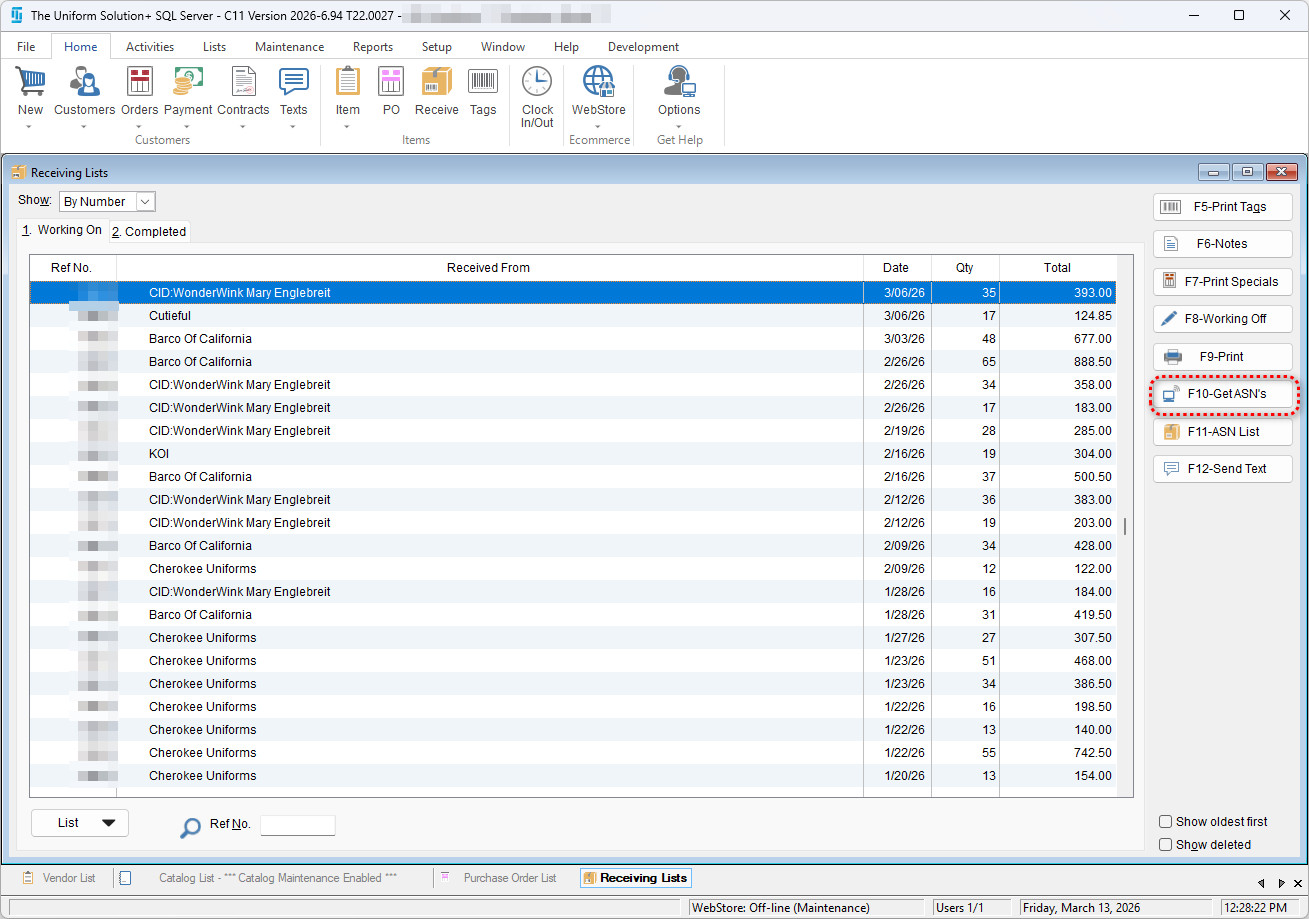
- Select the Receive button on the program’s toolbar.
- Click F‑10 Get ASN’s.
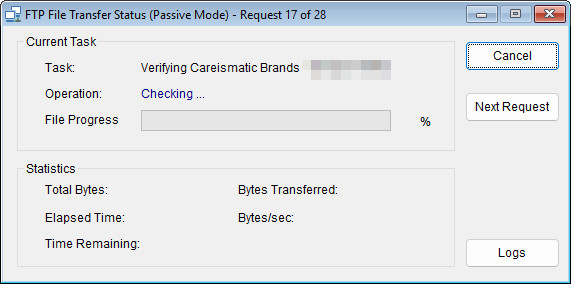
- The system will check participating vendors for available ASN’s.
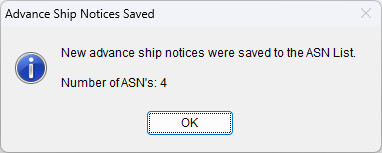
- Once the operation completes, it will save any available ASNs to the ASN List.
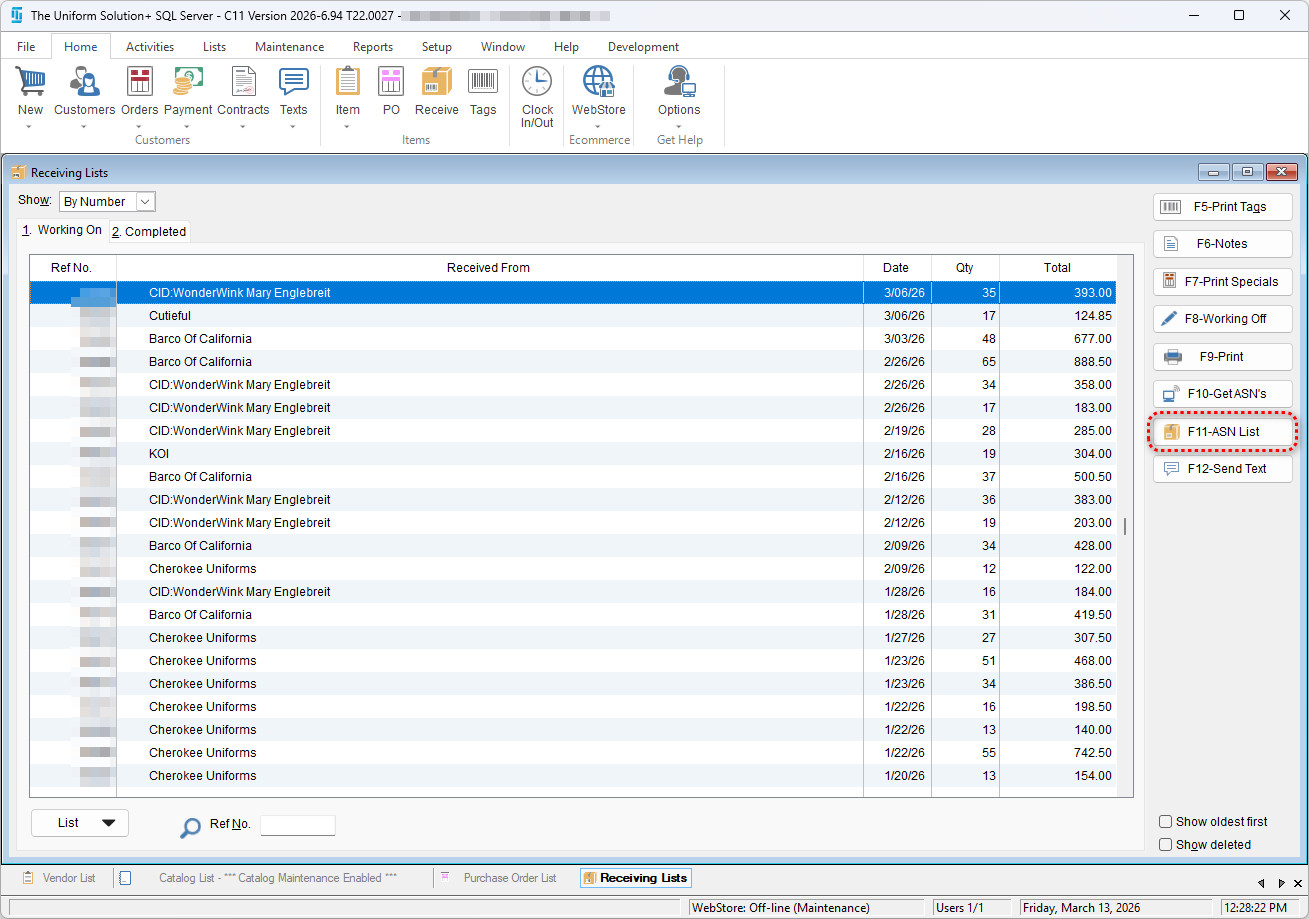
- You can then view all the available ASN’s by clicking F11-ASN List.
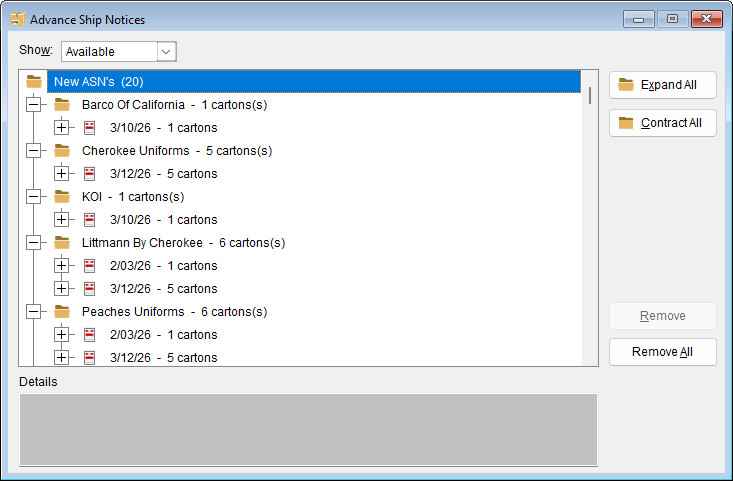
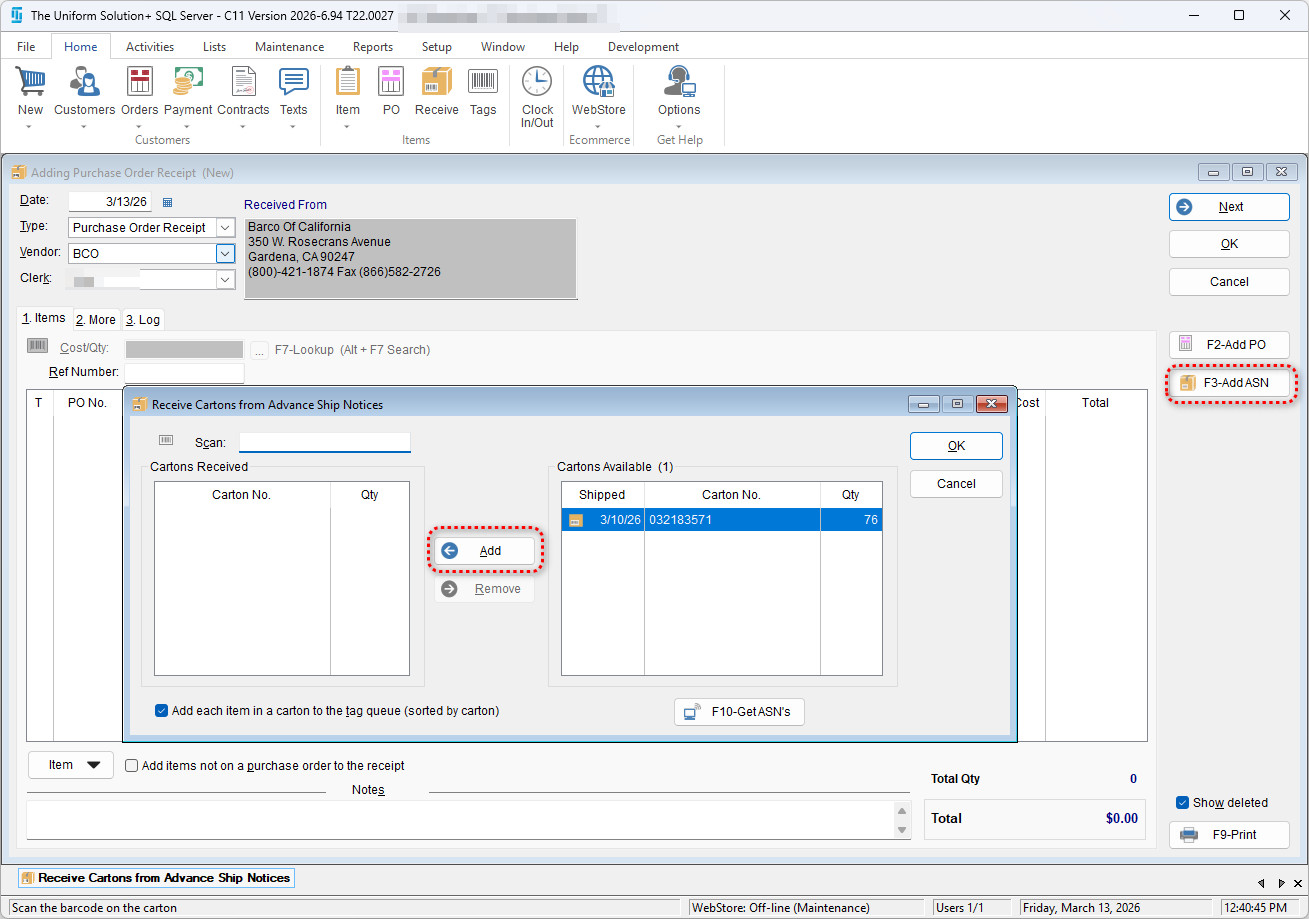
When an order is placed with a participating vendor and the ASN has been downloaded, the cartons that make up that ASN can be used to receive merchandise. To use an ASN to receive merchandise, select the desired carton during the creation of a Purchase Oder Receipt by select F3- Add ASN, then using the “Add” button and “OK” button to receive the entire order.
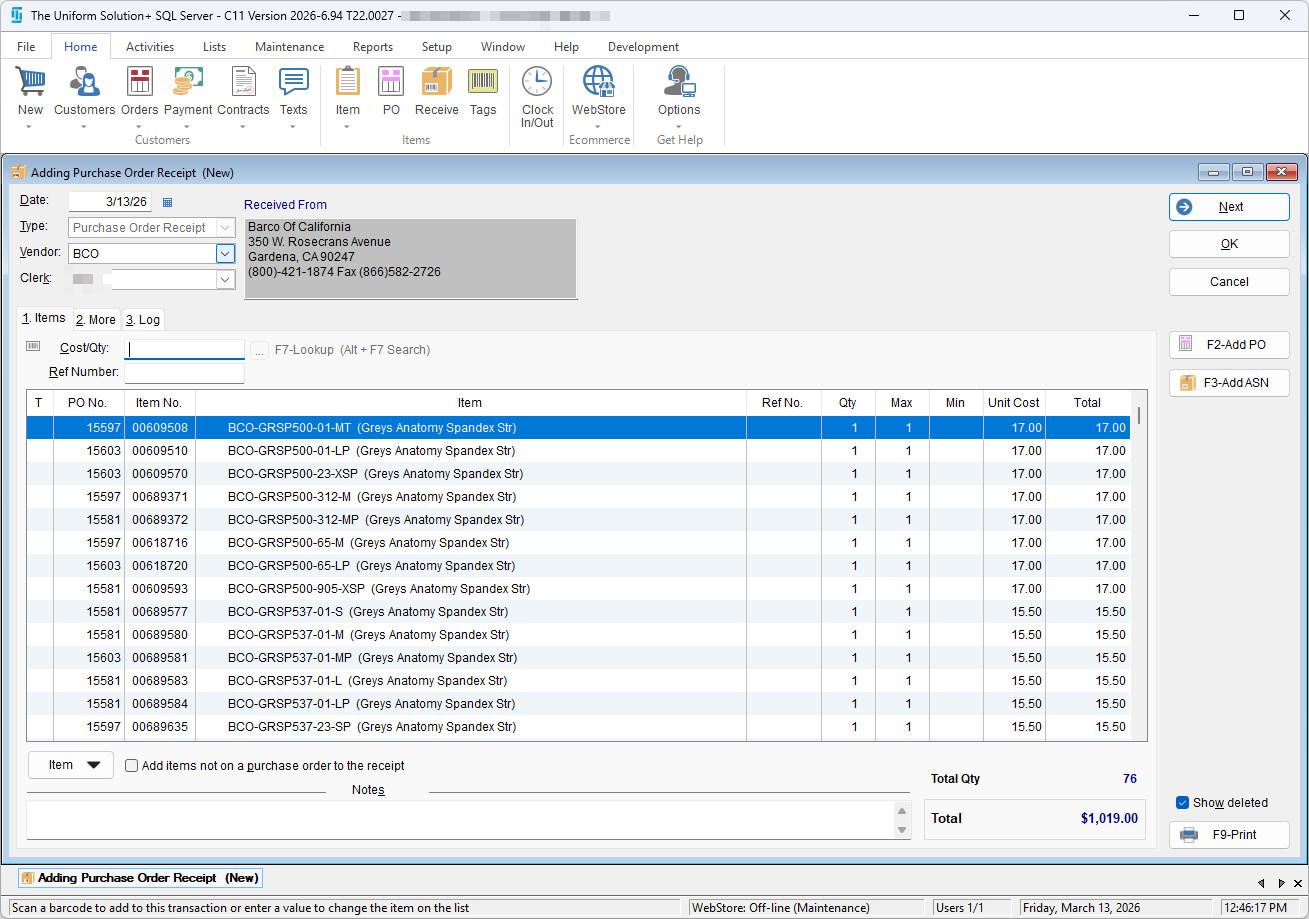
You can then complete the receiving list by selecting “OK”. This will complete the receiving process and the orders associated with the list will now be ready to be delivered and adjusted.