
In The Uniform Solution, you can add items to a receiving list even when no purchase order exists. This is useful for:
- Vendor shipments that arrive without a PO
- Corrections for missing or unrecorded merchandise
- Small or one‑off restocking shipments
- Items sent as replacements or samples
Follow the steps below to create and update a receiving list manually:
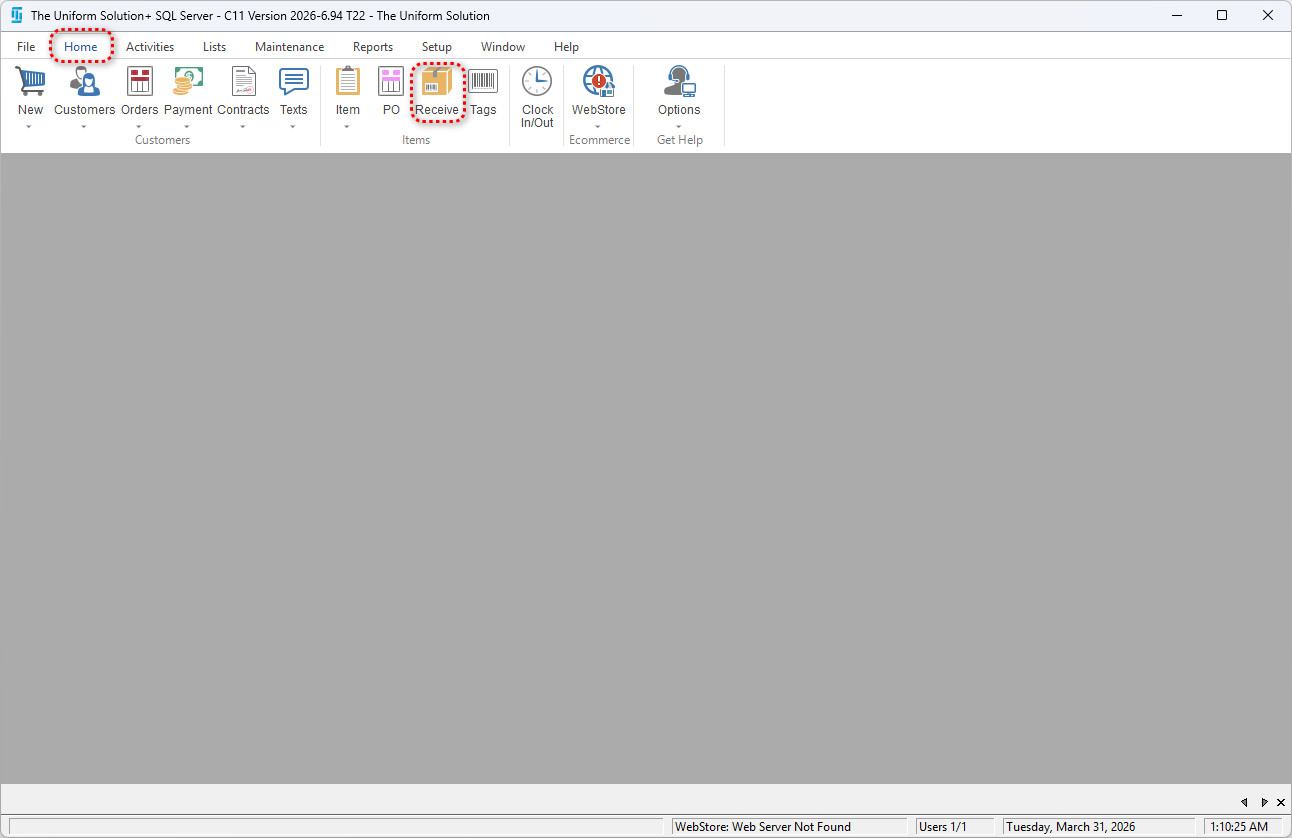
Go to: Home > Receive
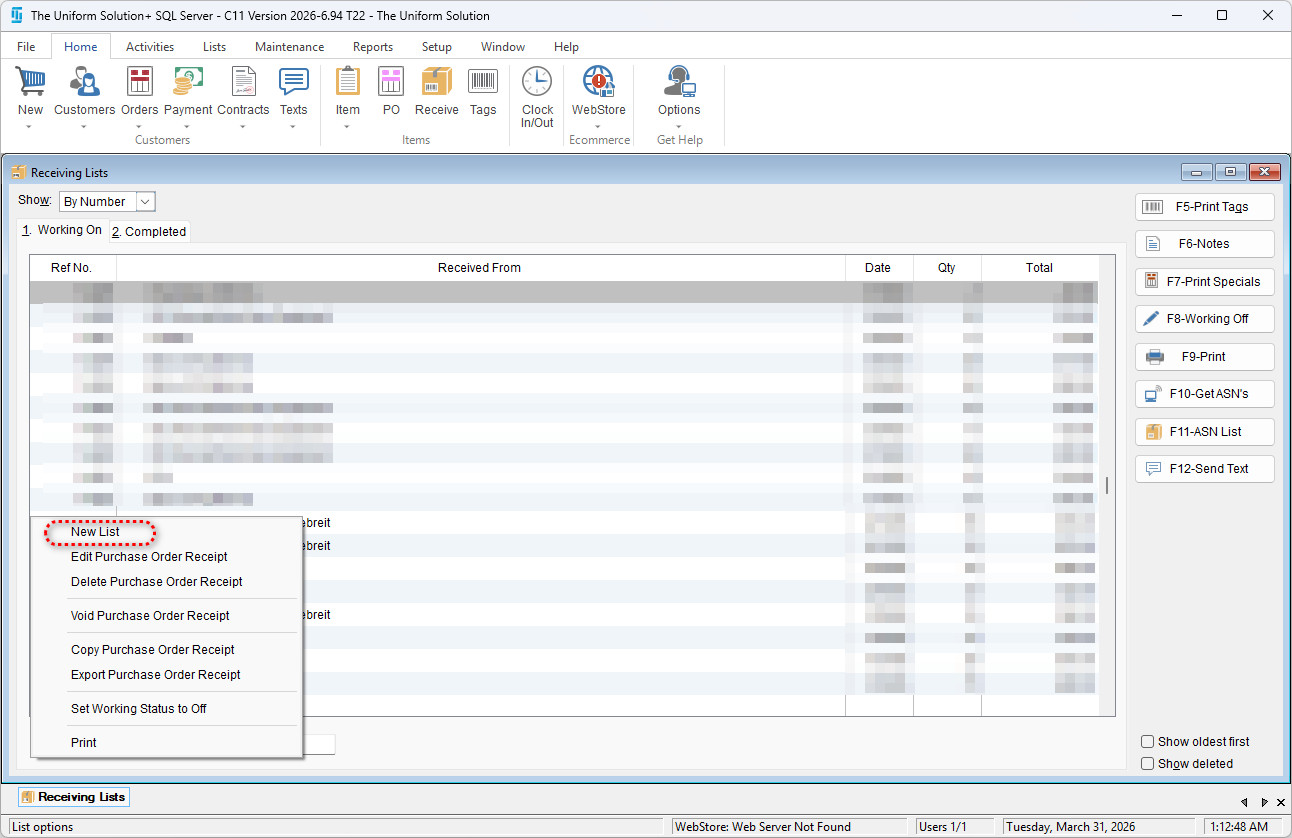
Select List>New List in the bottom-left corner
In the newly opened receiving List, check the box that’s says “Add Items not on a purchase order to the receipt”
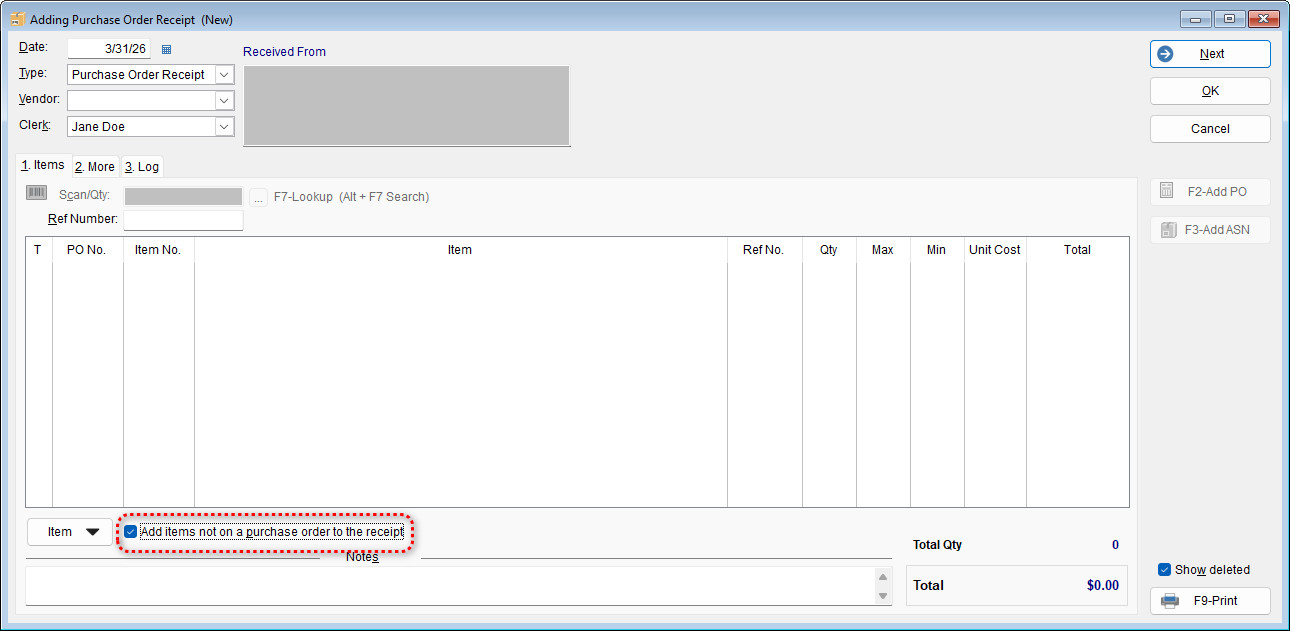
Now any desired items can be added to the receiving list and saved by selecting “OK”.
✔ How Stock Levels Are Affected
Adding items to a receiving list increases on‑hand quantities immediately after saving.