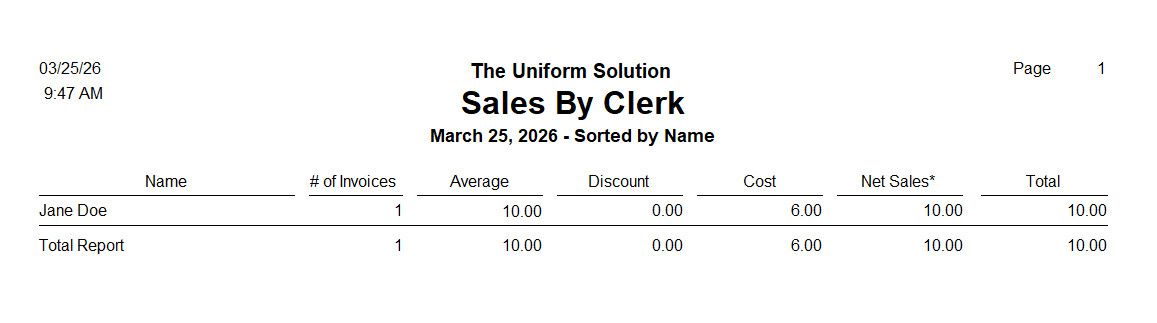
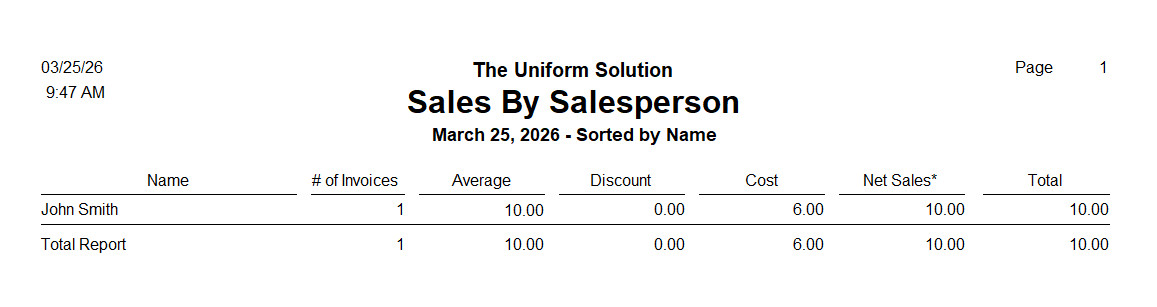
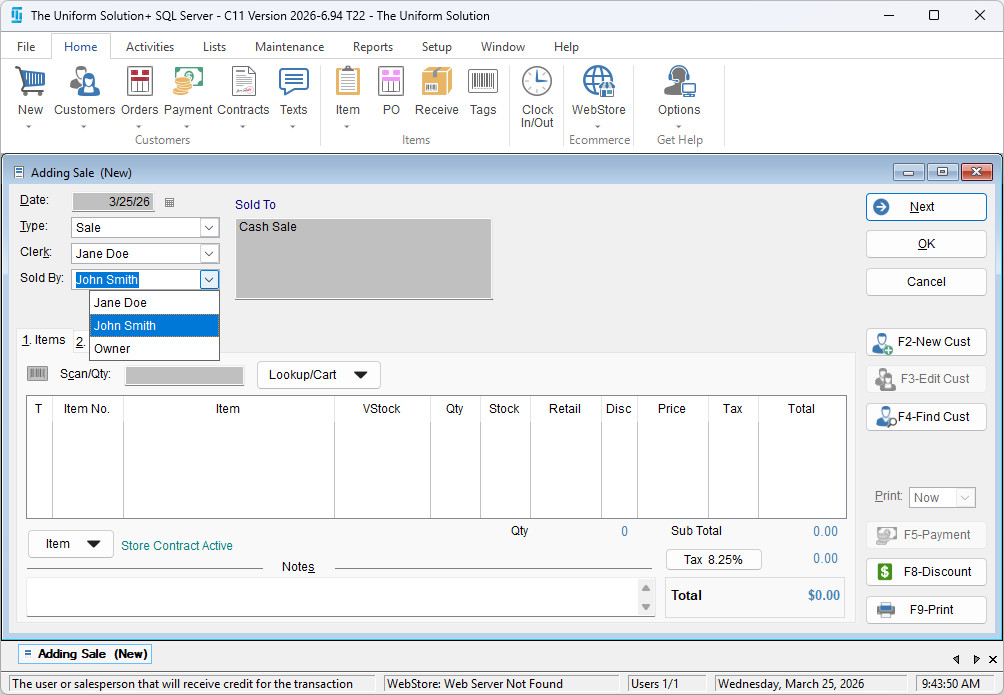
During a sales entry transaction, the system allows you to distinguish between a Clerk and a Sold By salesperson. This is helpful for businesses that want to track:
- Who assisted the customer on the sales floor, and
- Who rang up (entered) the sale in the system
These may sometimes be the same individual, but the system provides the flexibility to track them separately.
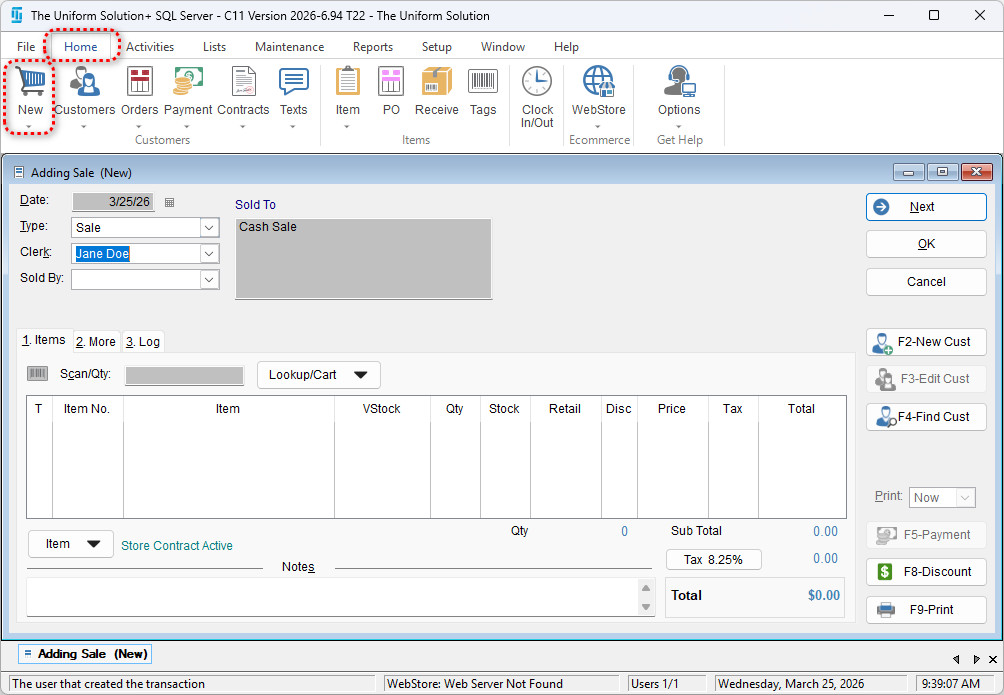
- 1. Start a New Sale
Go to Home > New and open a new sales transaction.
-
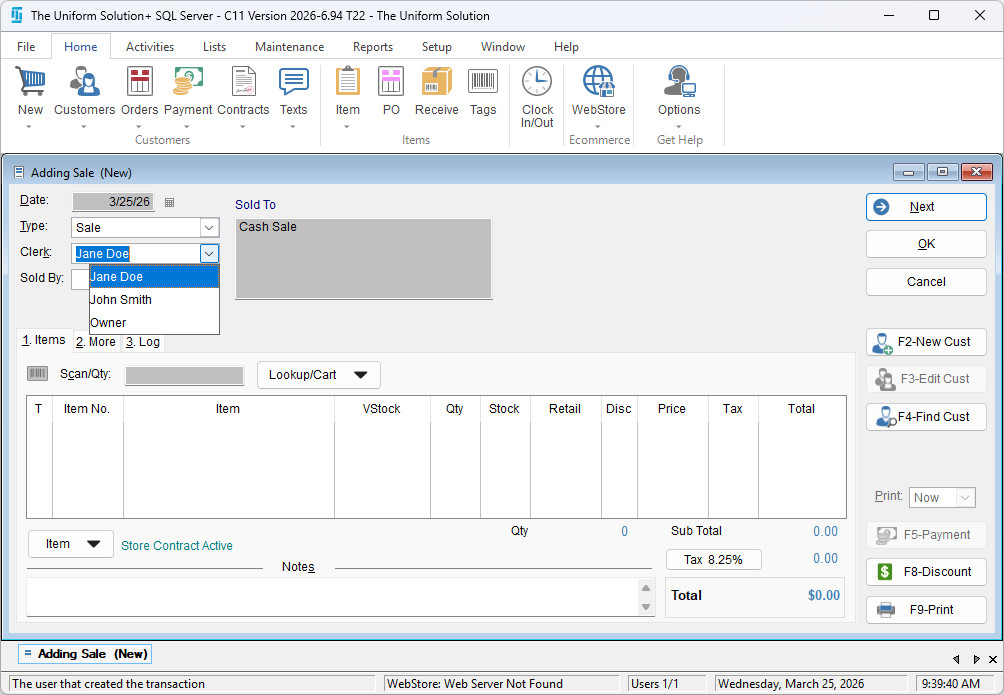
2. Select the Clerk
In the Clerk field:
- Click the drop‑down arrow
- Select the person who is actually ringing up the sale
-
3. Select the Sold By Salesperson
In the Sold By field:
- Click the drop‑down arrow
- Select the person who assisted the customer on the sales floor
-
Viewing Results in Reports
When you run the Sales by Clerk or Sales by Salesperson report, the system will accurately display the names selected in the Clerk and Sold By fields for each transaction.