Adding a customer promo code on the customer record is an excellent way to keep track of how your customers found you. To add a promo code,
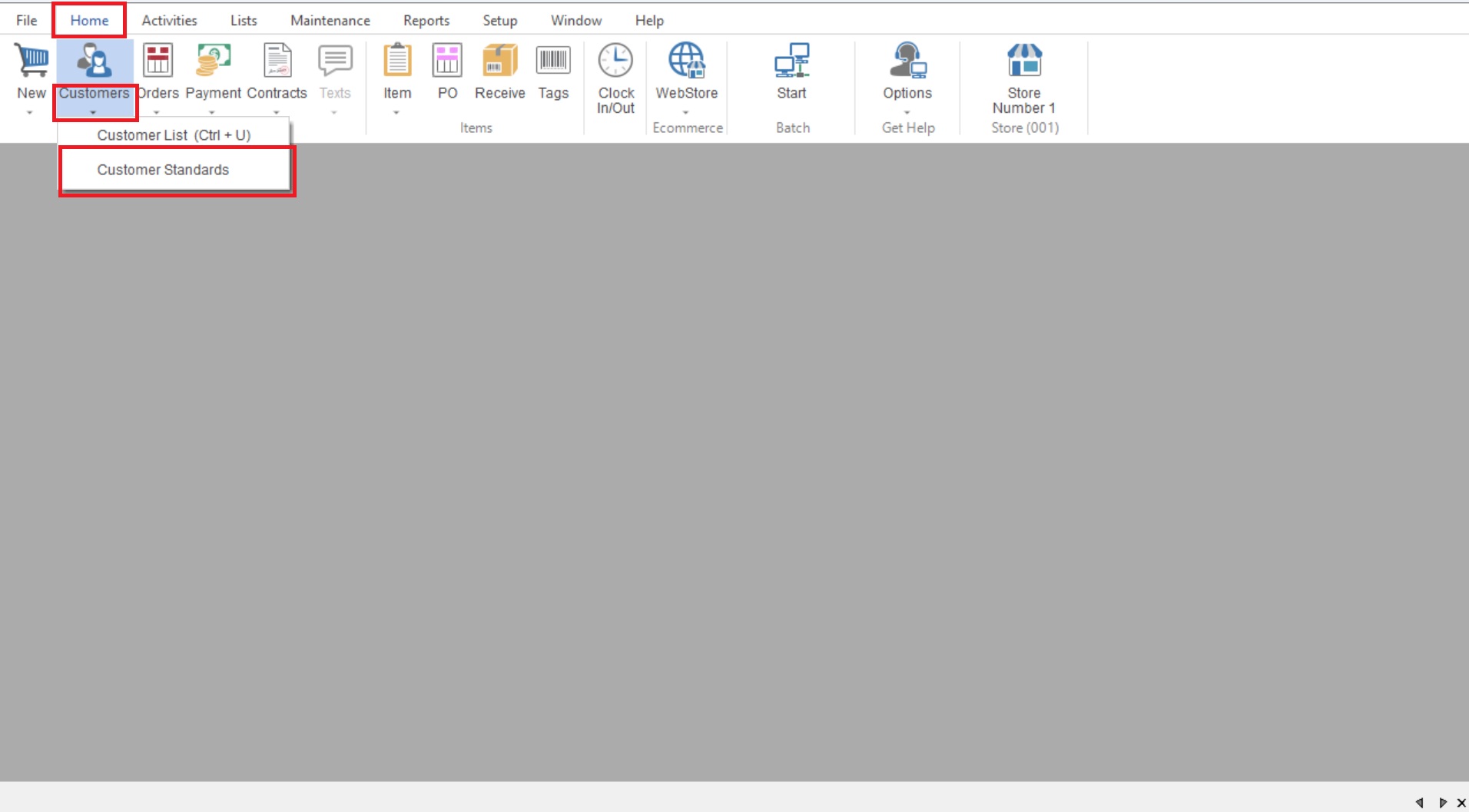
- To start you will go to “Home>Customer> Customer Standards” to open your Customer Standard List.
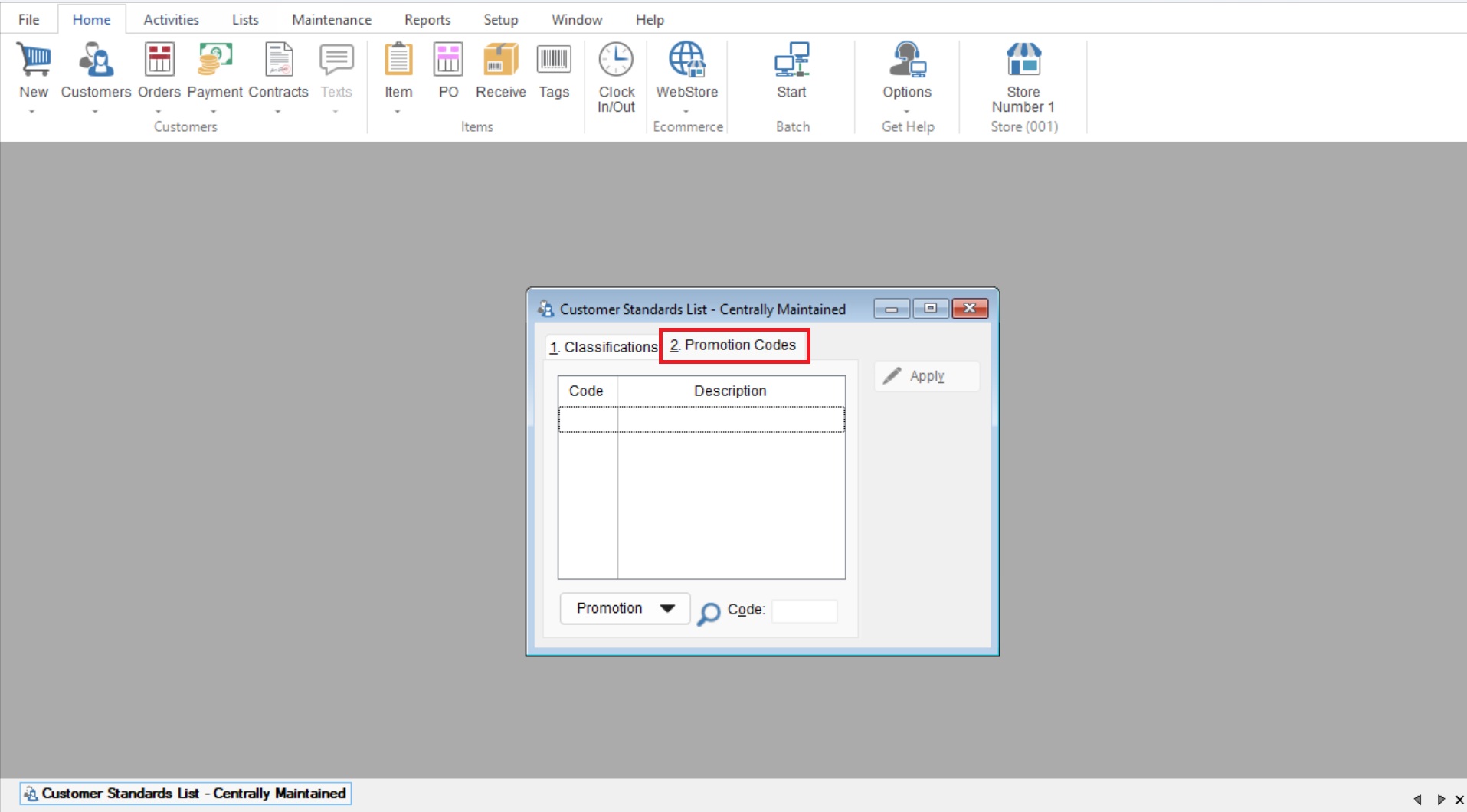
- Once here you will select the “2.Promotion Codes” tab.
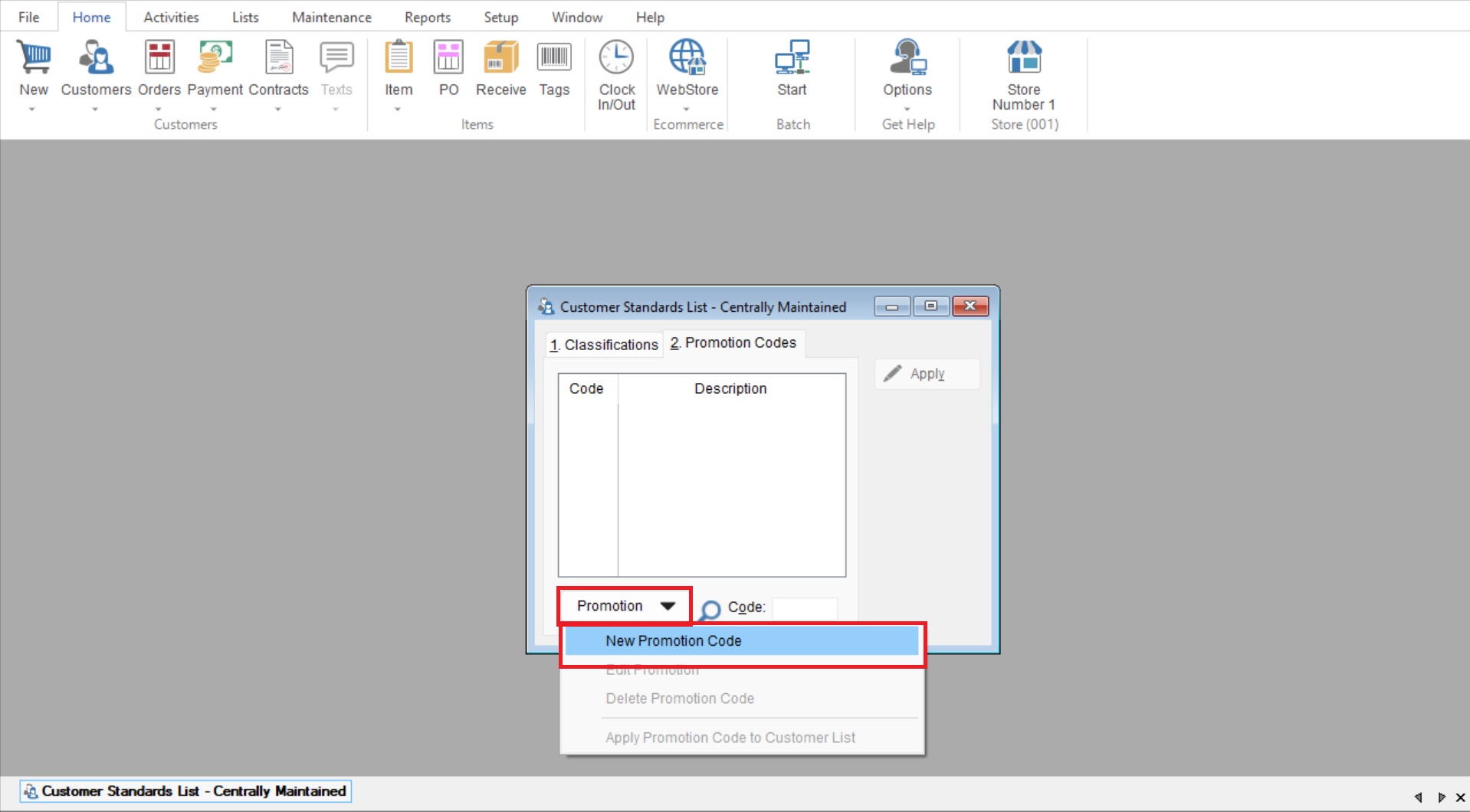
- You will now select “Promotion>New Promotion Code” to start creating your Promotion code.
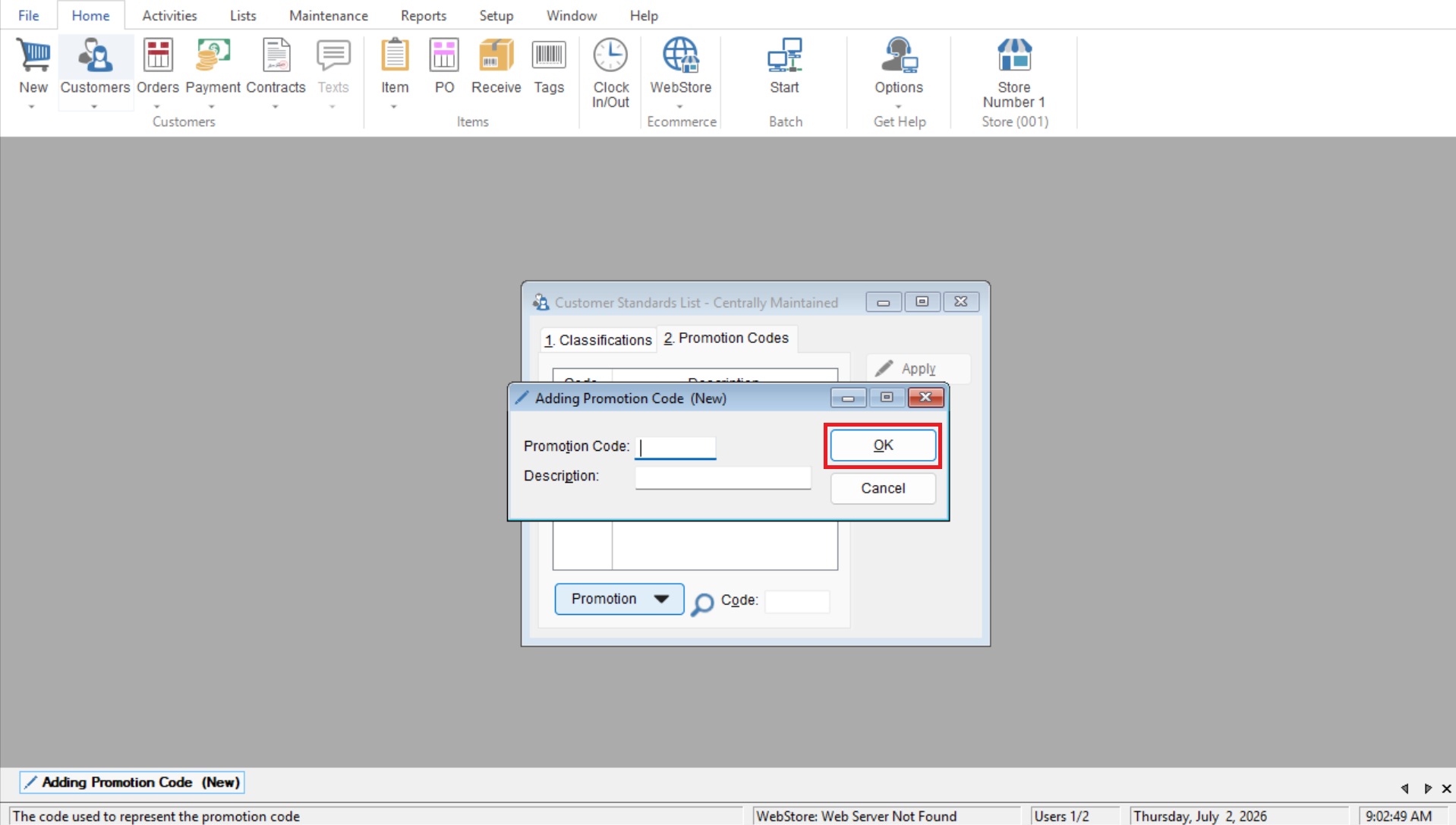
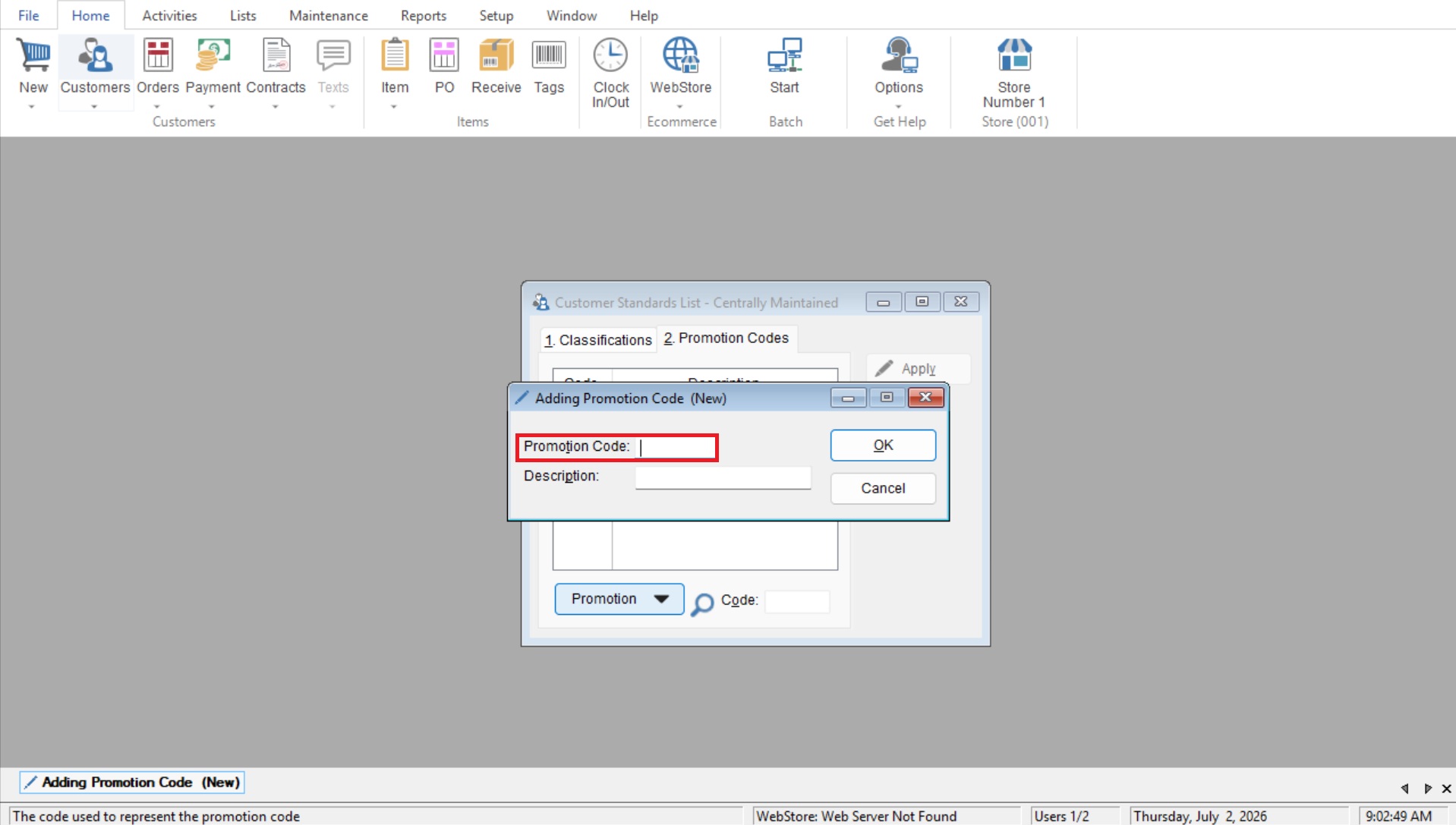
- Enter the new code in the Promo Code field
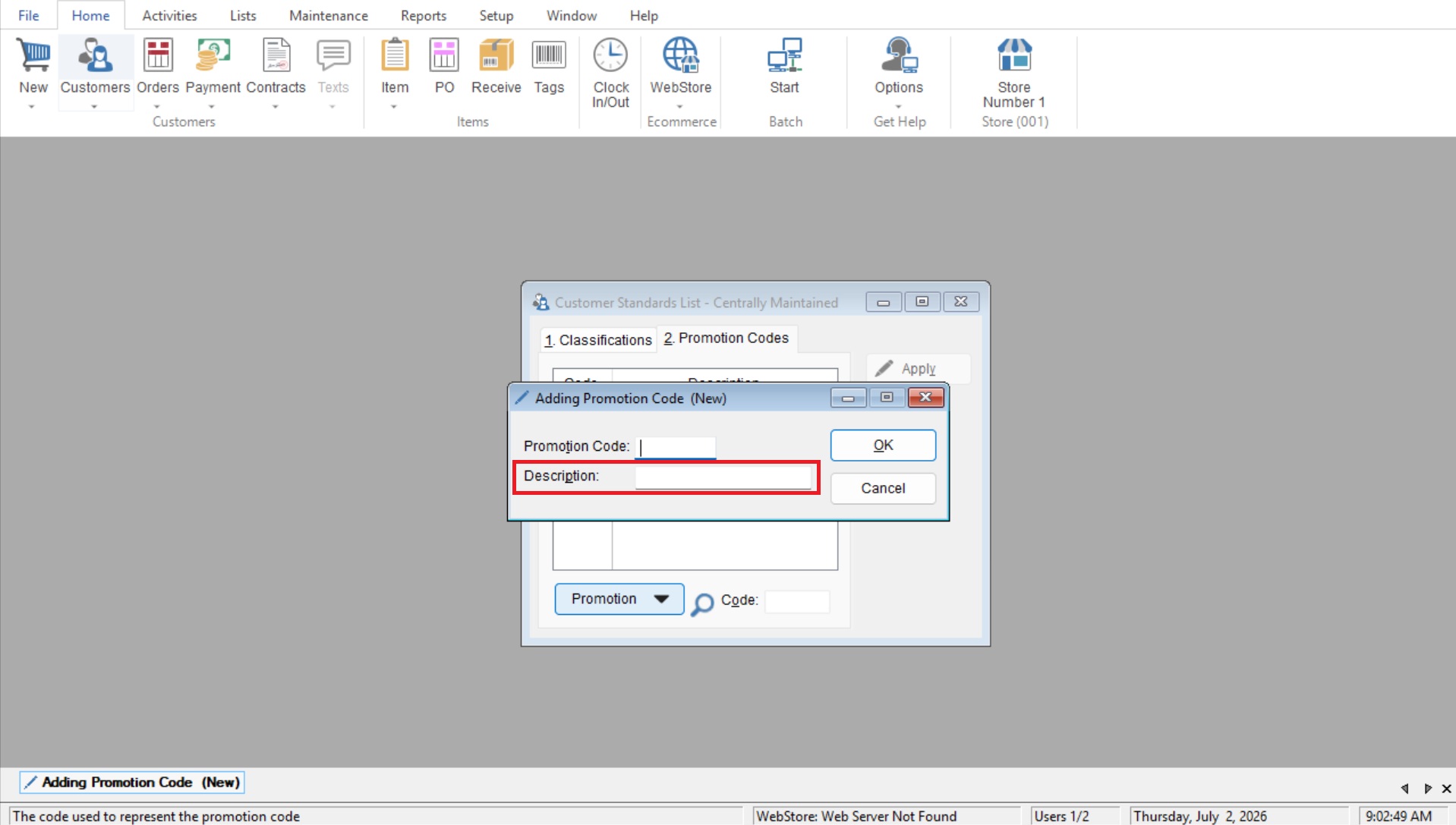
- Enter the entire title in the Description field
- Select OK to save the new promotion code