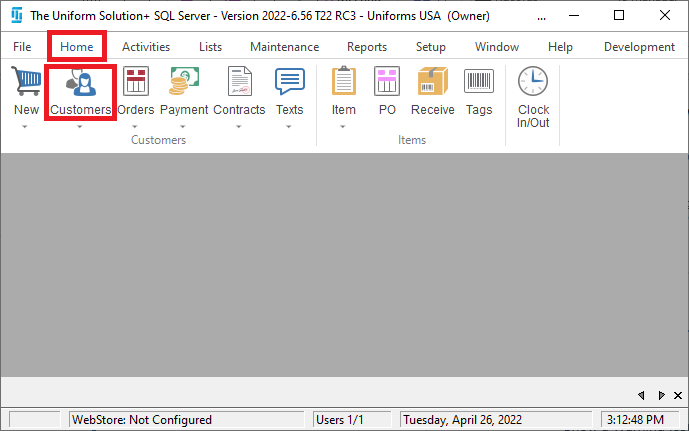
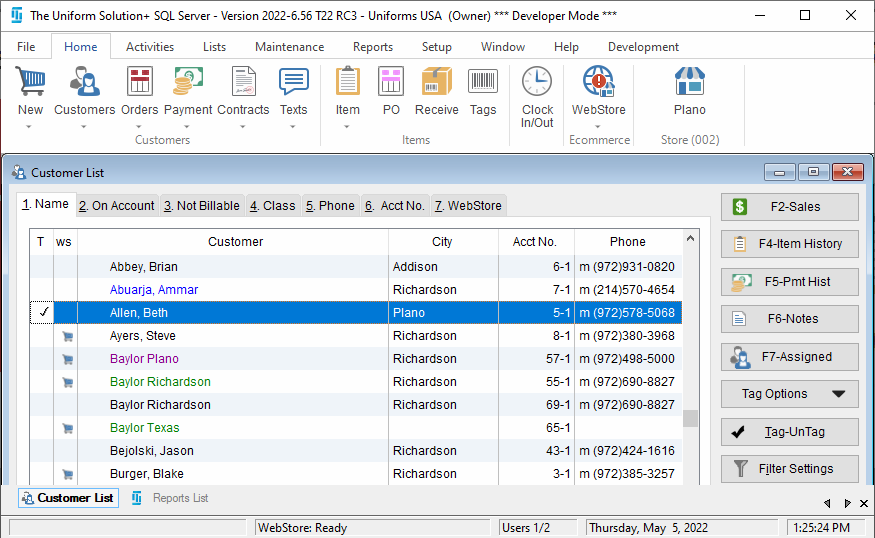
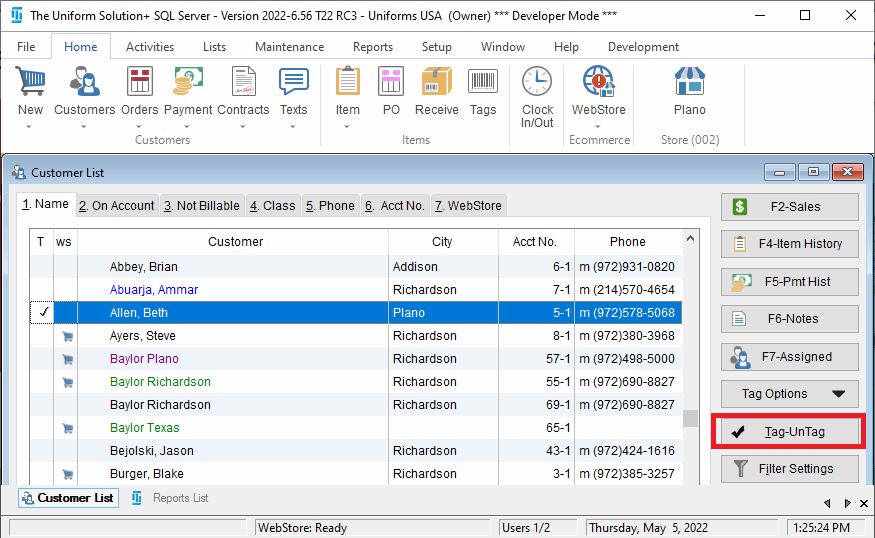
Tag a Customer To quickly tag customers Select the Home>Customer icon in the program’s toolbar Highlight the desired customer Select the Tag-Un Tag button Related Updated on May 5, 2022 Tagged: customersreports Was this article helpful? Yes No Related Articles Add A Customer Promo Code View Total Sales Stats for Sales List Add New Customer Classification Assess Finance Charges to Customer Balances Reports – Account Statements Set A Contract Inactive