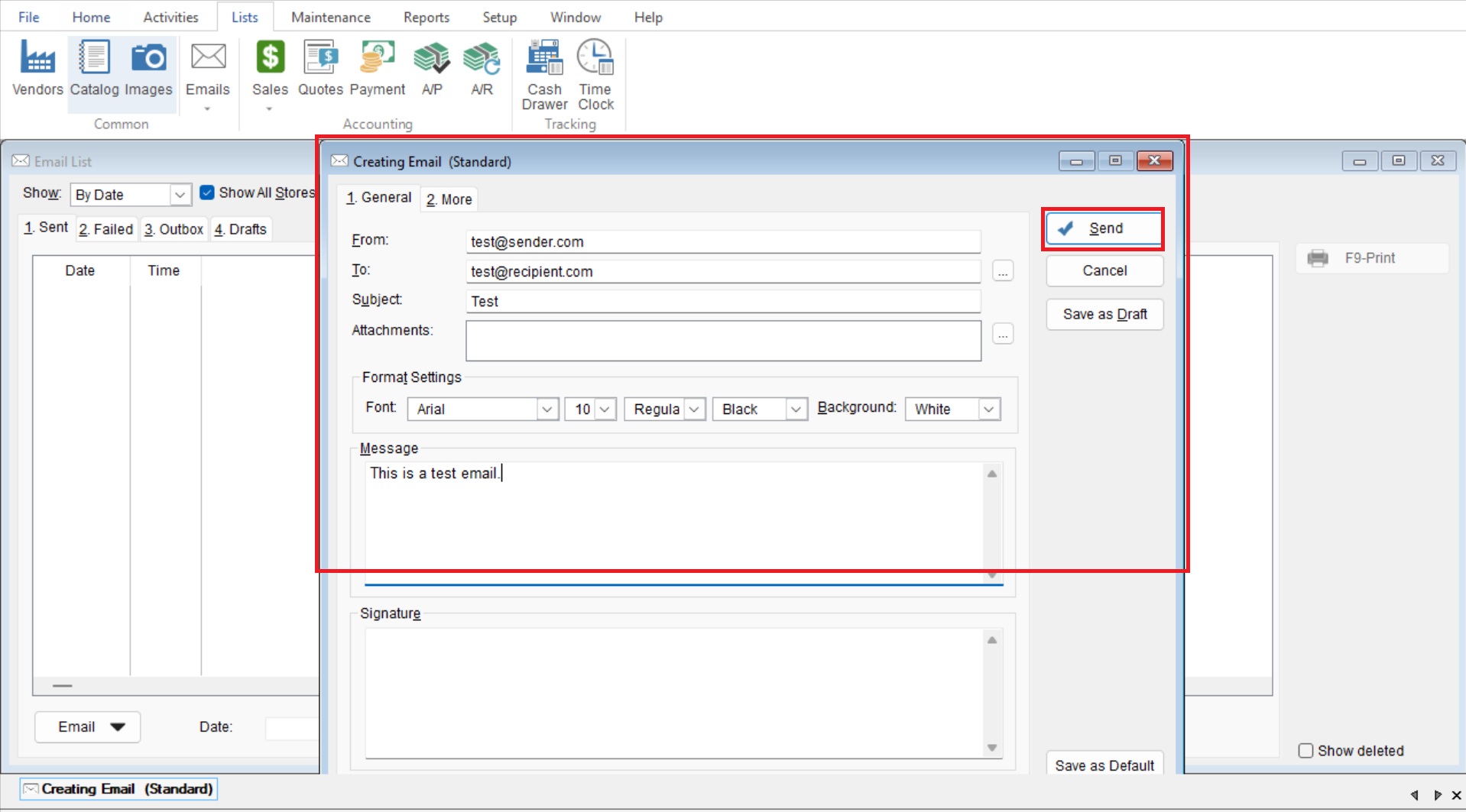
This article will cover how to quickly send emails through the program.
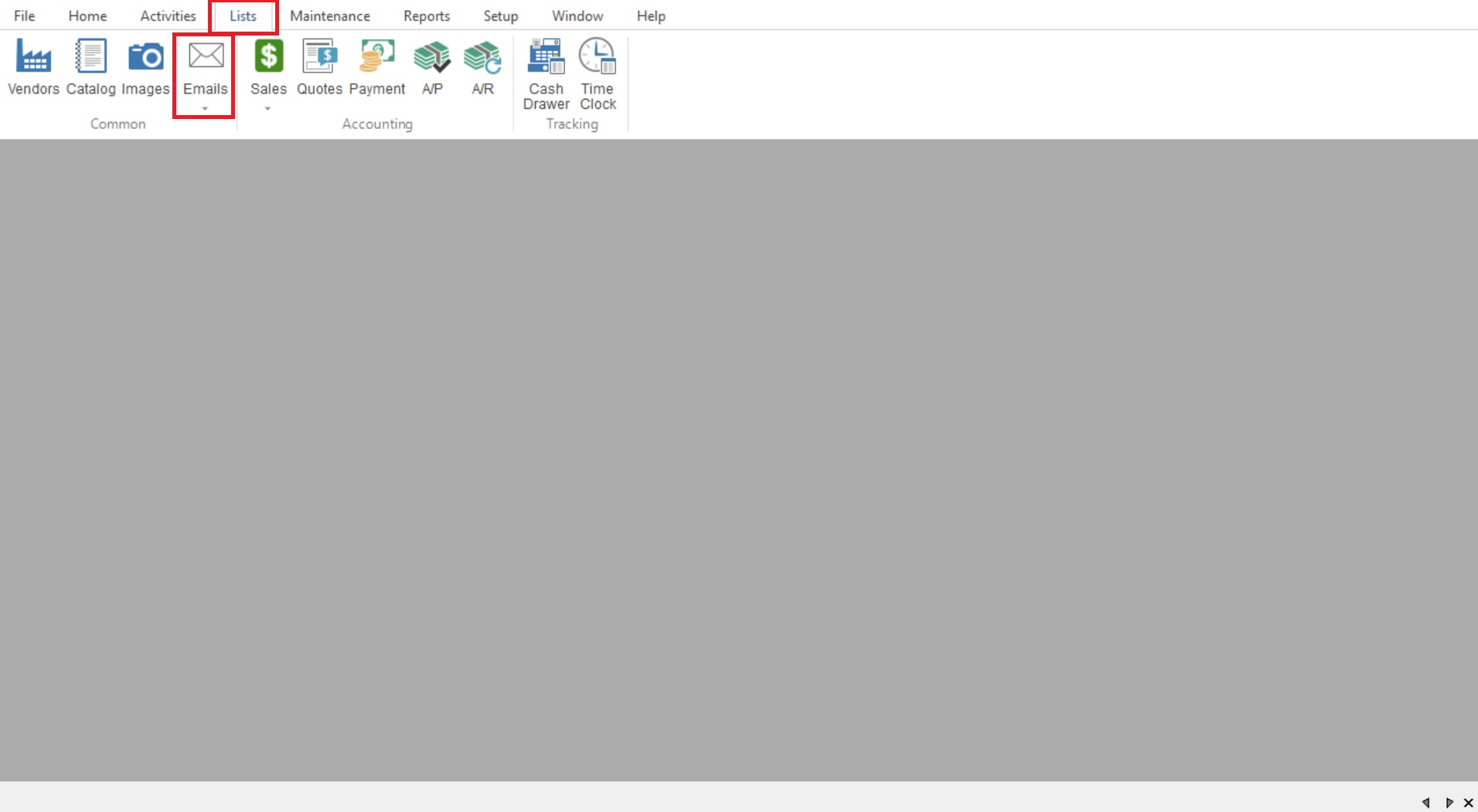
- Start by going to List>Email to open your “Email List”.
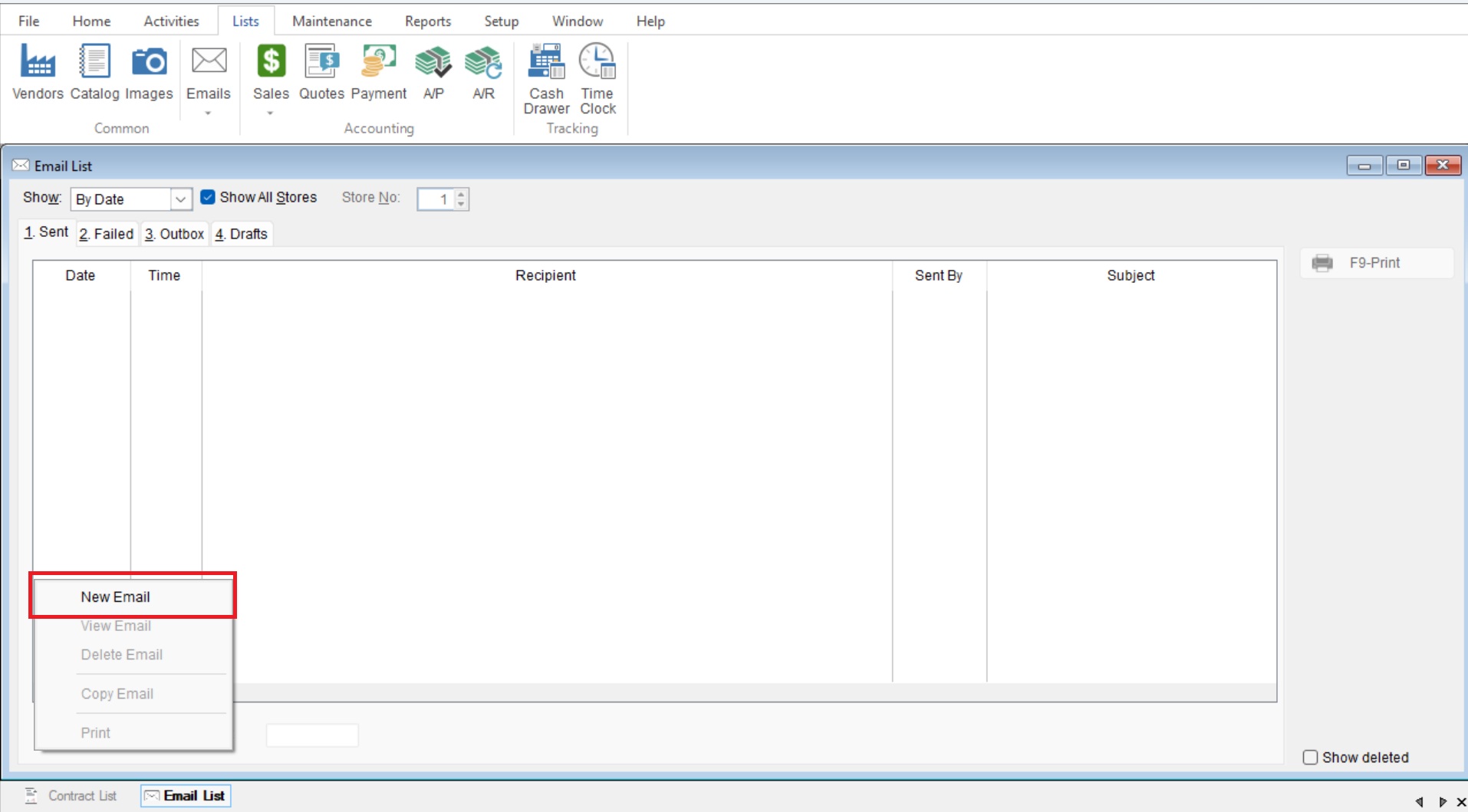
- Select “Email>New Email” to start creating a new email.
- The Creating Email screen will appear. simply fill out the email as you normally would and select Send to send it through the program