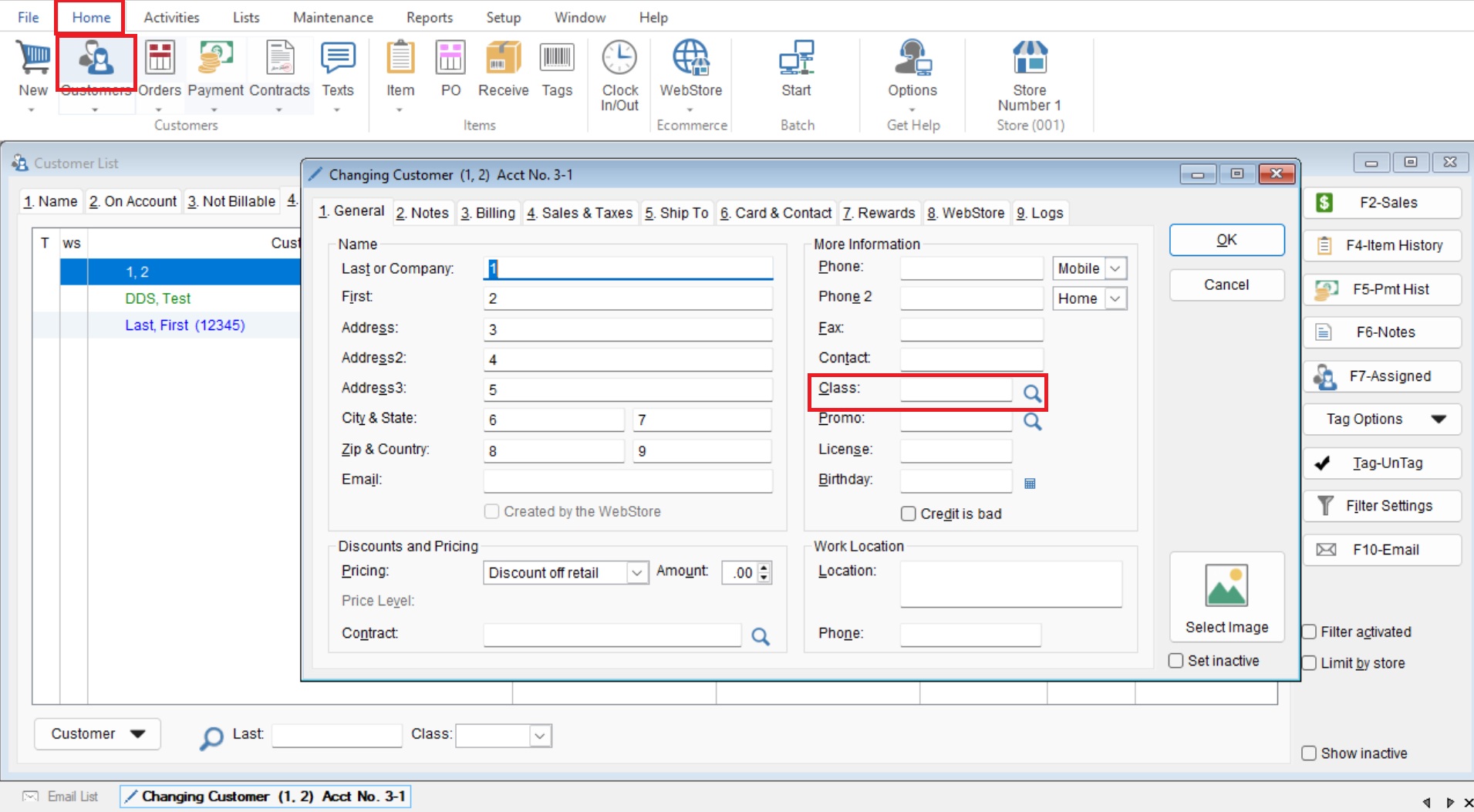
This article will cover how to create a Customer Classification (Class). Classifications can be helpful when grouping customers together. You can use this feature to keep customers from a specific sale grouped together or just to indicate a certain type of customer.
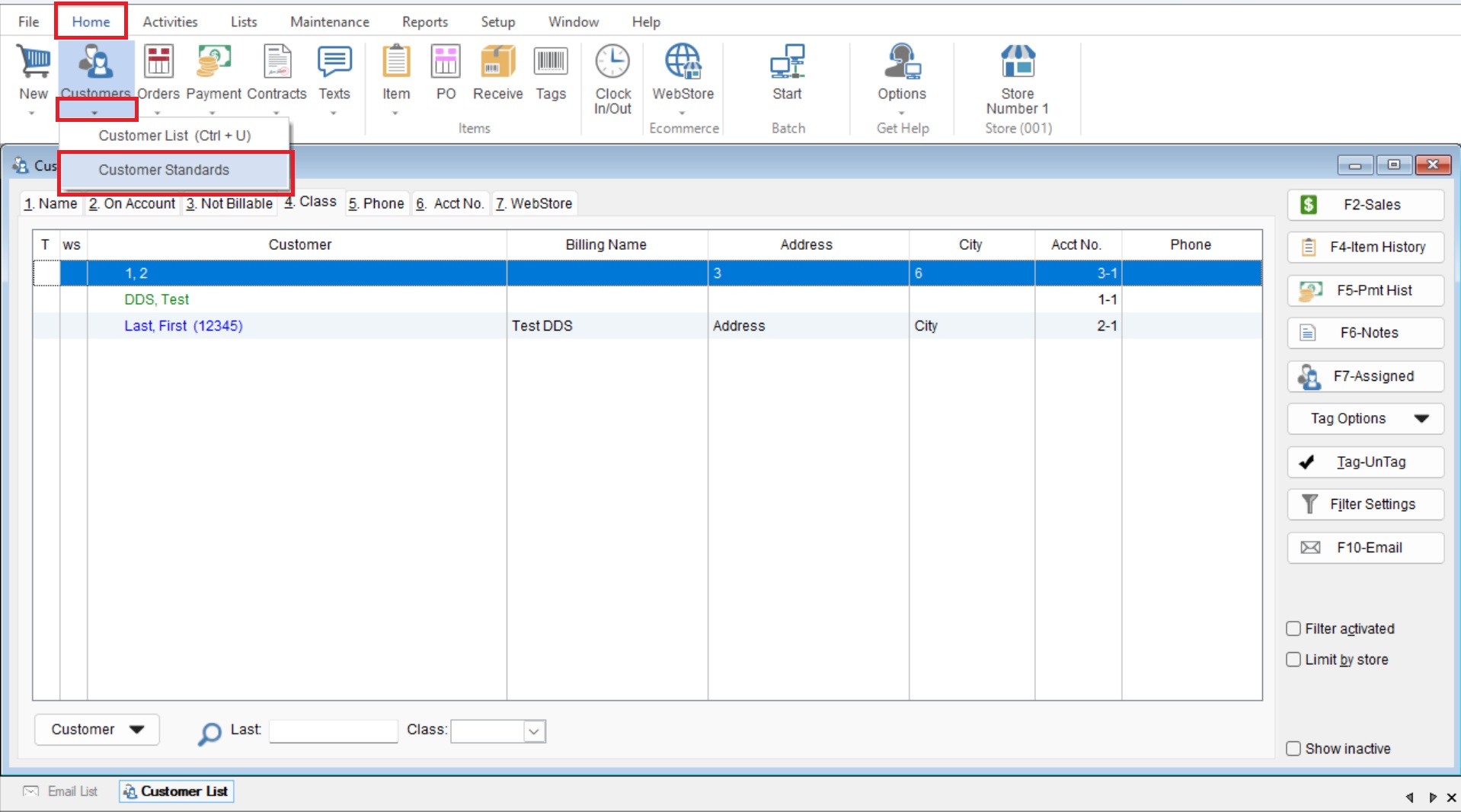
- You will start by going to “Home> Drop down under Customer> Customer Standards” to open your “Customer Standards List”.
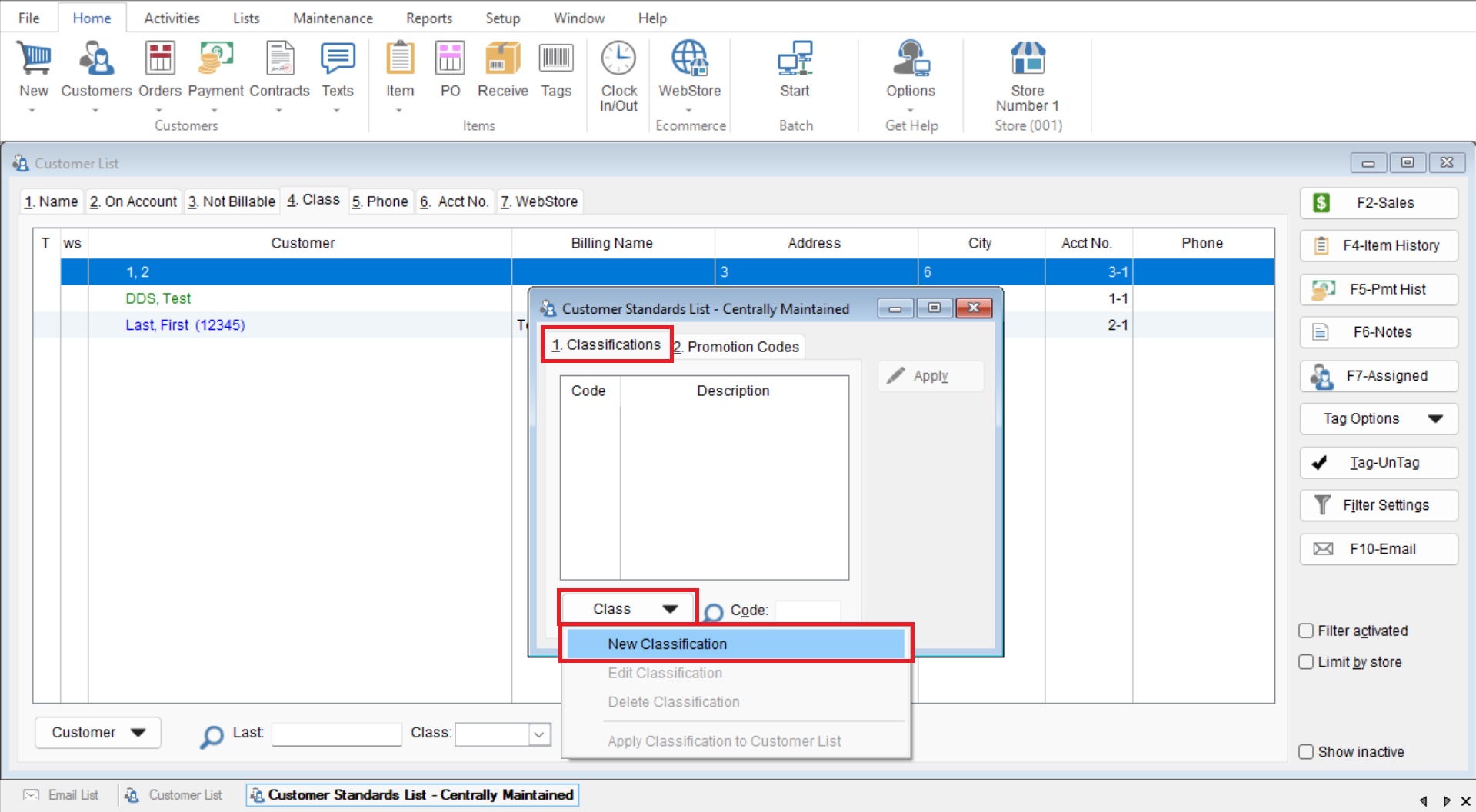
- Select “Class>New Classification” to start creating your class.
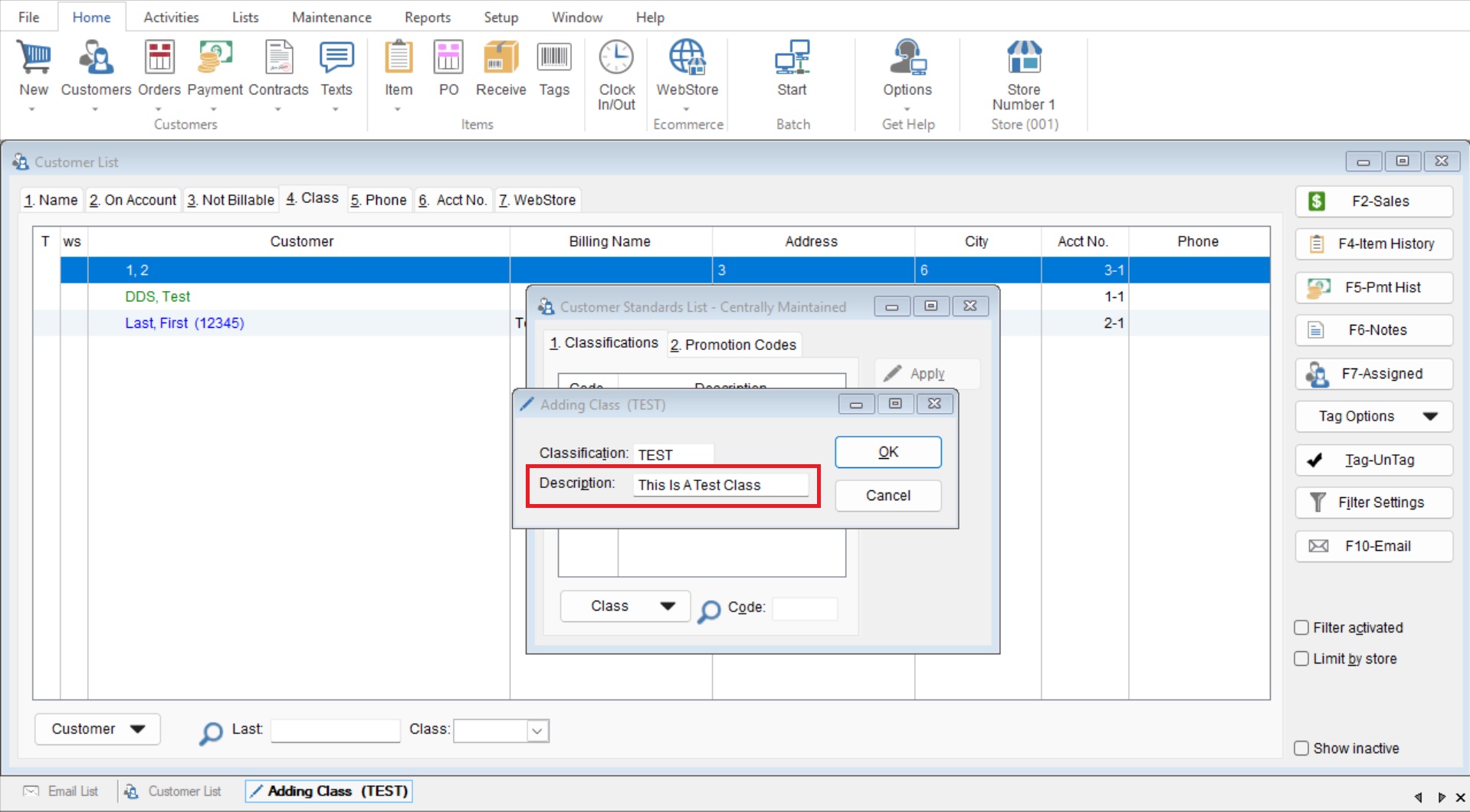
- Add a Classification Code in the “Classification” field (Character Limit: 5).
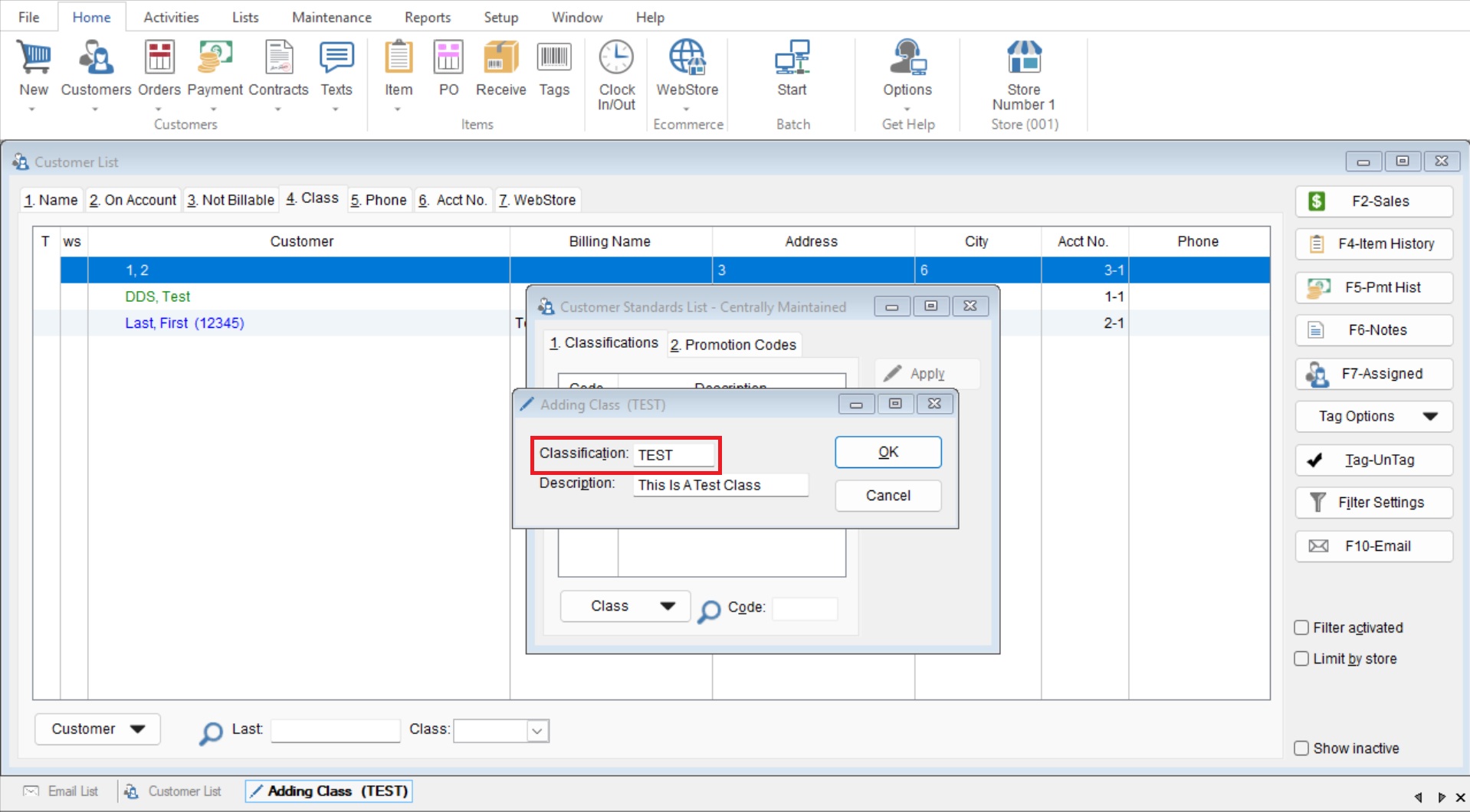
- Enter a “Description” for you Classification in the next field (Character Limit: 20)
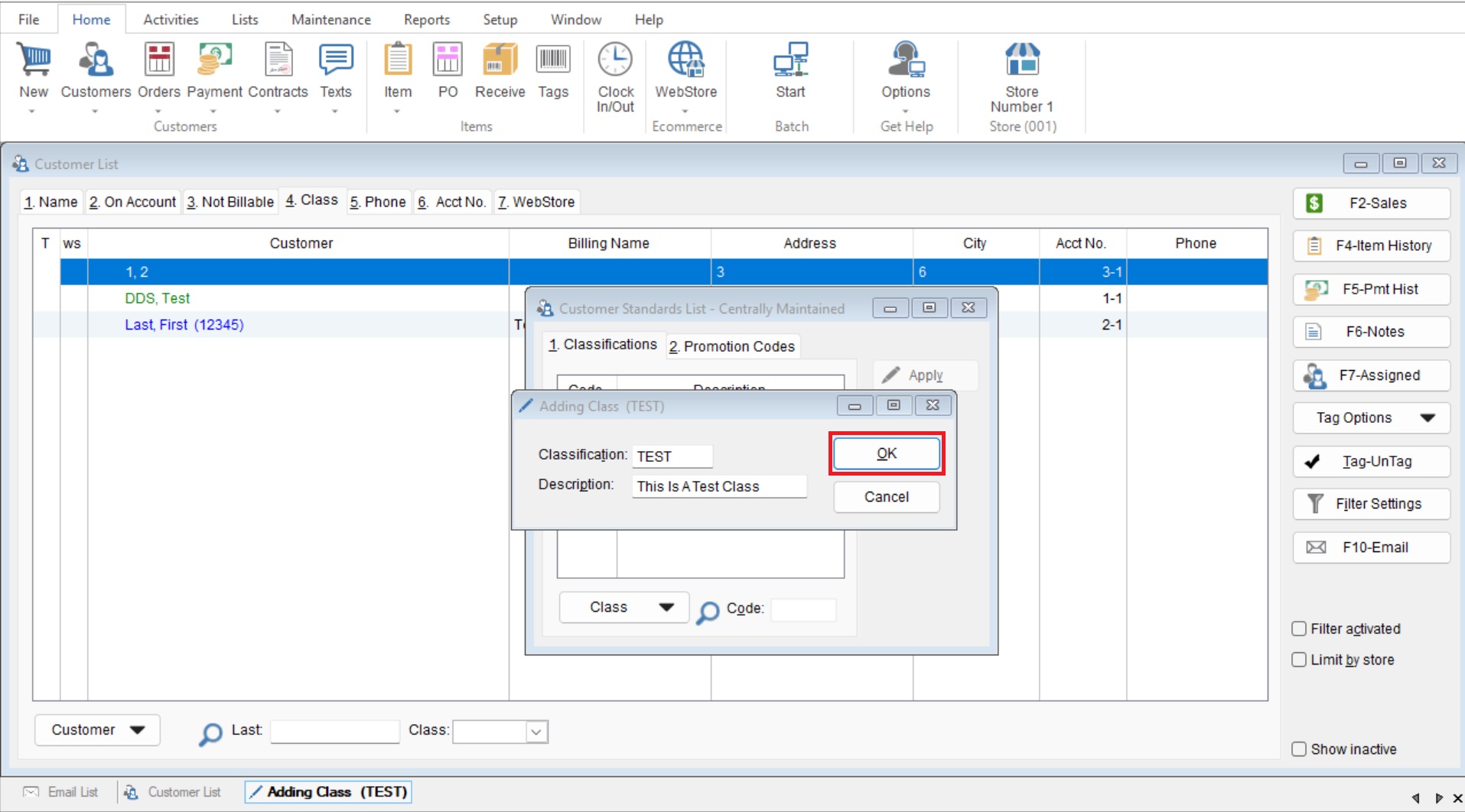
- Select OK to save the new class.
- Once you have created your “Class” you can add it to a customer by going to Home>Customer double click on your desired customer and add it to the “Class” section.