
This article will cover how we can view deleted PO’s in TUS. Note that these PO’s are not active and will not show as “On Order” this is simply a way to view what was deleted.
- First you will go to Home>PO to open your Purchase Order List.
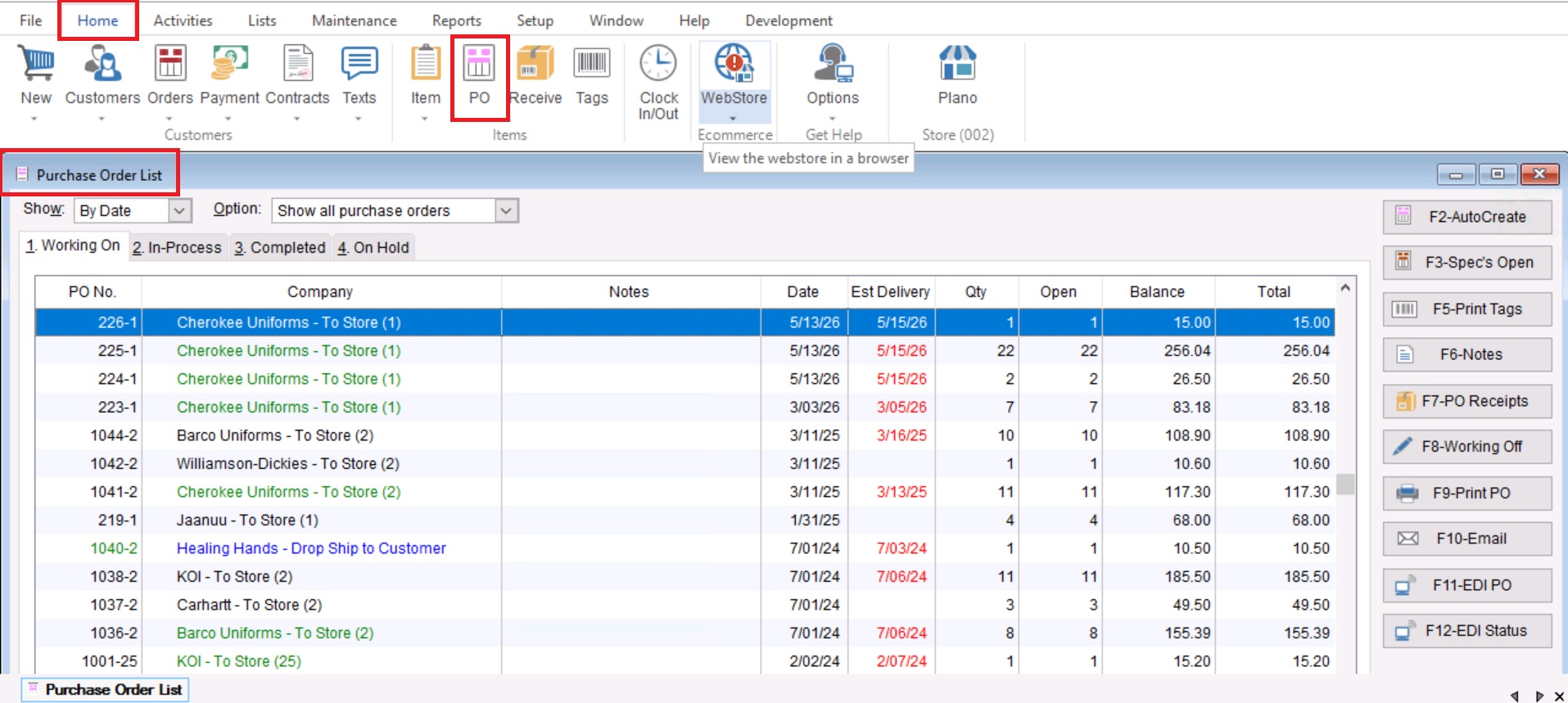
- Once you have opened your Purchase Order List, you will go to the “3. Completed” tab at the top of the screen.

- After choosing the “Completed” tab you will select “Show Deleted” at the bottom right of the screen, this will show all deleted PO’s marked with a red “X” showing to the left of the record.
