This document will cover how to view special orders that are on a specific Purchase Order, this can be helpful when you want to find a item that might be on order for a special.
- First you will go to Home>PO to open your Purchase Order List.
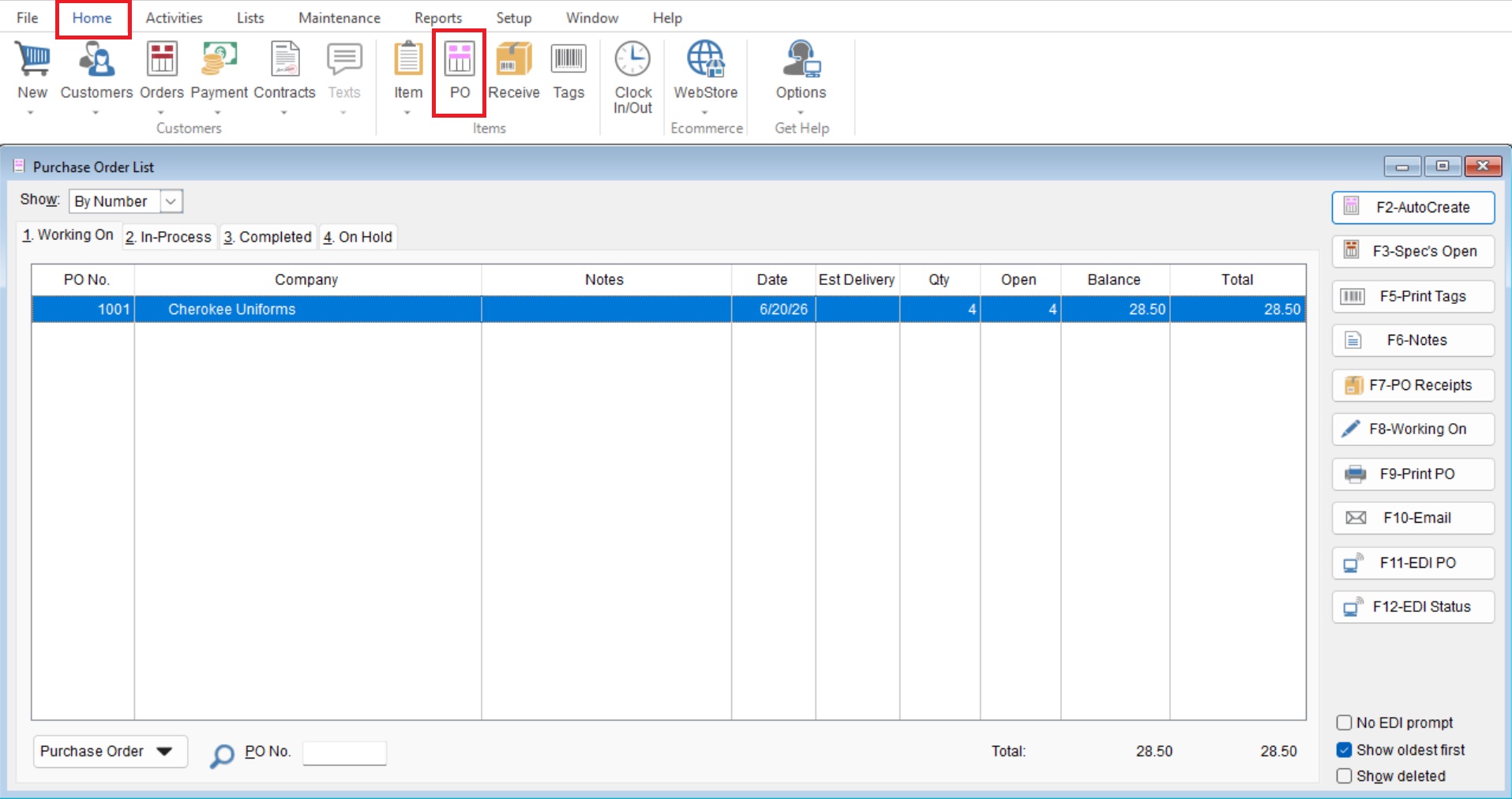
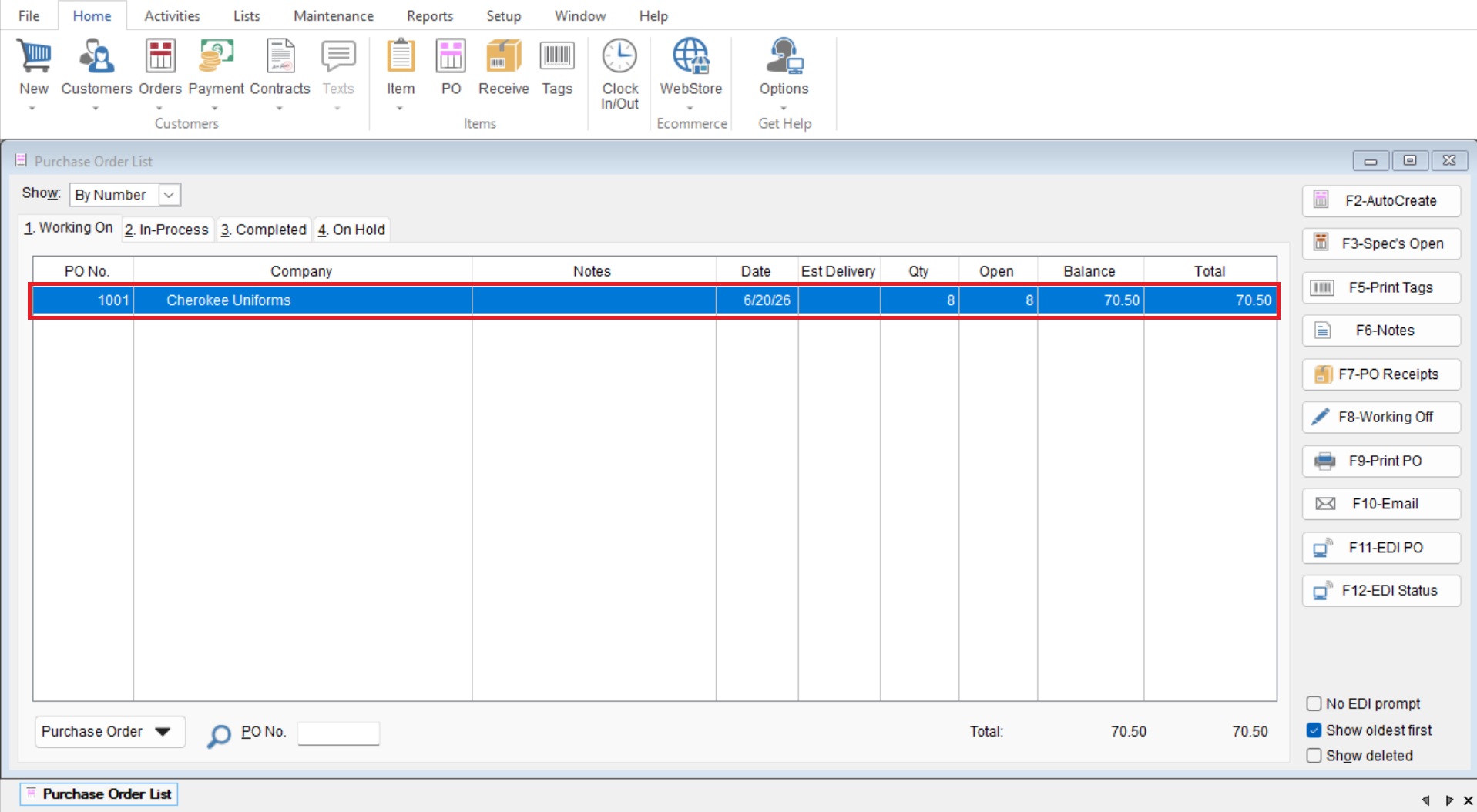
- From here you will locate and open your desired Purchase Order by double clicking on it.
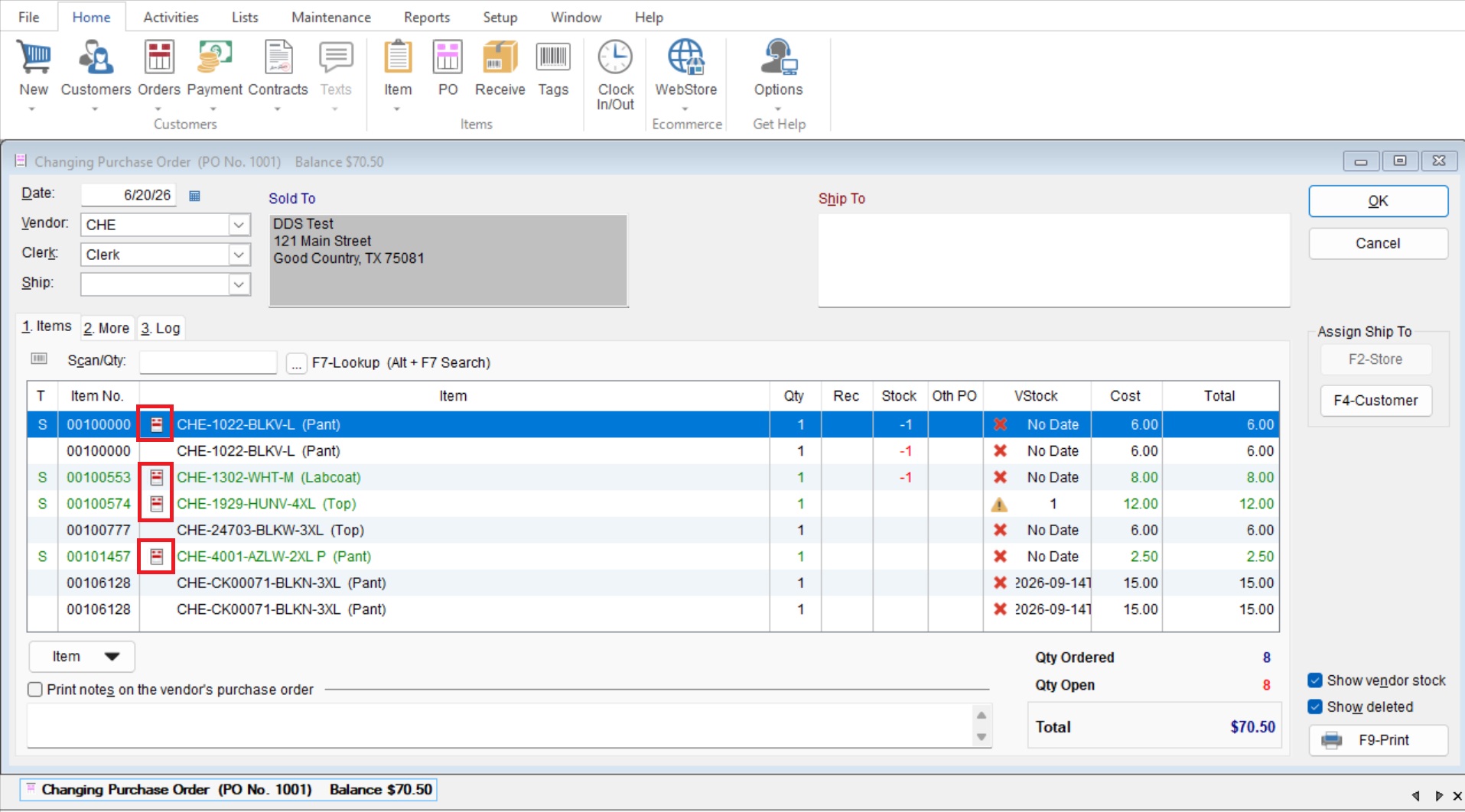
- Once open you can see the “Special Order Items” indicated with the special order icon on the left of the line.
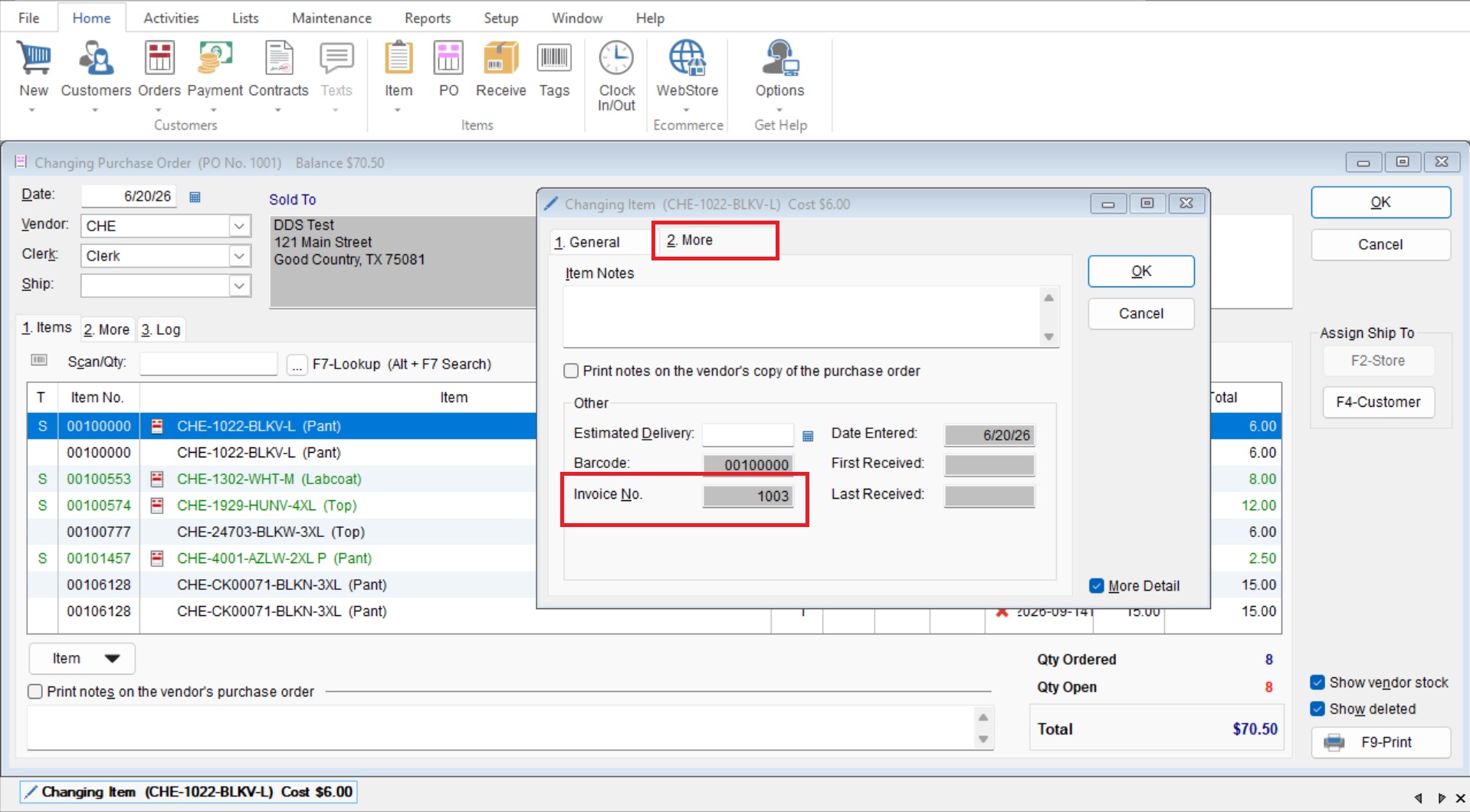
- You can also see what Special Order No. a line item belongs to by double clicking on the item and going to the “More” tab. (If you cant select the “More” tab you will need to select the check box for “Show Details” at the bottom right.)
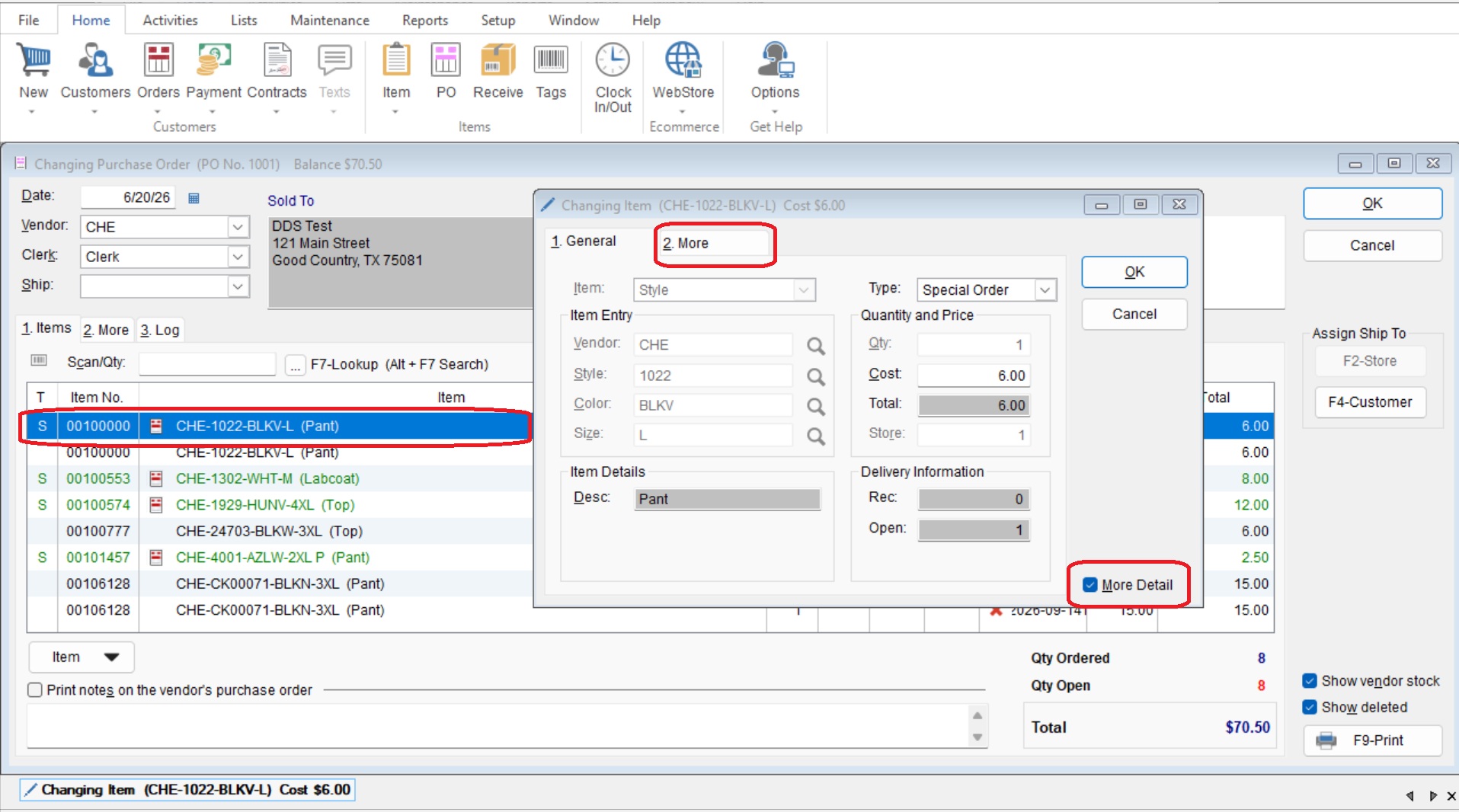
- Once you are in the “More” tab you will see the invoice number listed in the “Invoice No” section at the bottom.