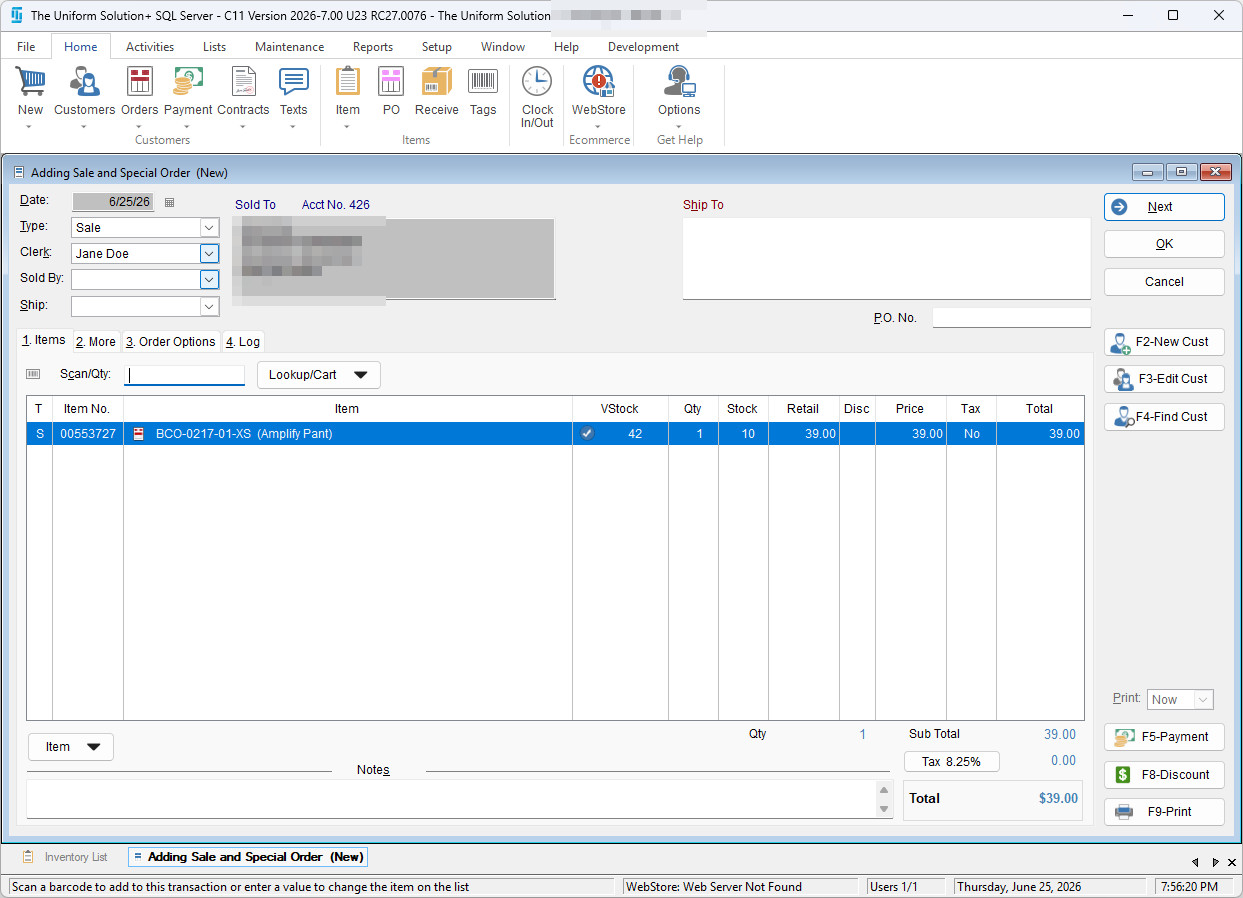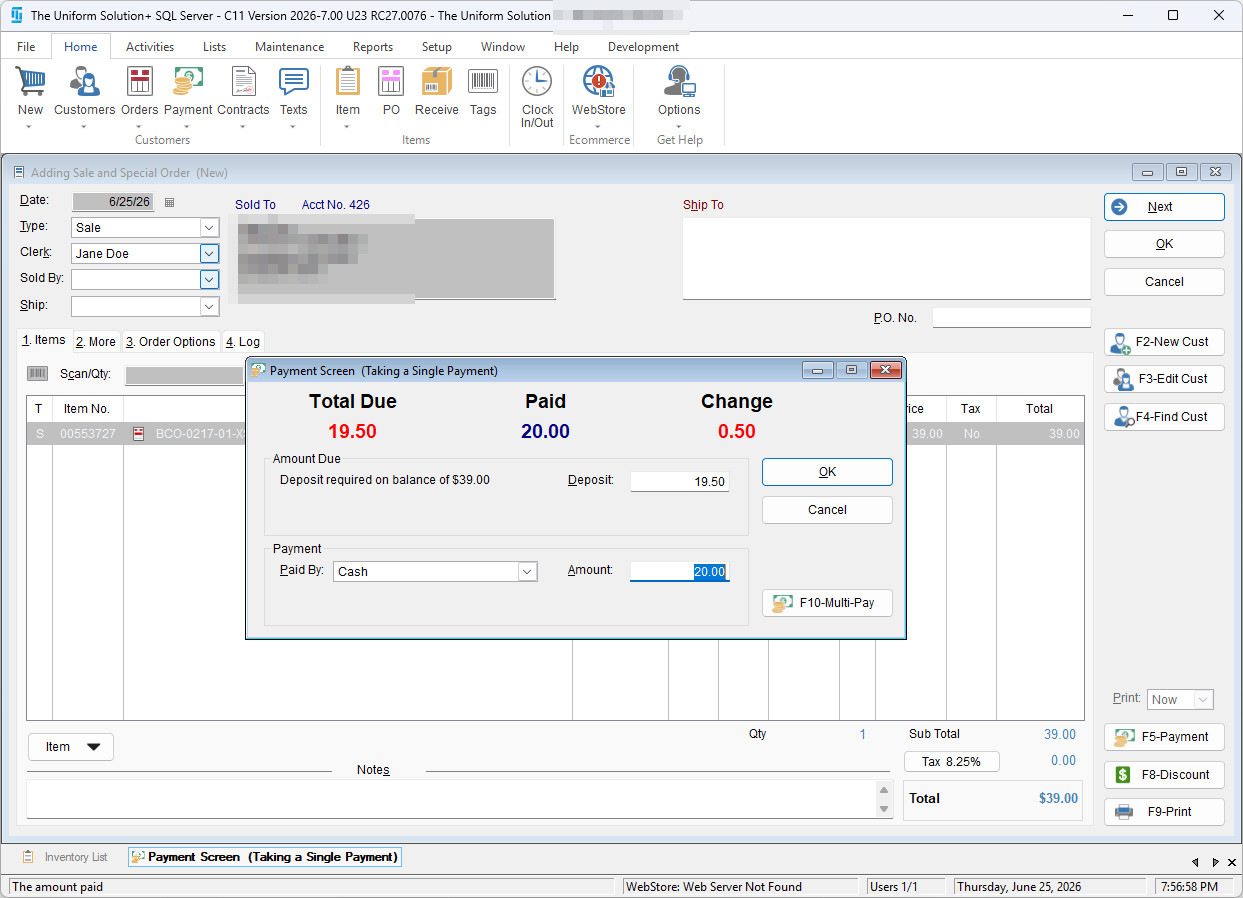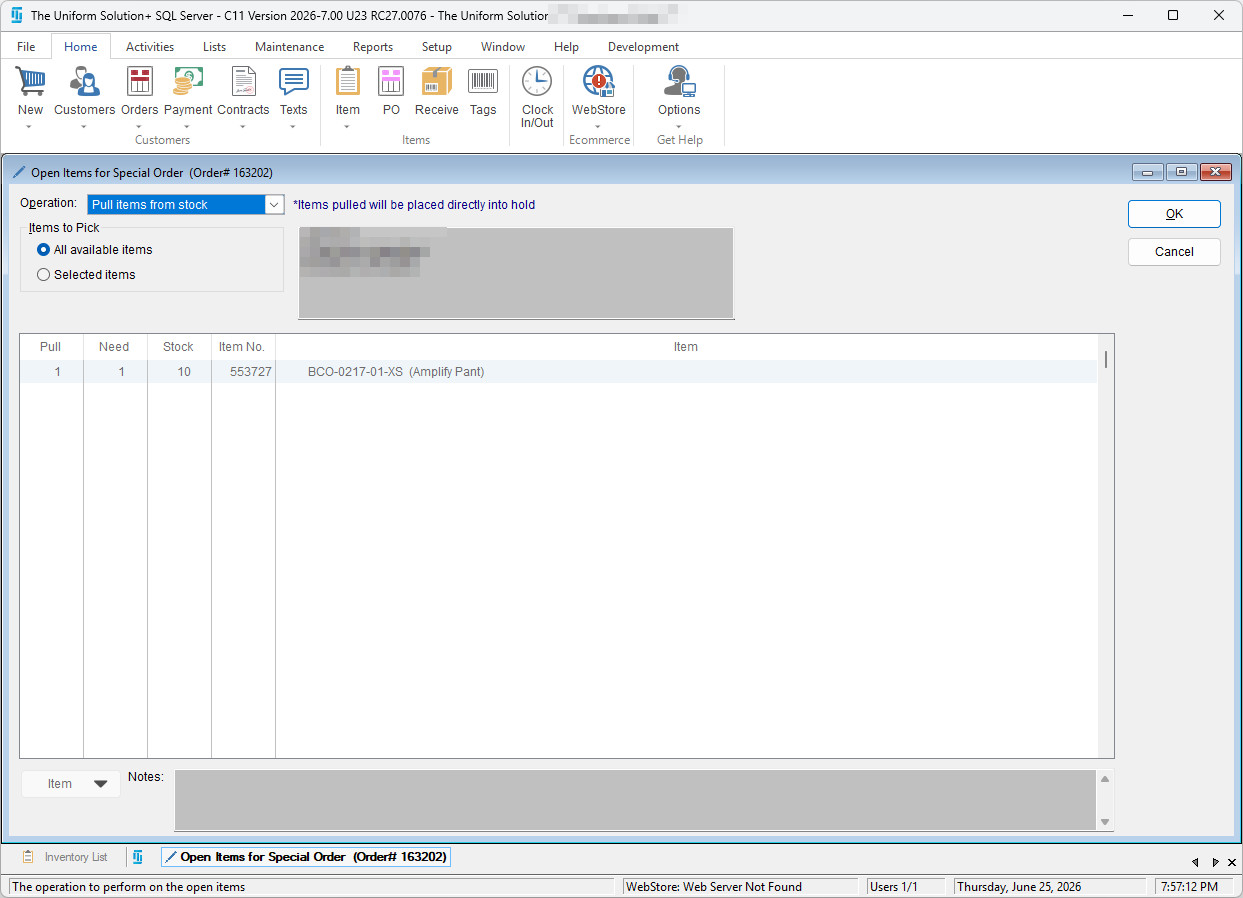
The Uniform Solution program can be configured to prompt users to pull items from available stock when creating an order. This helps streamline order fulfillment and ensures inventory is used efficiently.
- To enable this feature – Go to: Setup > This Computer.
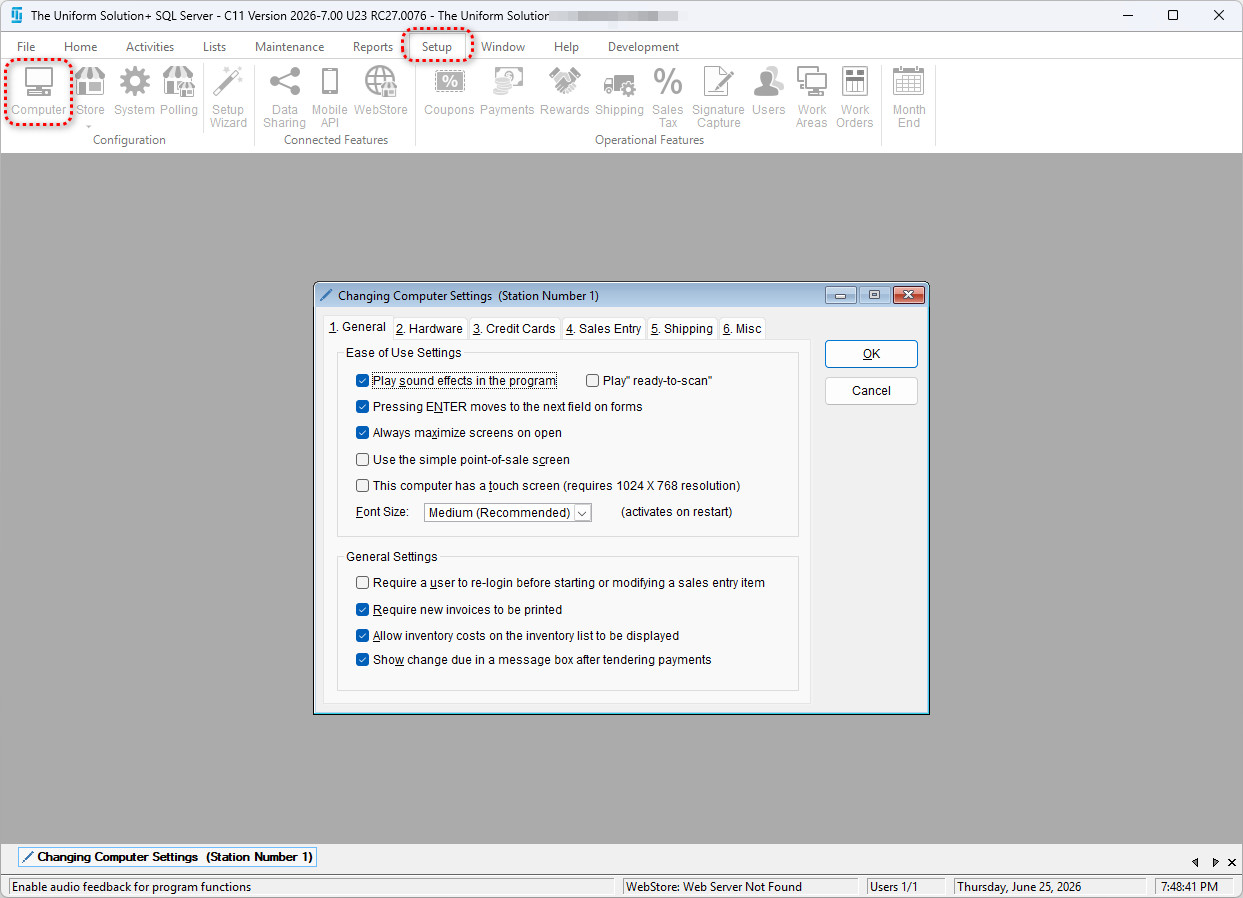
- Select the 4. Sales Entry tab.
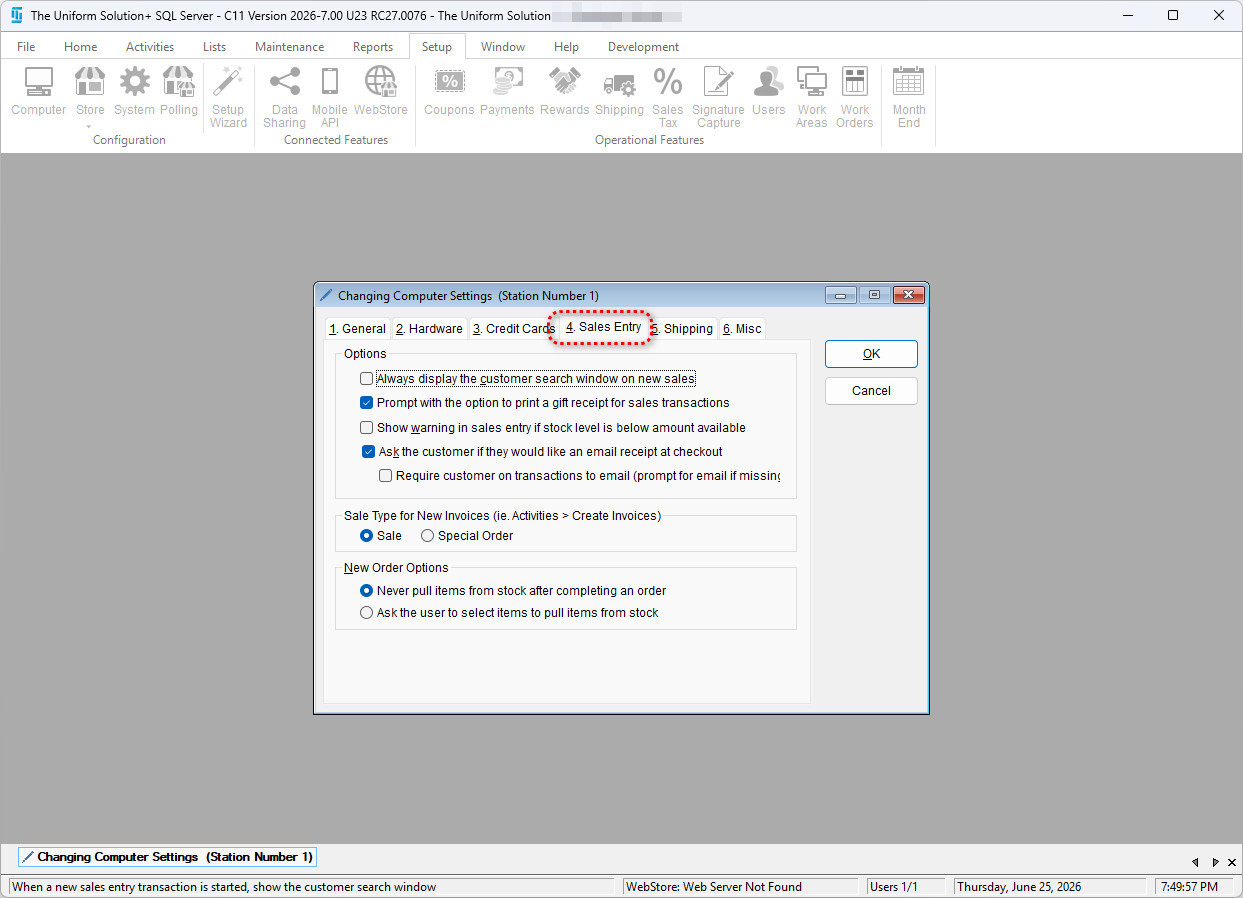
- Under the New Order Options section, select the option that will ask the user to select items to pull items from stock.
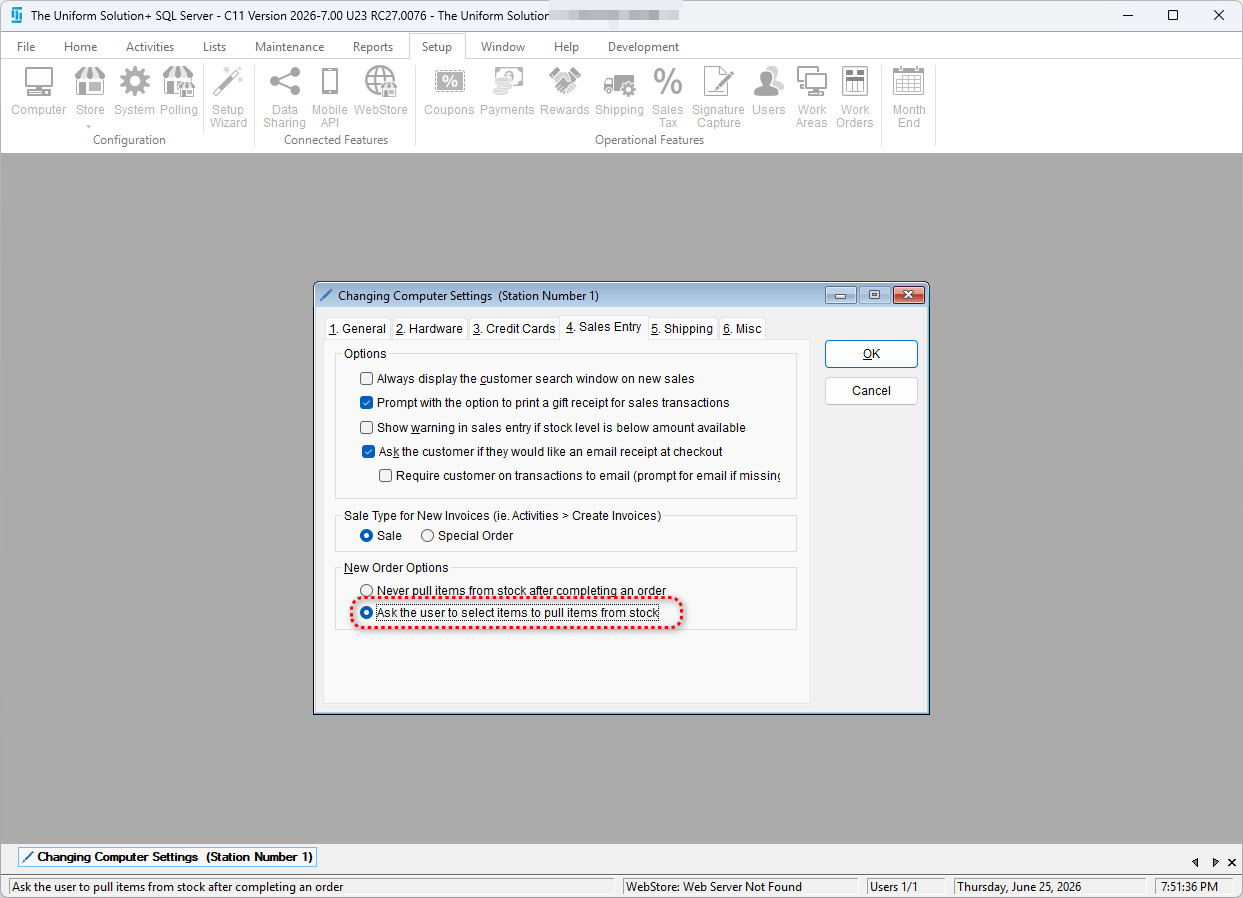
- Select OK to save your changes. Now when a special order is placed, the program will ask you if you’d like to pull all or select items from stock.Example: