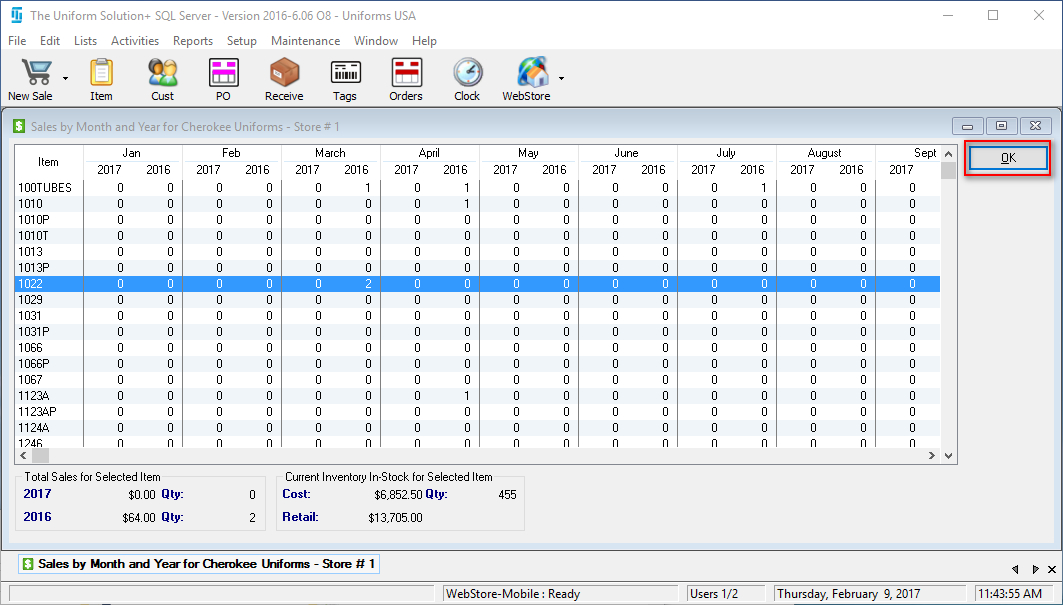
If you would like to know how much a particular vendor a store is selling,
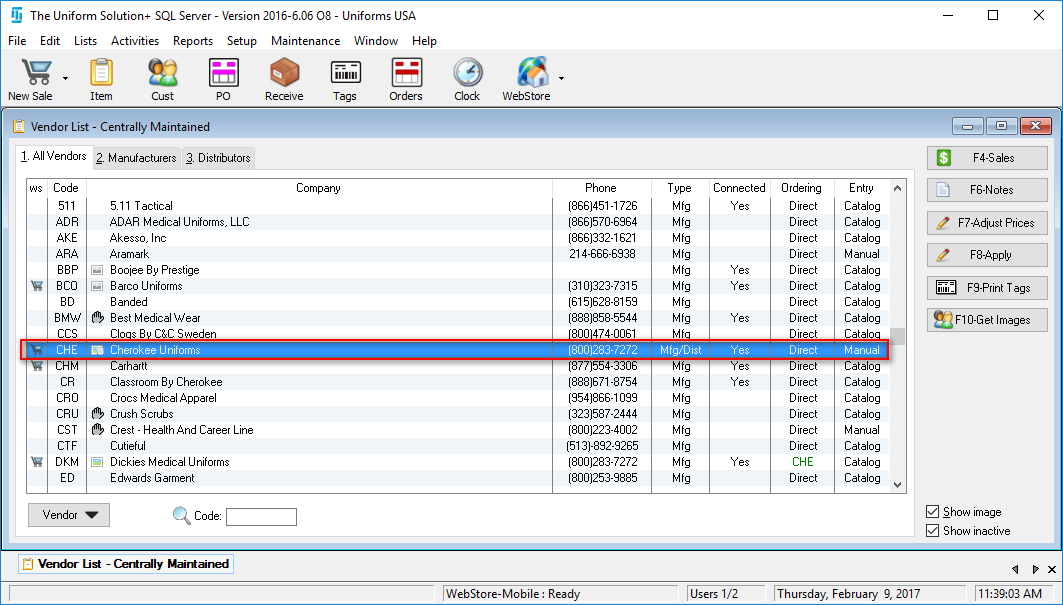
- Go to: Lists > Vendors/Mfg

- Highlight the desired vendor
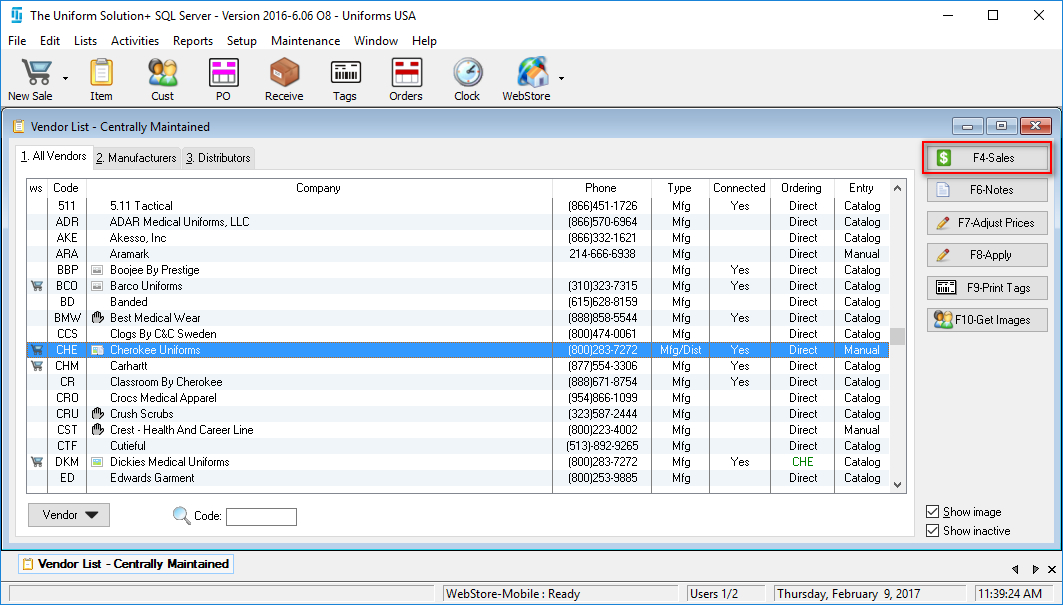
- Select F4-Sales
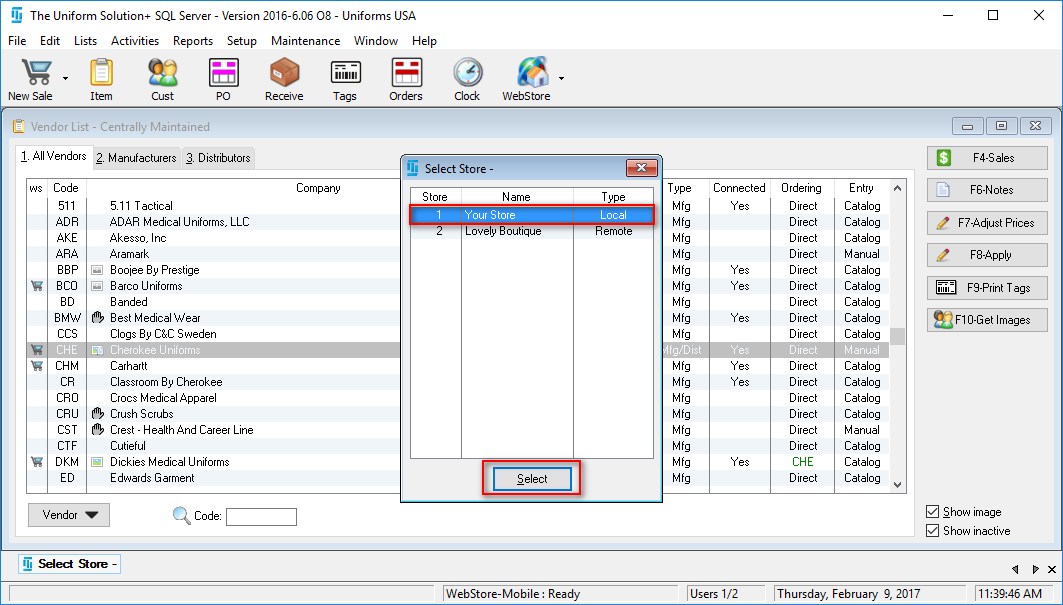
- If in a multi-store environment, highlight the desired store and press Select
- The Sales by Month and Year screen for the desired vendor will appear
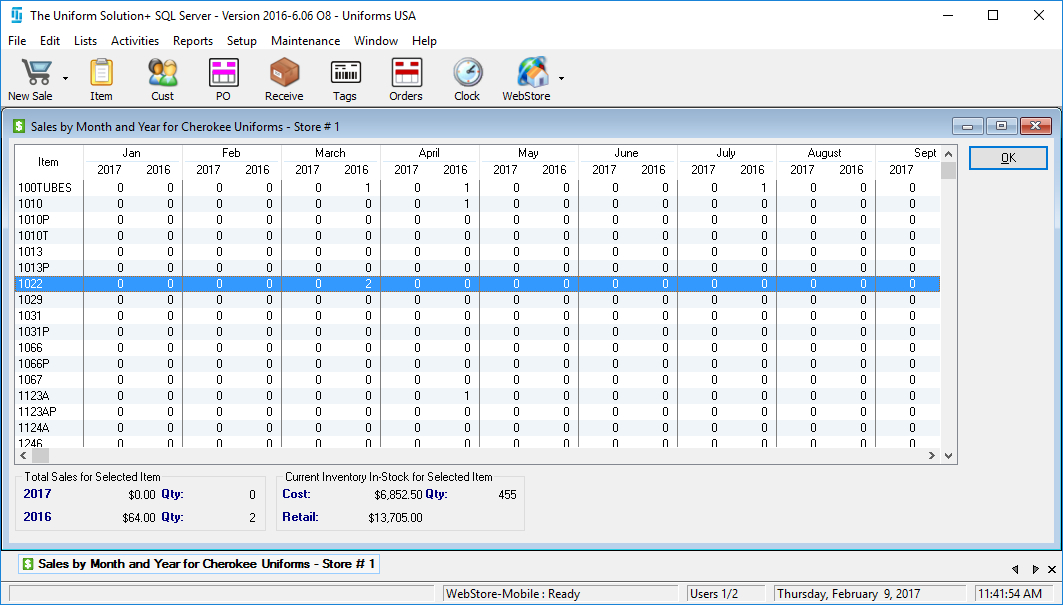
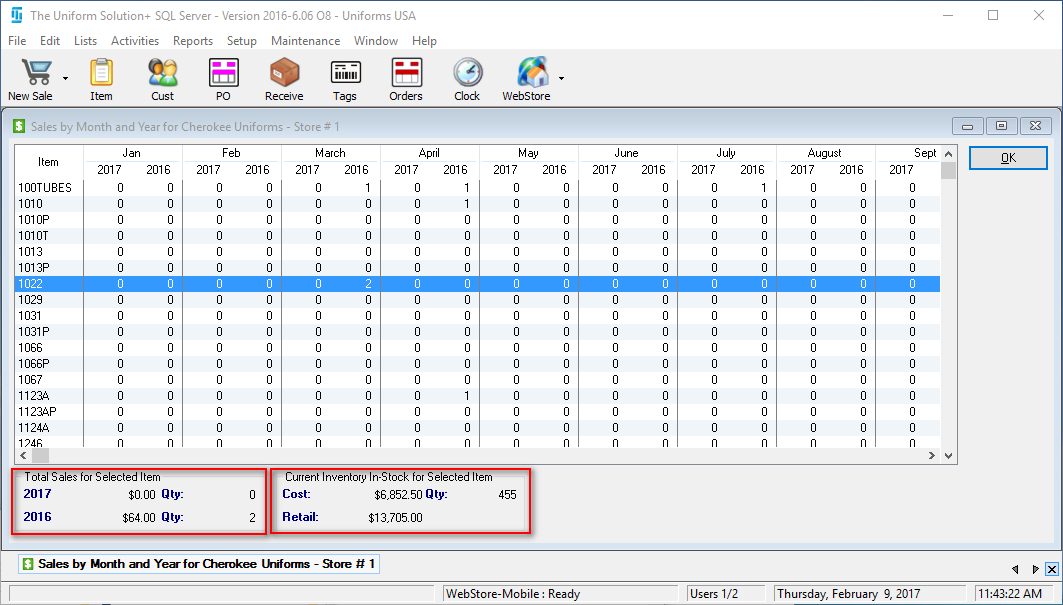
- At the bottom of the active screen, you’ll see the Total Sales for Selected Item and Current Inventory In-Stock for Selected Item
- Select OK to close the active screen