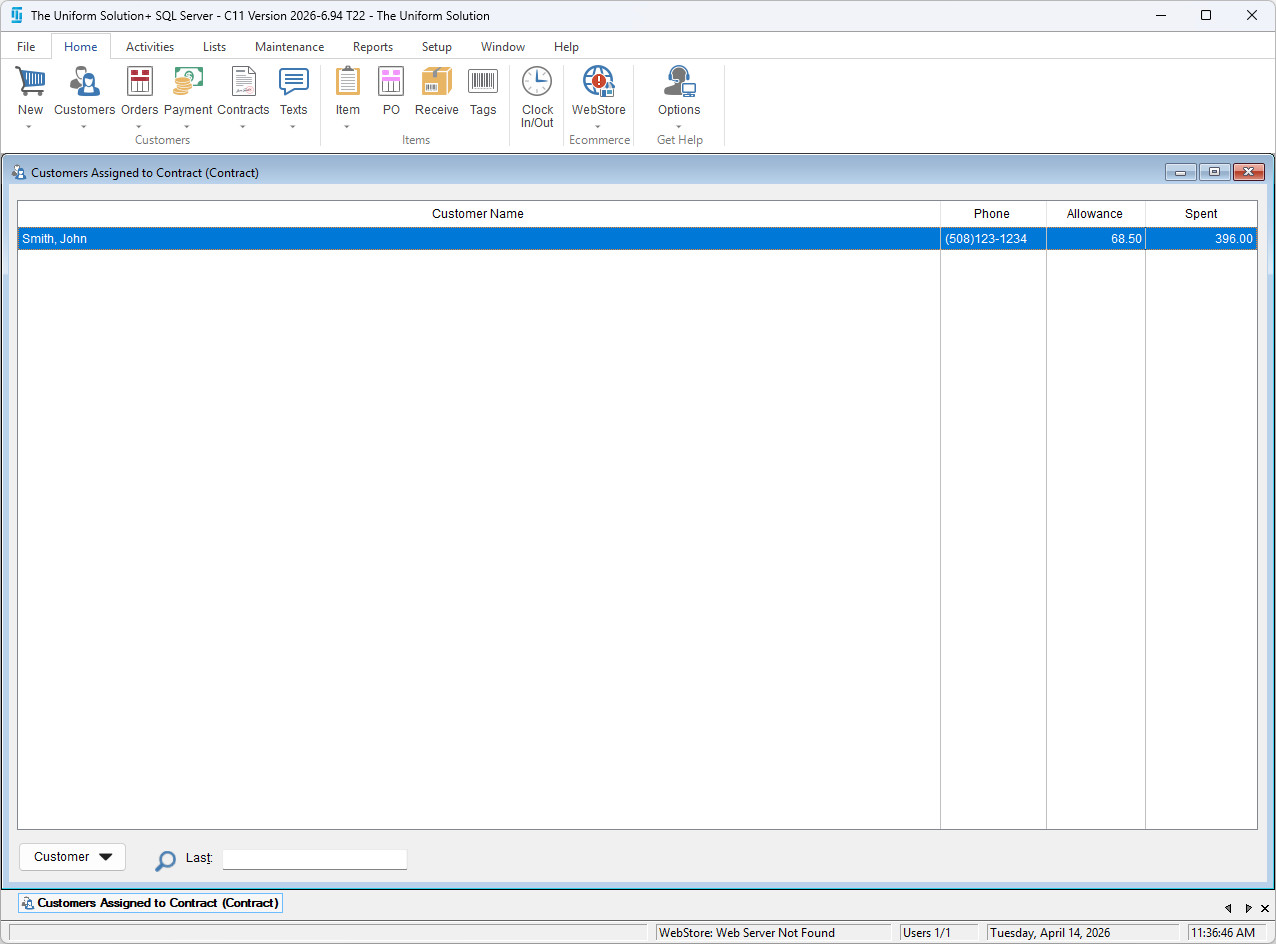
This article explains how to view all customers that are assigned to a specific contract. This functionality is useful for verifying customer coverage, confirming contract associations, and ensuring accurate billing and support eligibility.
To quickly view all customers signed to a specific contract,
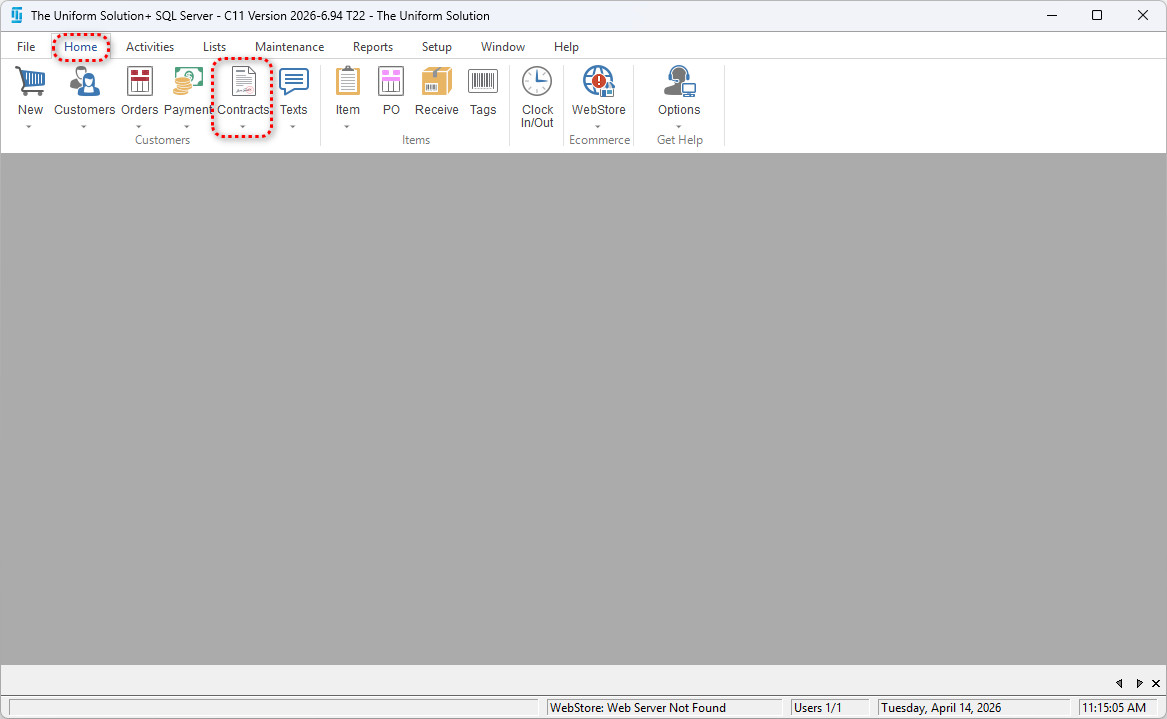
- Go to: Lists > Contracts
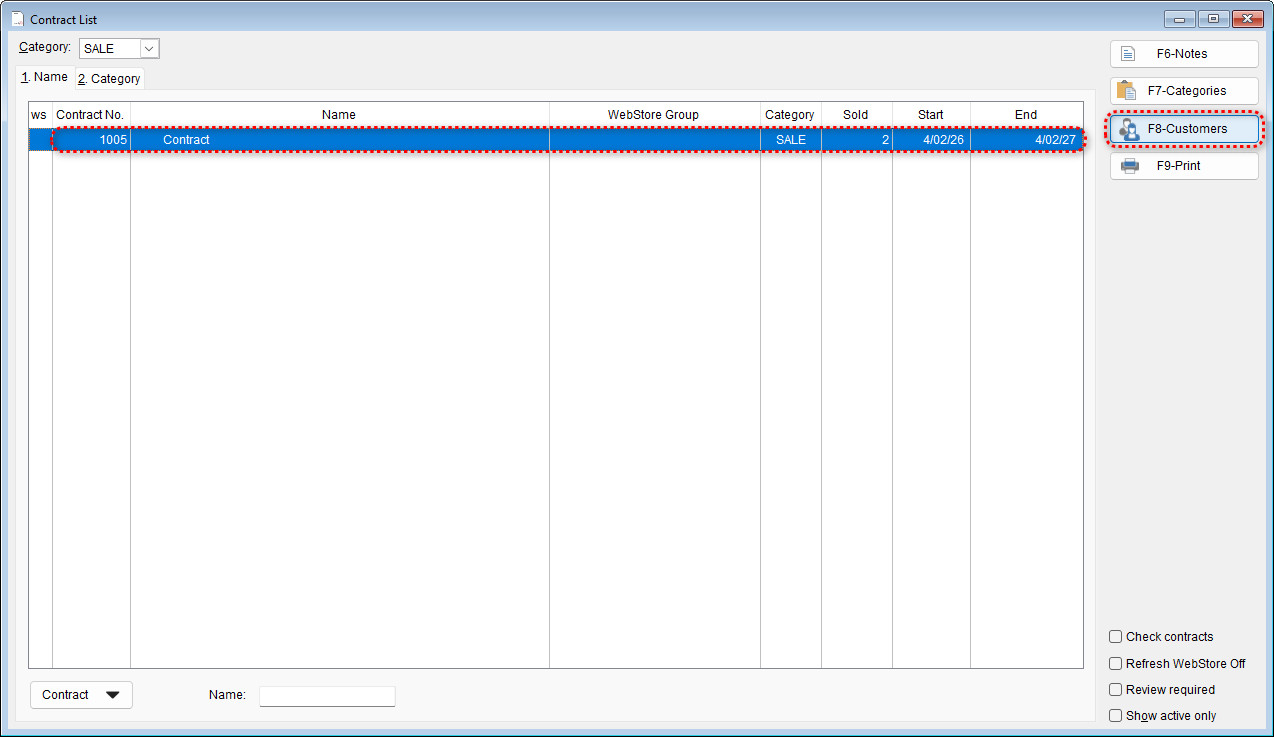
- With the contract highlighted, select F8 – Customers
-
- All customers linked to the selected contract will now display in the list.