
This article will cover how to show deleted items when viewing a Receiving List.
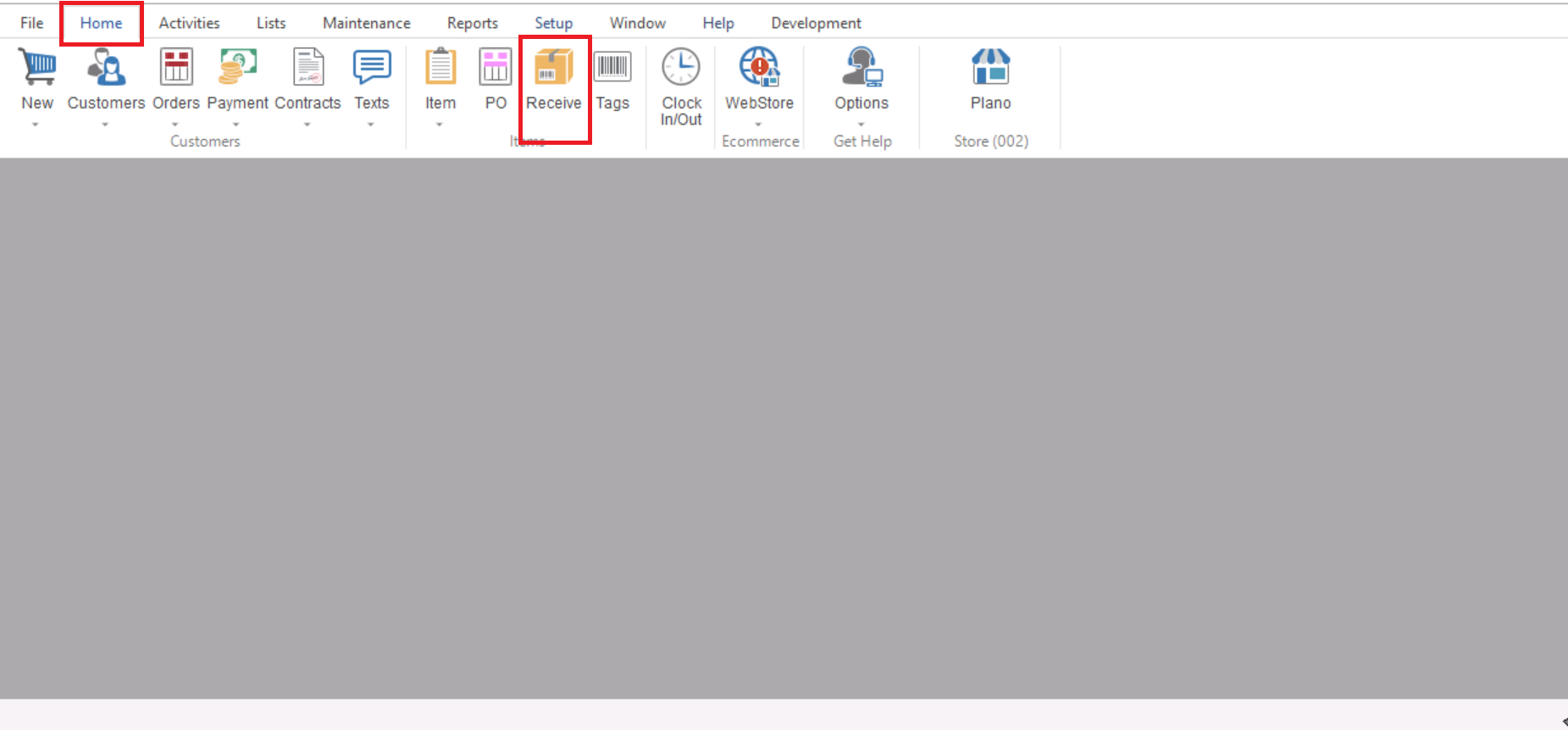
- First you will need to go to Home>Receive to open your Purchase Order Receipt List (Receivng list).
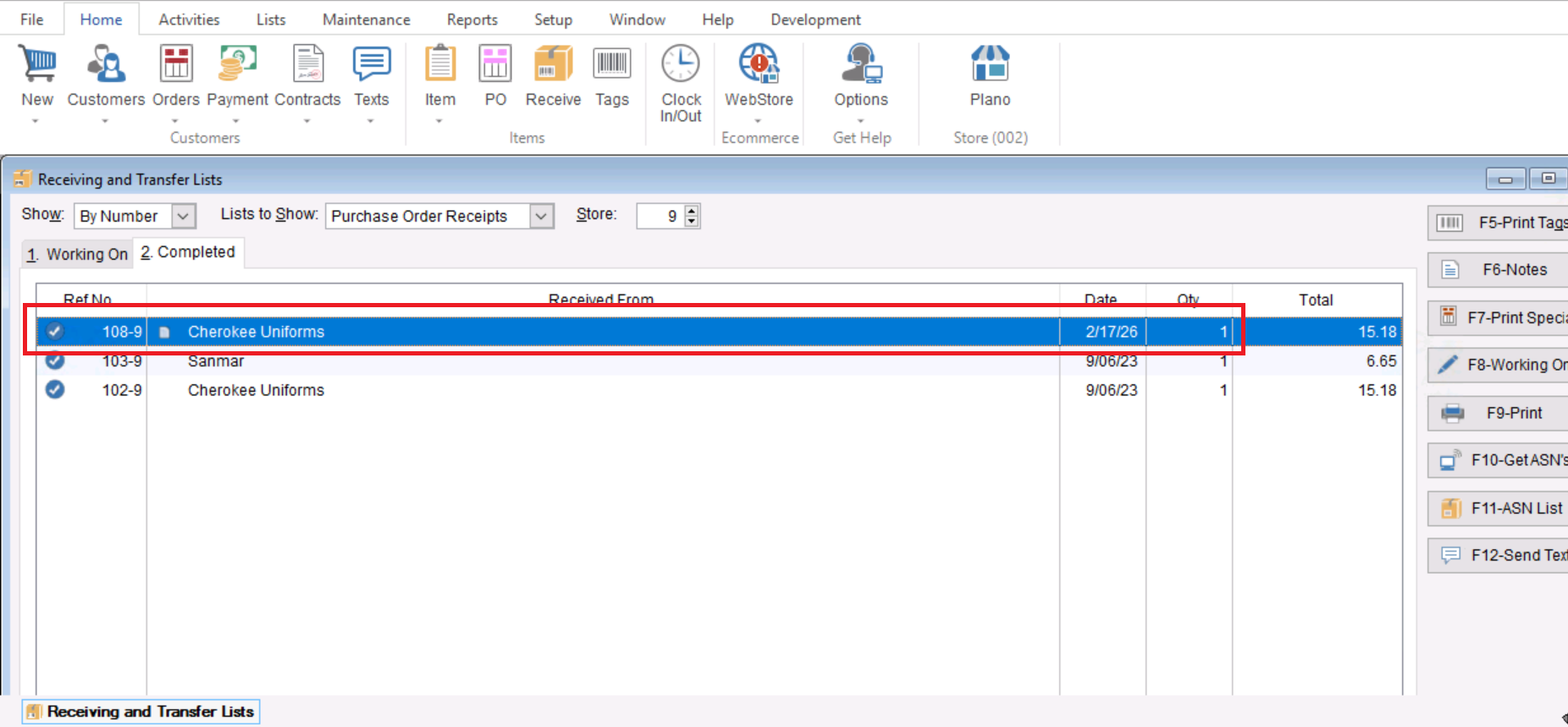
- From here you will need to double click to open your desired Receiving List.
- Once you have entered your desired Receiving List you can select the “Show Deleted” check box at the bottom right and that will show you any deleted items that exist on the Receiving list.
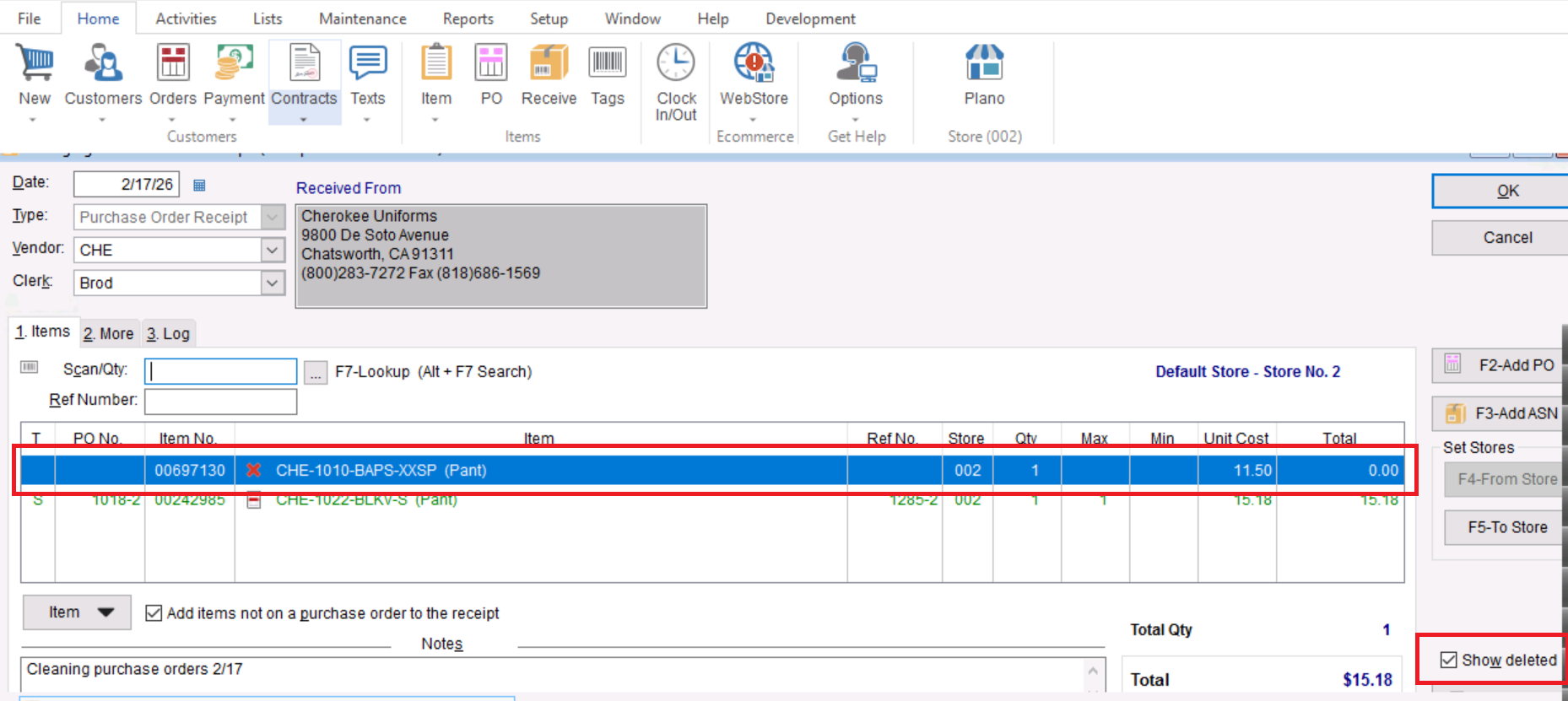
- From here you will be able to see any deleted items that were saved on the Receiving list.