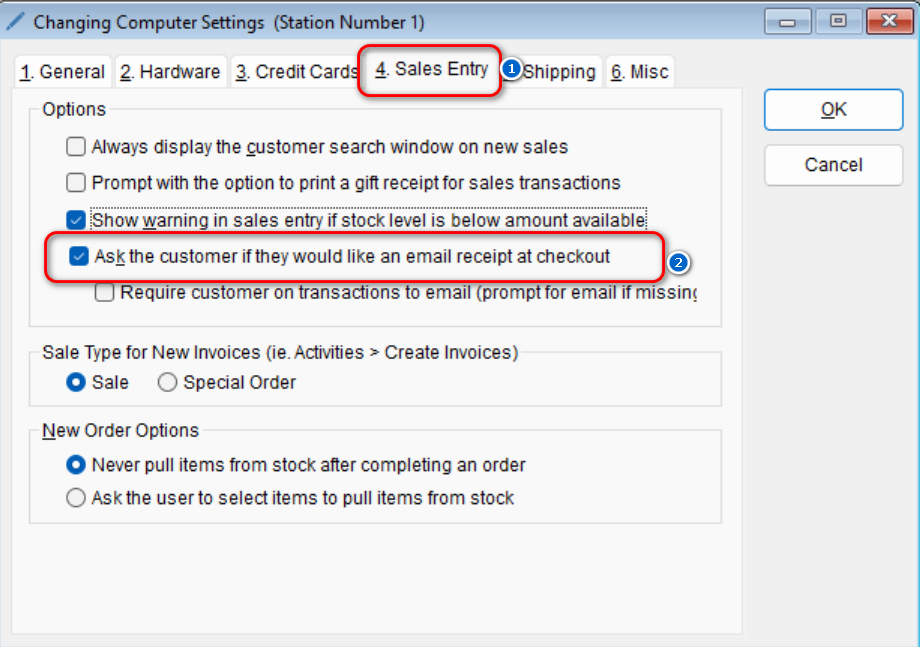
The program allows for new invoices to either be created as a sale or a special order. If you’d like to change the sale type,
-
- Go to: Setup > Computer
- Select the Sales Entry tab > Under the “Sale Type for New Invoices” section, select the desired preference
- Select OK to save this change
- Go to: Setup > Computer