The vendor type can be quickly updated within the vendor’s account record. Vendor types help define how each vendor operates within your system.
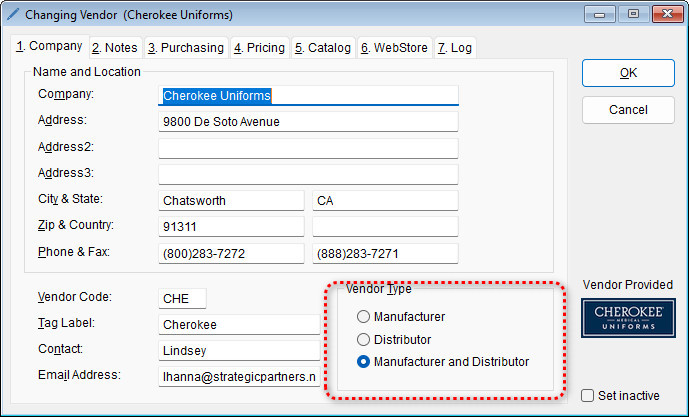
- Manufacturer – the vendor manufactures and sells its own merchandise
- Distributor – the vendor sells the merchandise of another vendor
- Manufacturer and Distributor – the vendor manufactures its own merchandise and distributes another vendor’s merchandise
To edit the vendor type,
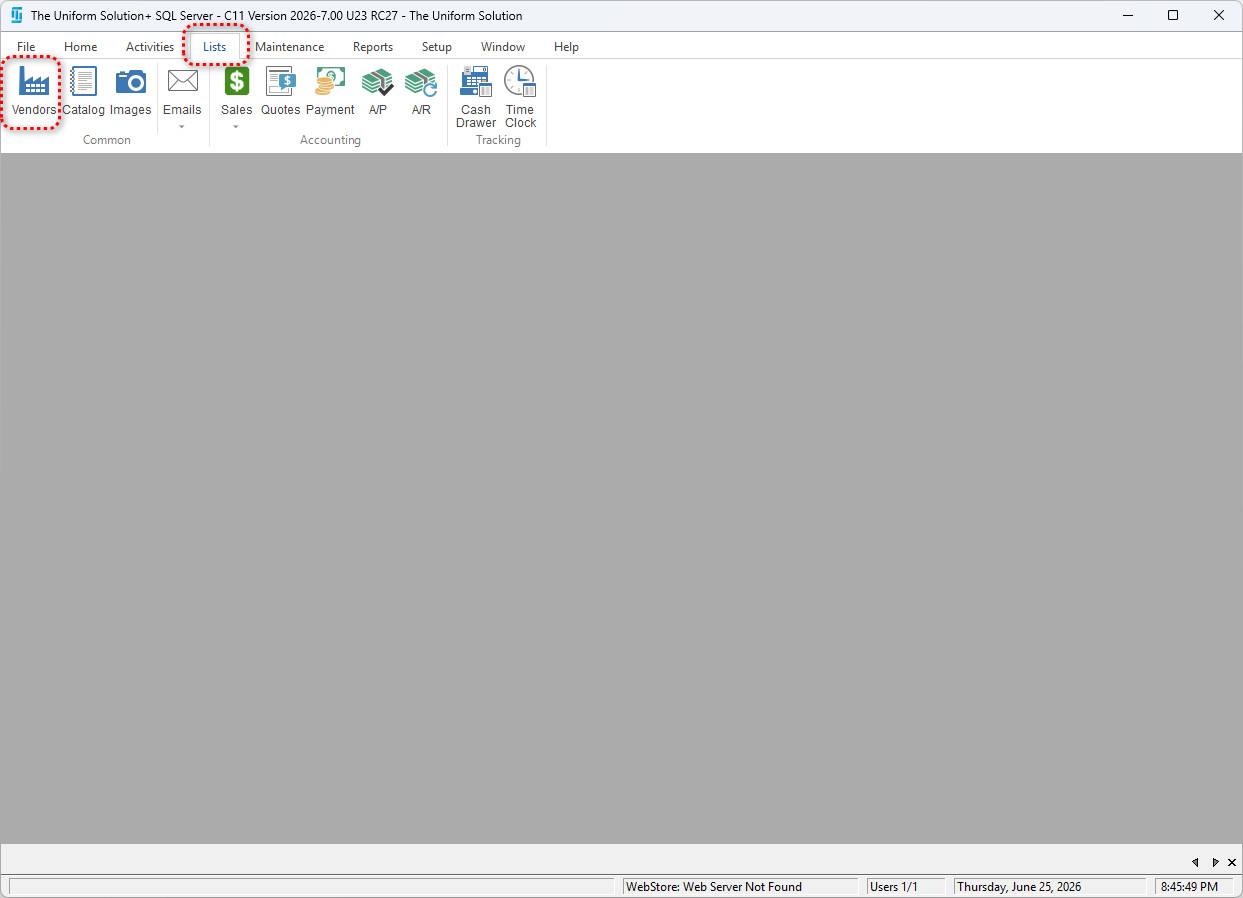
- Go to: Lists > Vendors
- Double-click the vendor you want to edit
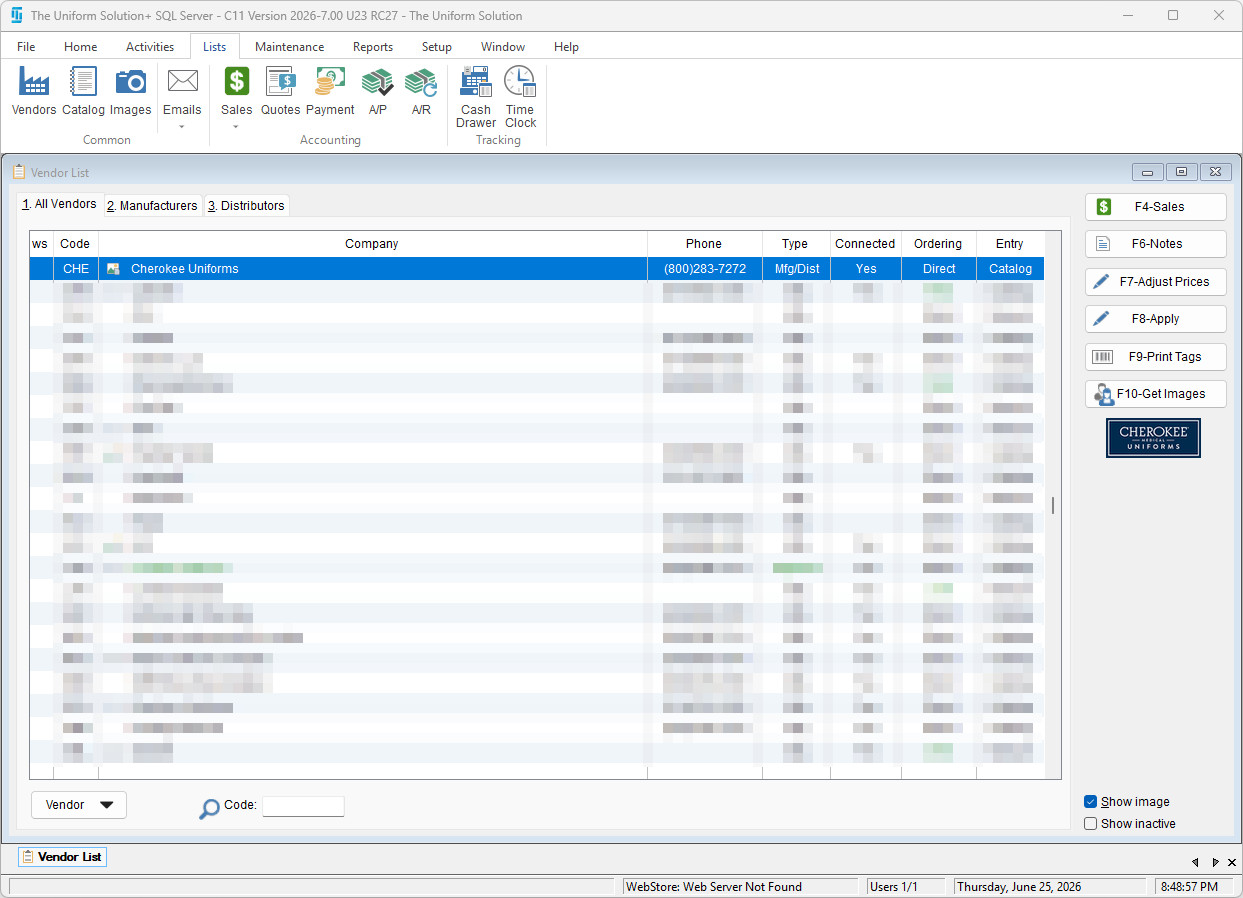
- In the Vendor Type section, select the appropriate option
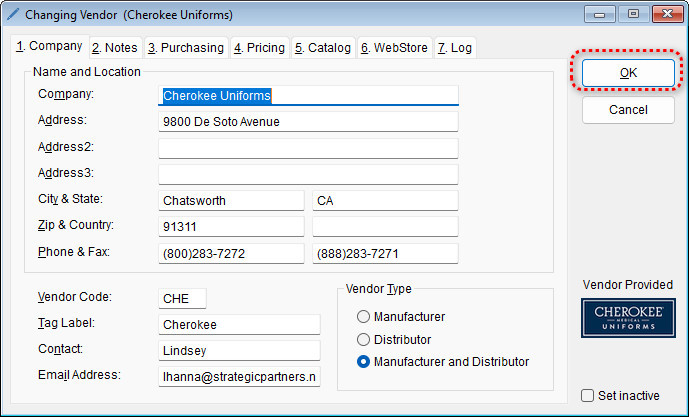
- Select OK to save your changes
Helpful Tip: Using Distributor Ordering
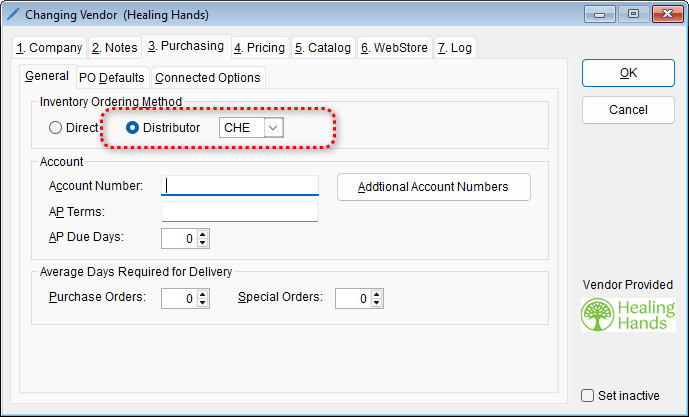
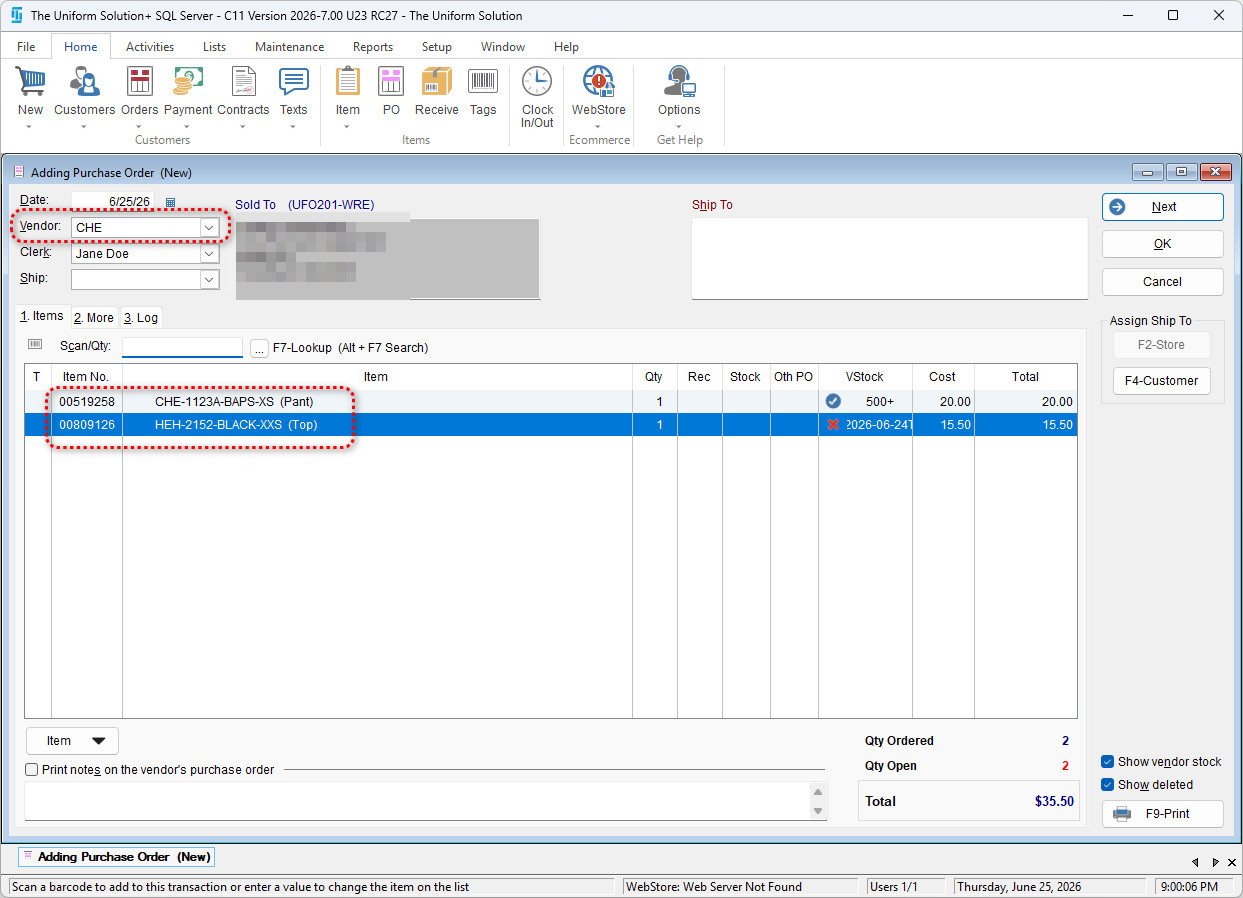
Setting a vendor as a Distributor allows you to consolidate purchase orders under a single vendor, even when ordering items from multiple sources.
Ex. You can configure a distributor vendor (e.g., Cherokee) to receive purchase orders for items from multiple brands (such as CHE and HEH).
You can do this by going into the vendor record > Purchasing > Inventory Ordering Method > Distributor and select the vendor you want to have order funnel into.