
If a customer is unable to log in to your WebStore, you can reset their WebStore email or password directly from their customer record in The Uniform Solution. This is often faster than walking the customer through the reset process themselves.
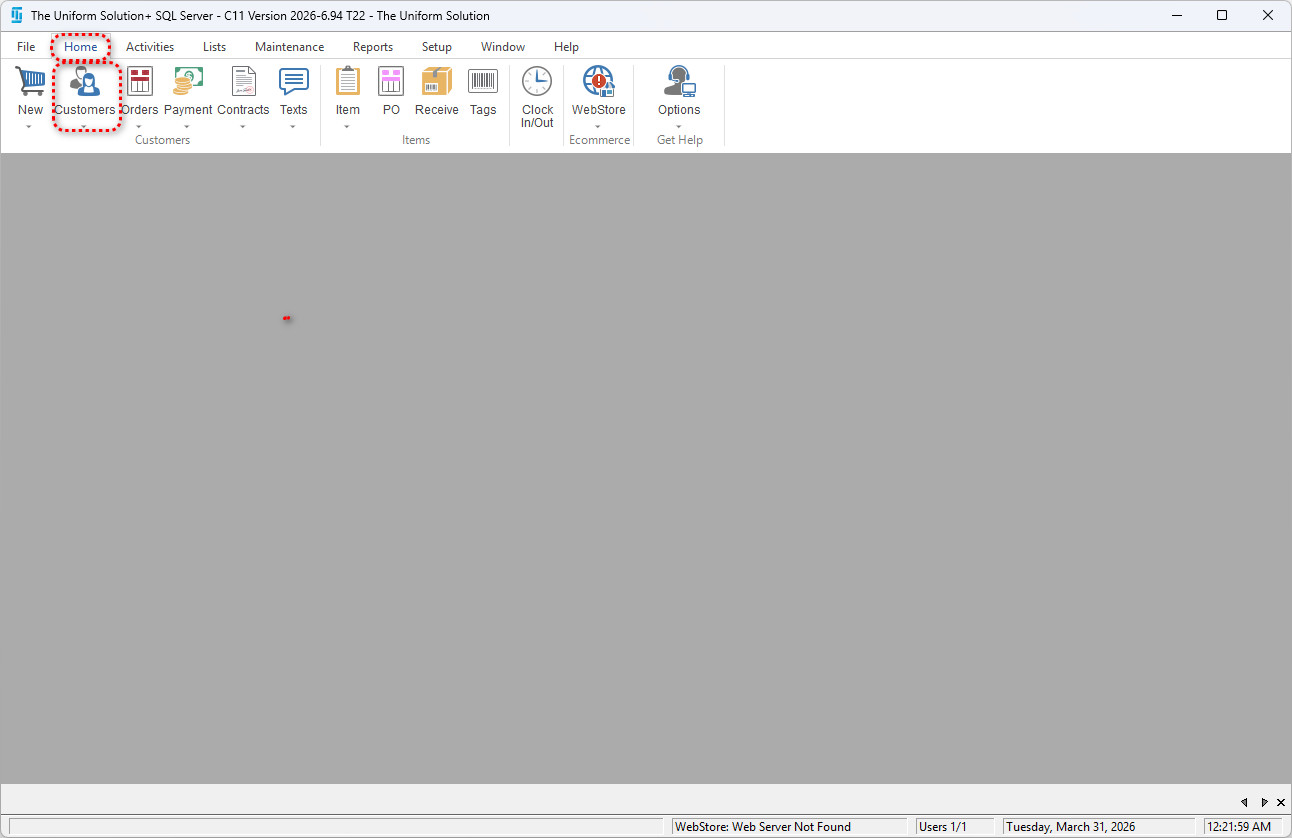
✅ 1. Open the Customer List
Go to: Home > Customers
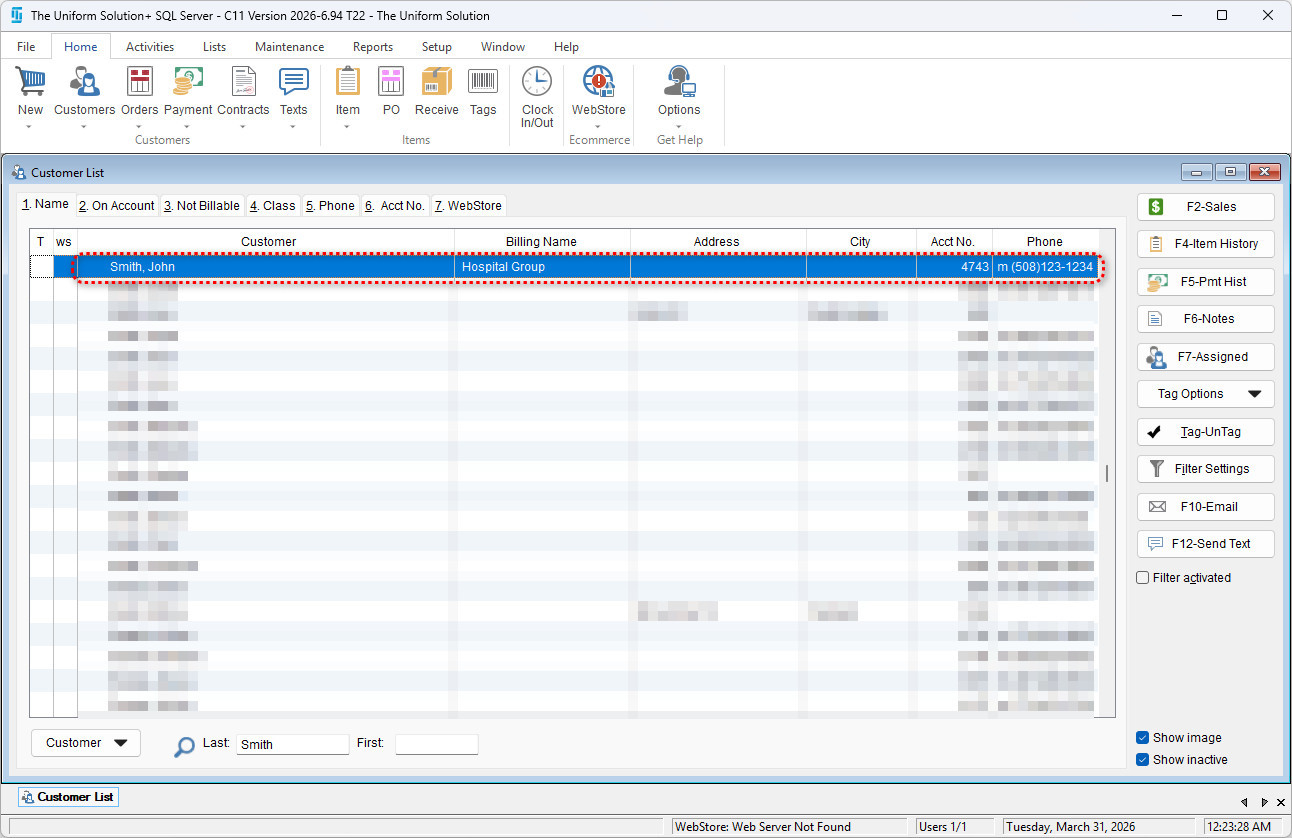
✅ 2. Select the Customer Needing a WebStore Reset
- Use the customer search or scroll through the customer list.
- Highlight the customer you want to modify and select the profile.
✅ 3. Inside the Customer record, navigate to the WebStore tab.
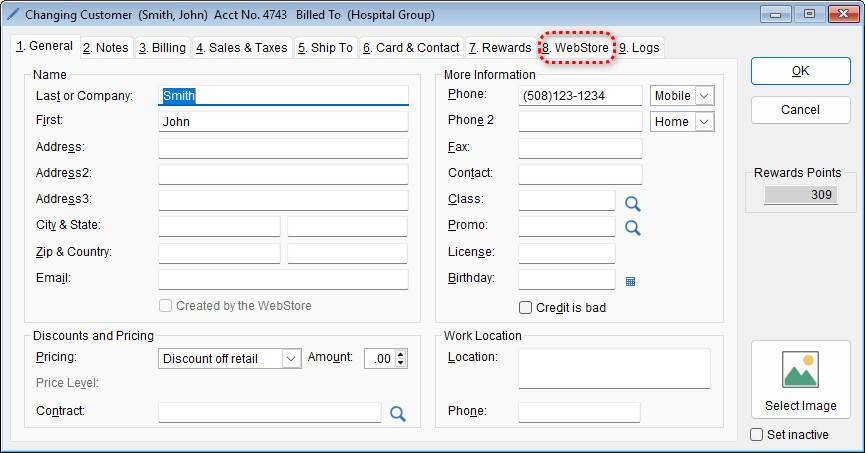
✅ 4. Reset the Customer’s WebStore Email or Password
In the WebStore tab:
To reset the login email:
- Modify the Email field as needed.
To reset the password:
-
Modify the Password field as needed.
Select OK to save the email and password.
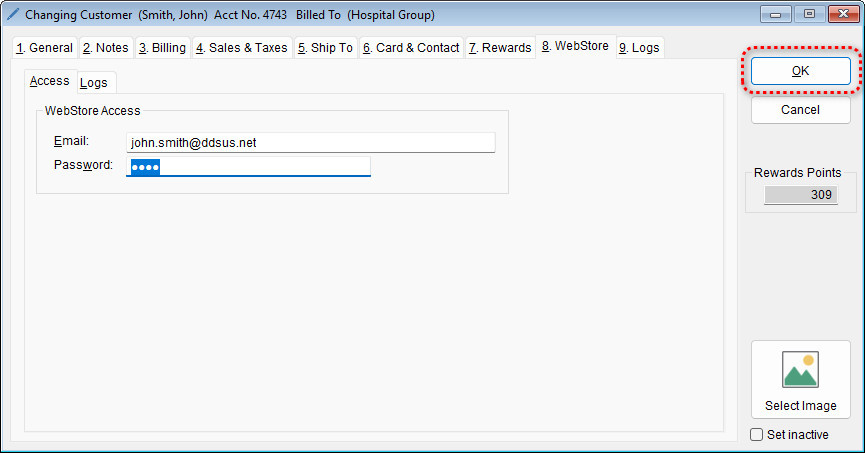
- Now the customer should be able to log in with the email and password combination entered/updated.