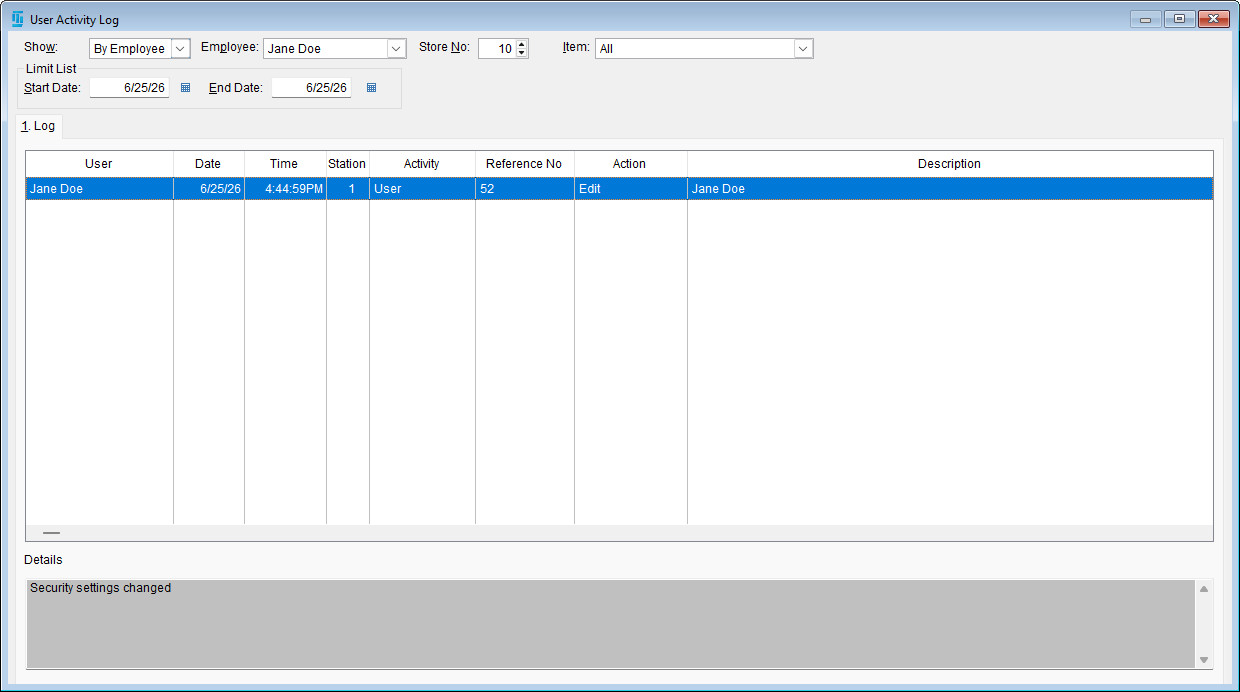
The User Activity Log in The Uniform Solution is a valuable tool for tracking system activity. It allows administrators and users to monitor what changes were made, when they occurred, and who performed them.
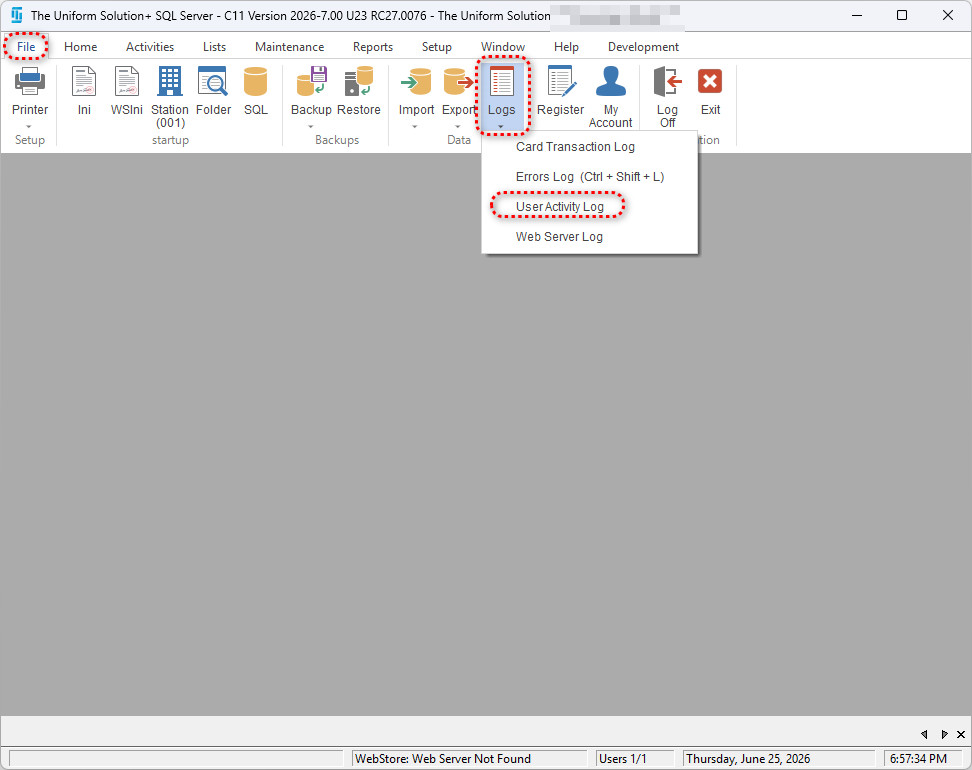
There are two ways to access the User Activity Log, depending on your needs.
- The first option is by going to: File > Logs > User Activity Log
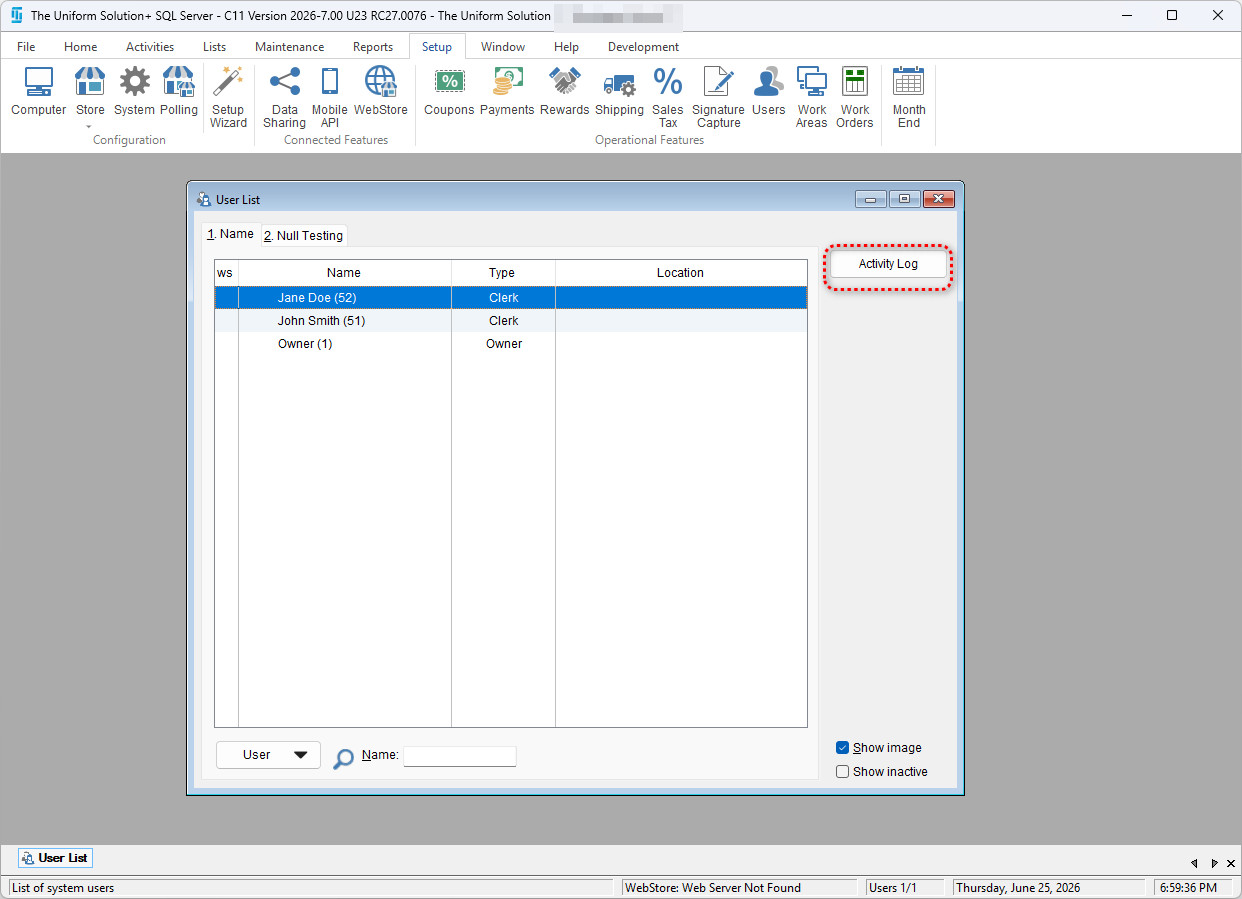
- The Second option is to view the Activity Log by user. To do this, simply go to: Setup > Users > Activity Log
Within the User Activity Log – you will now be able to see any changes that a employee made to things such as Stock Count, Inventory, Time Clock, and Purchase Orders.