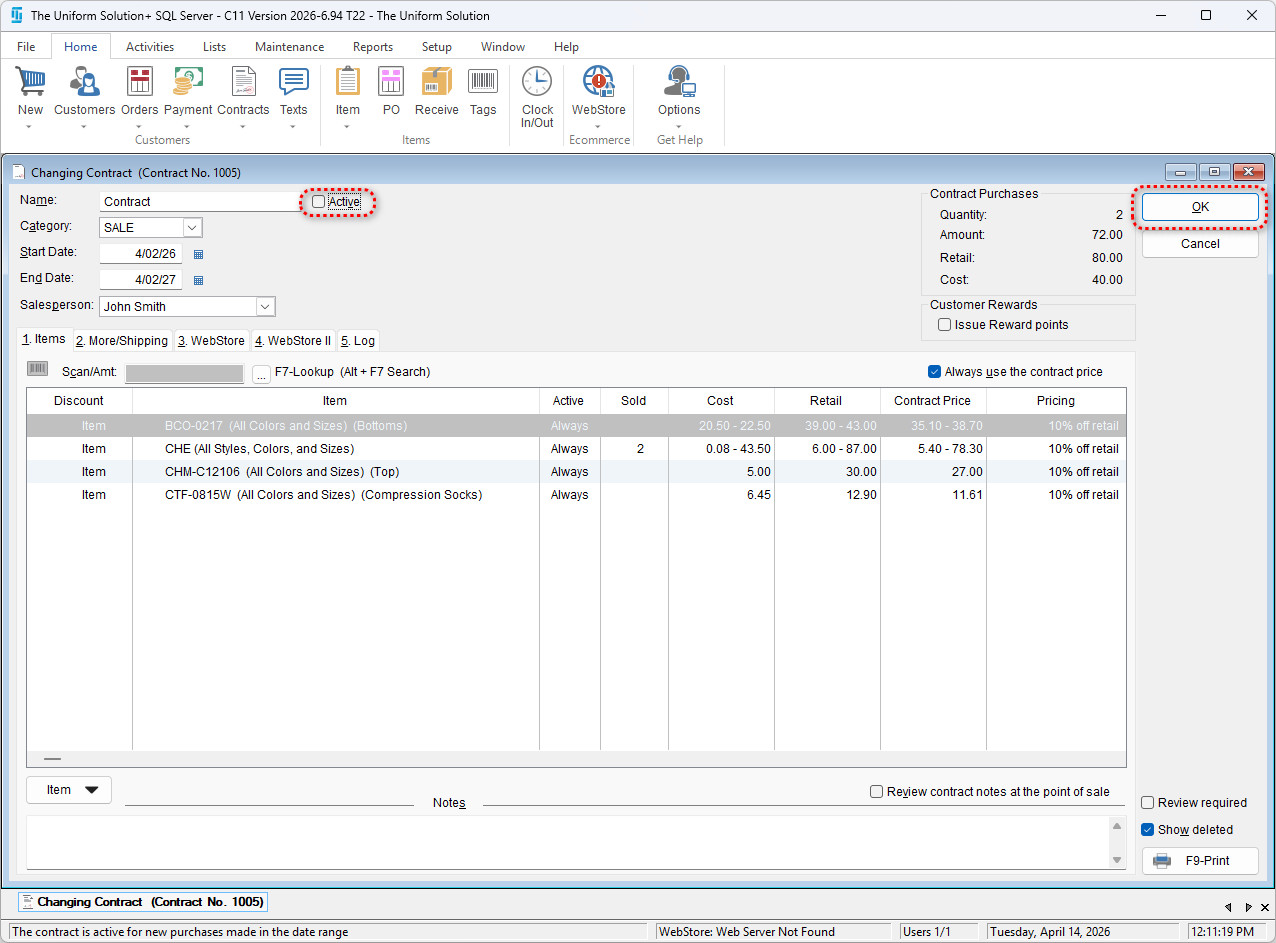
This article explains how to set an existing contract to Inactive status. Inactivating a contract prevents it from being used for future transactions, assignments, or references while still preserving it for historical records, reporting, and audits.
To set a contract to inactive,
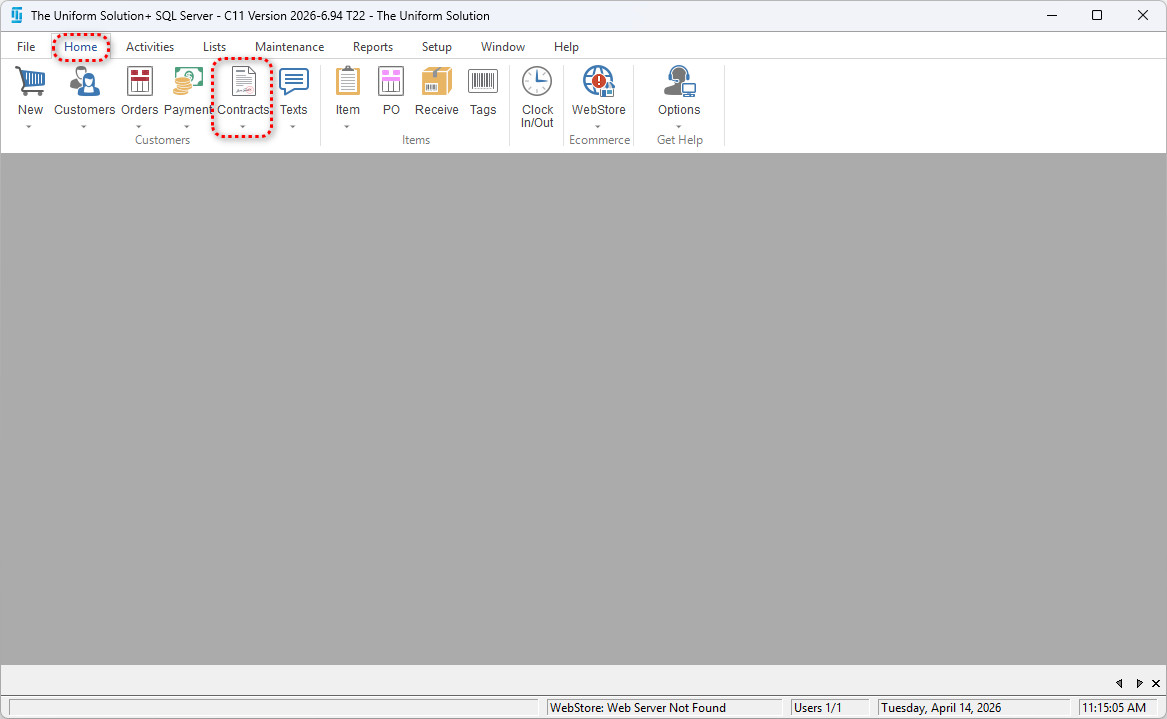
- Go to: Lists > Contracts
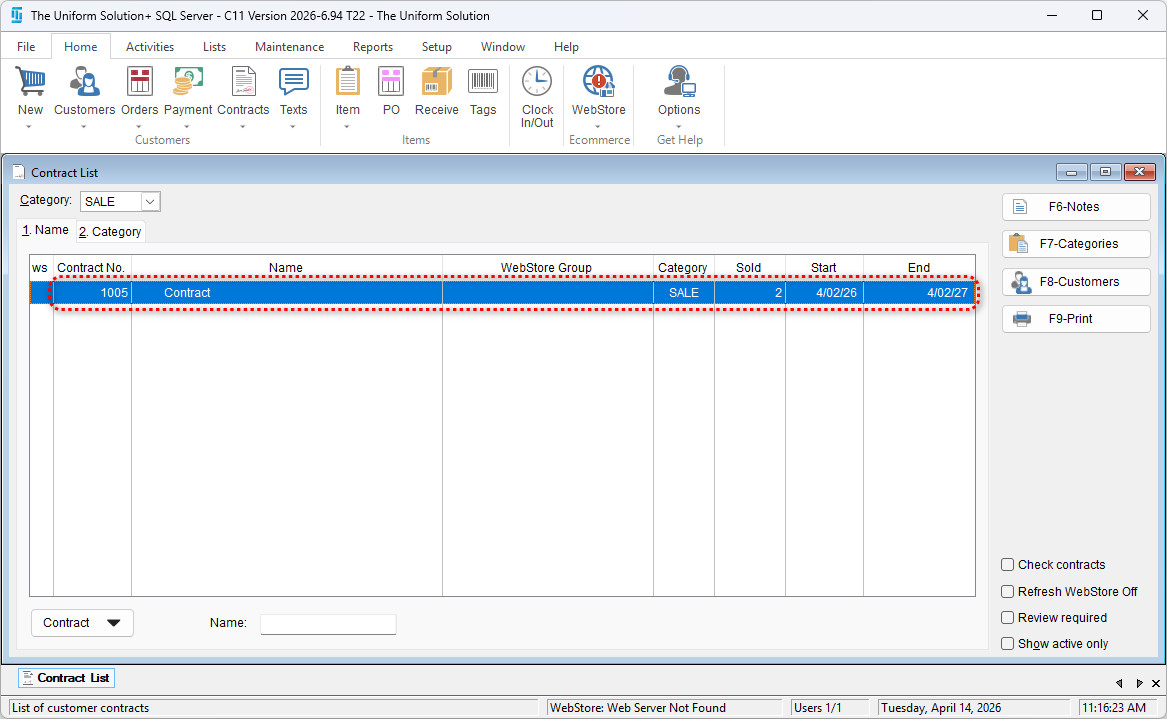
- Double-click to open the desired contact
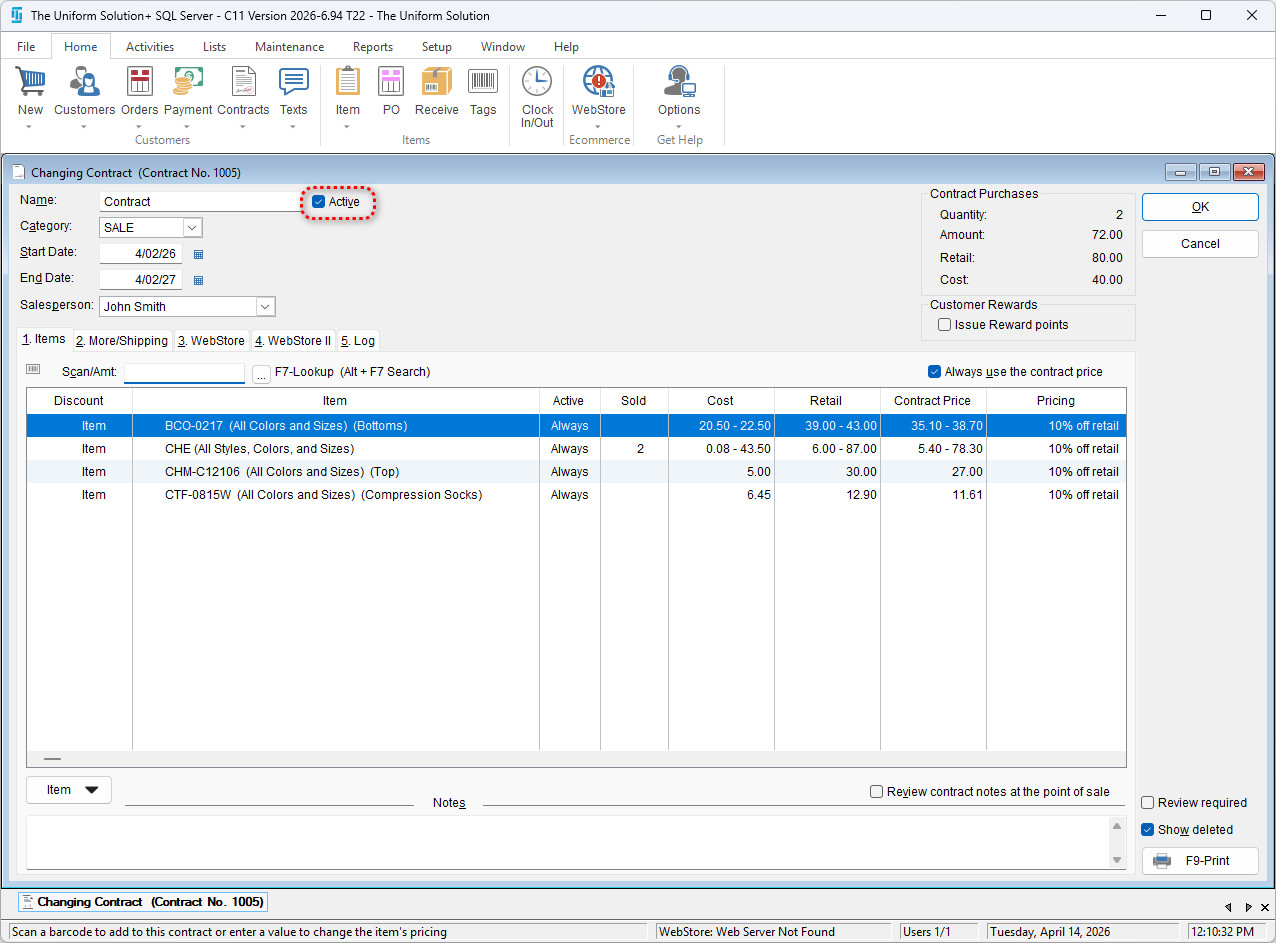
- Uncheck the box next Active
- Select OK to save this change