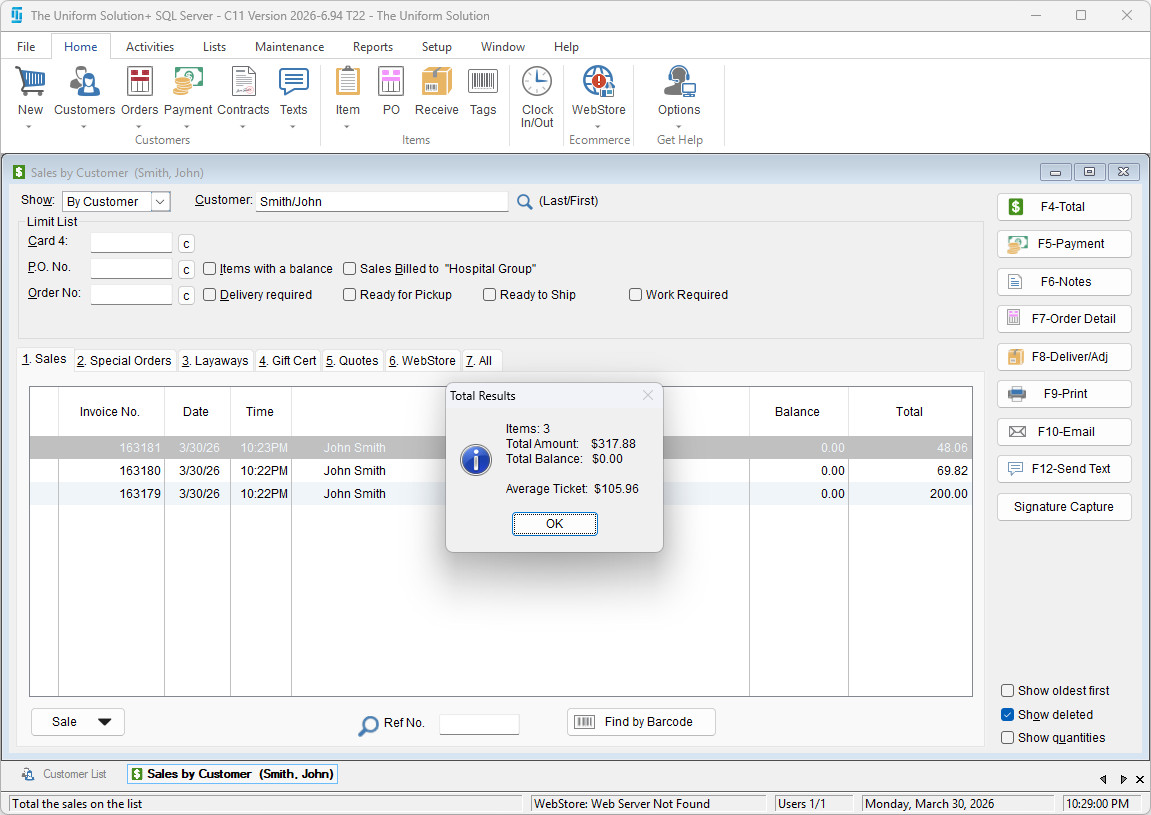
The system allows you to quickly review a customer’s average ticket size, along with other key sales metrics that help you analyze customer spending habits and account activity. This is useful for identifying purchasing patterns, evaluating customer value, and understanding overall sales performance.
How to View Average Ticket Size
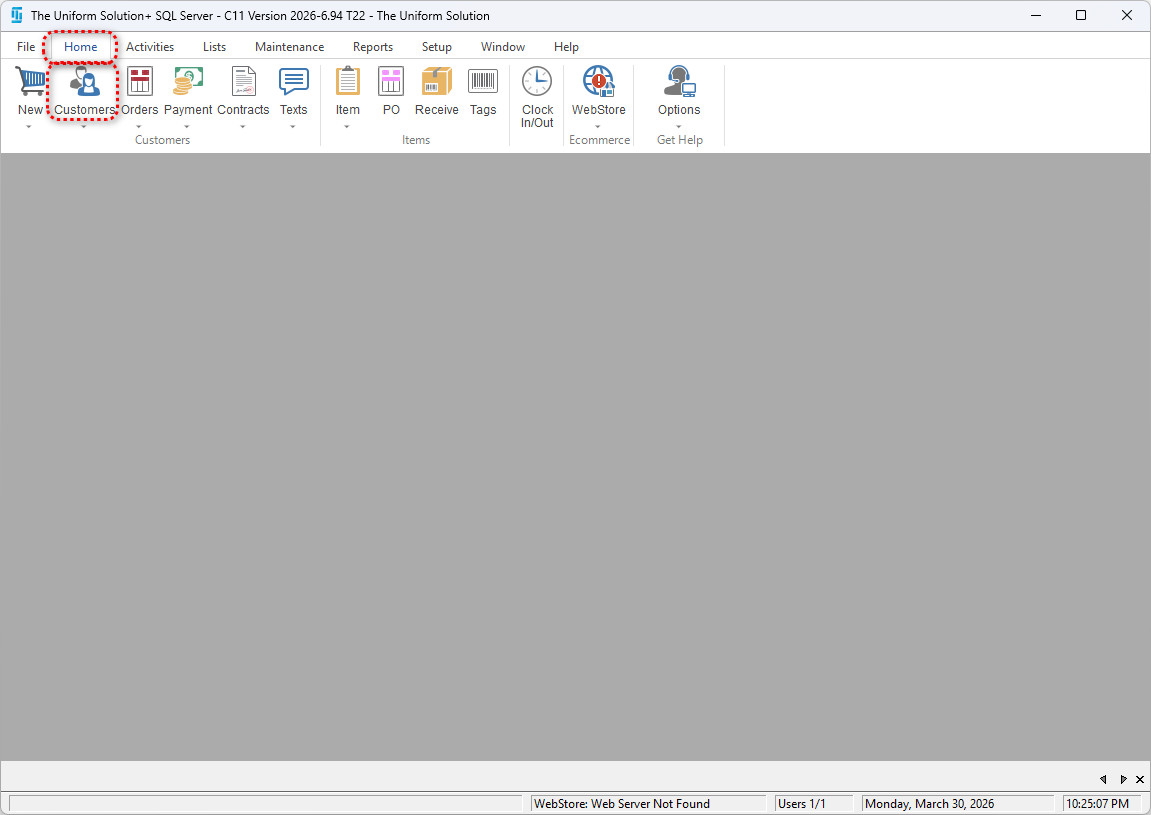
1. Open the Customer List
Go to Home > Customer to open the customer list.
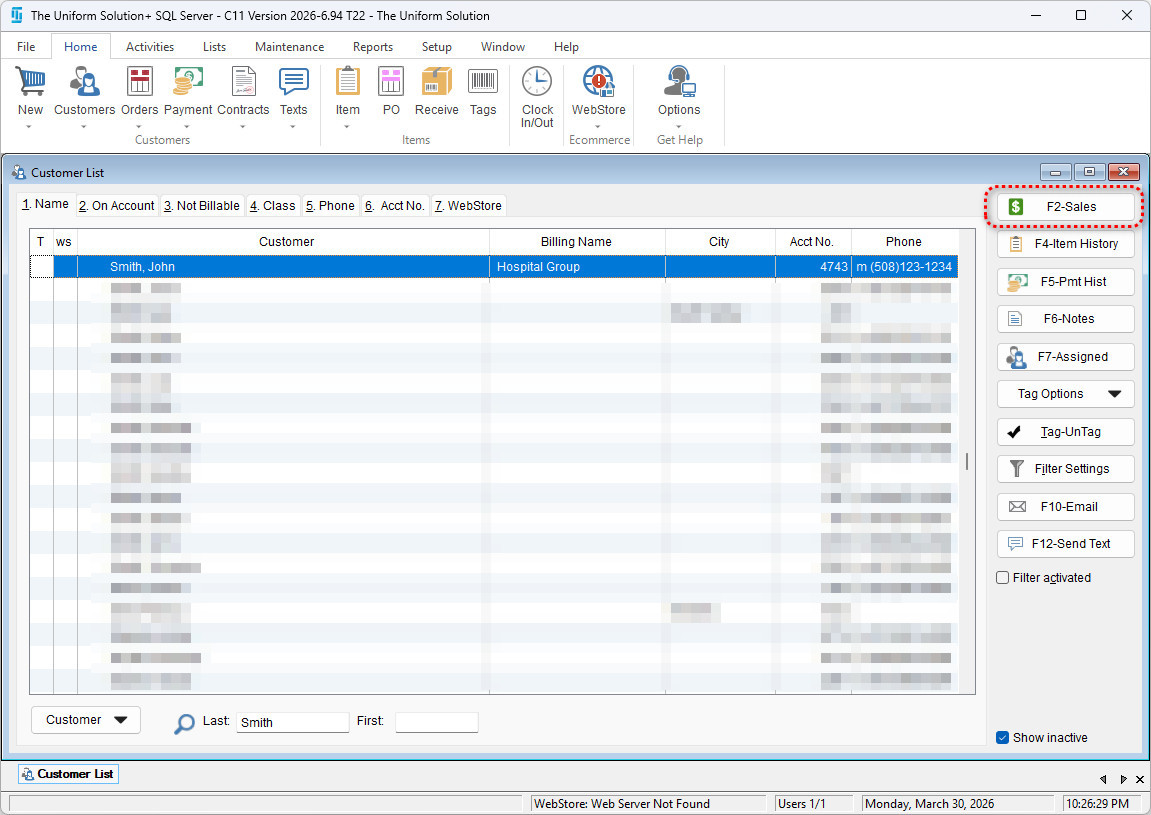
2. Select Customer and Open Sales History
Highlight the desired customer, then select F2 – Sales to open that customer’s complete sales history.
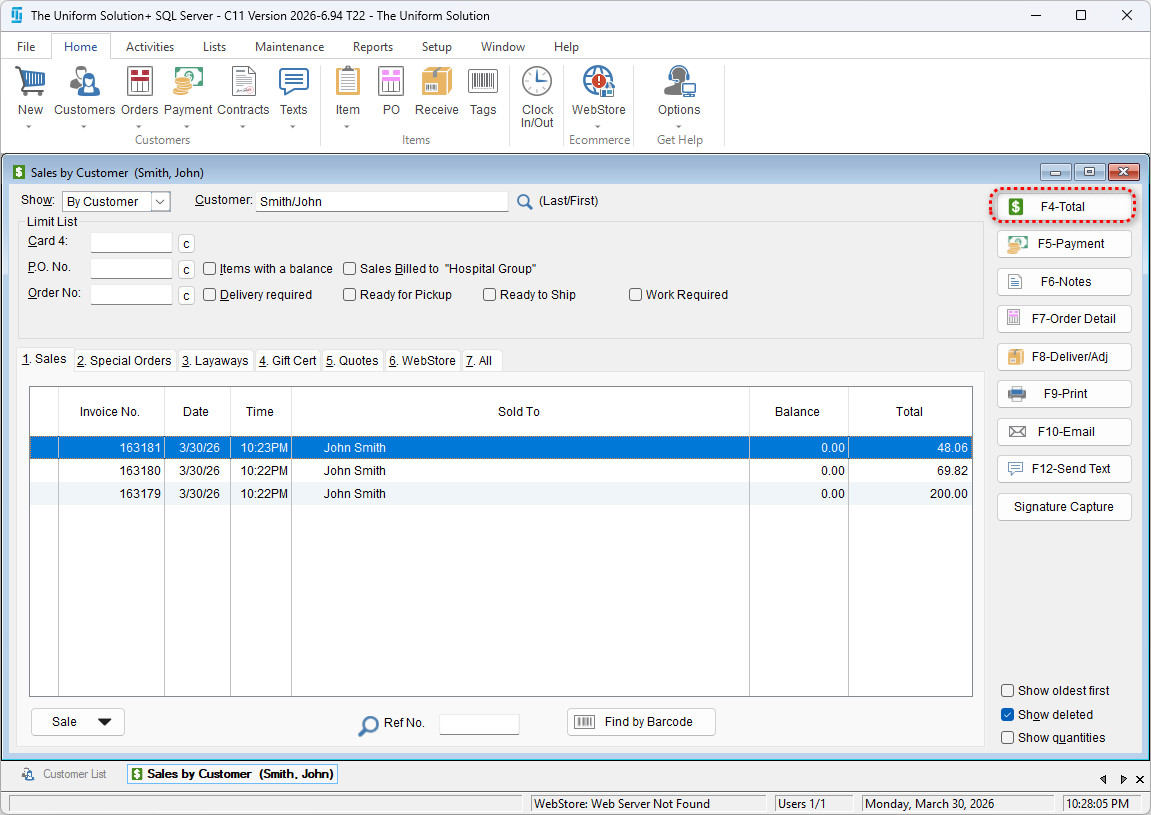
3. View Sales Totals
Select F4 – Total.
On the Total Results window, you will see:
- Total number of items sold
- Total amount spent
- Total unpaid balance
- Average ticket size