This article will cover how to view the Purchase Order Receipts (Receiving Lists) associated with a selected Purchase Order.
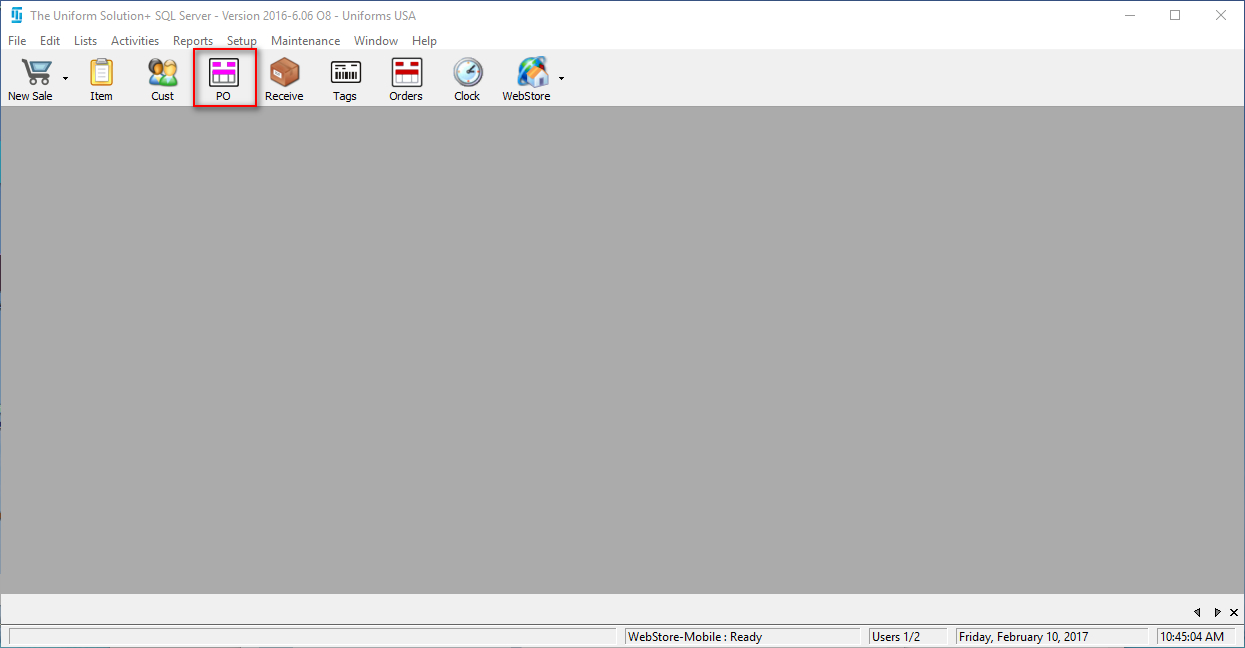
- You will start by going to Home>PO to open your Purchase Order List.
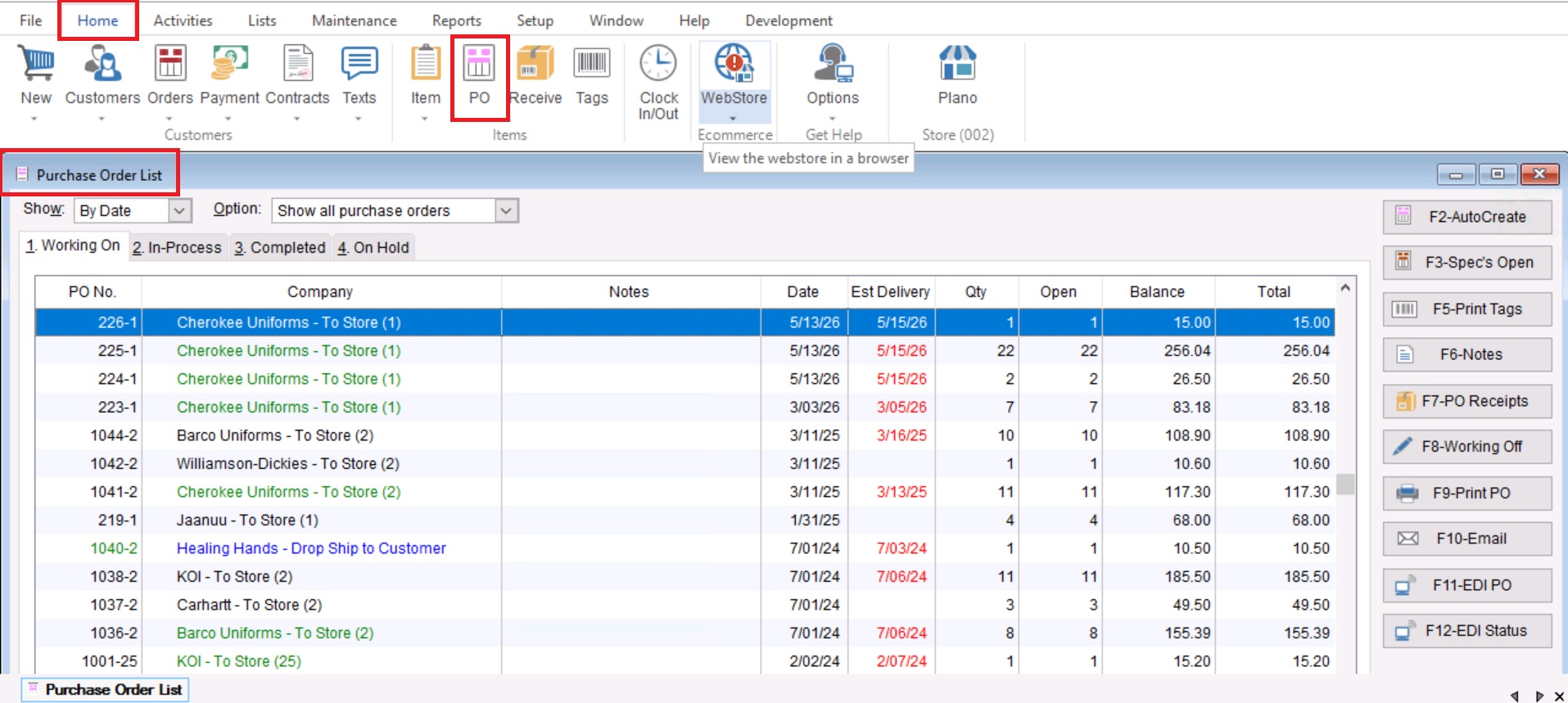
- Once you have opened your Purchase Order List, you will highlight your desired Purchase Order and select “F7- PO Receipts” on the right hand side.

- This will show all the Purchase Order Receipts (Receiving Lists) that are associated with your selected Purchase Order.

- From here you can choose to open either of these Receiving Lists to view the specifics saved on it by double clicking on a record or choosing the “View” option.