
This article will cover how to arrange your Purchase Order List to show the oldest orders at the top of the list.
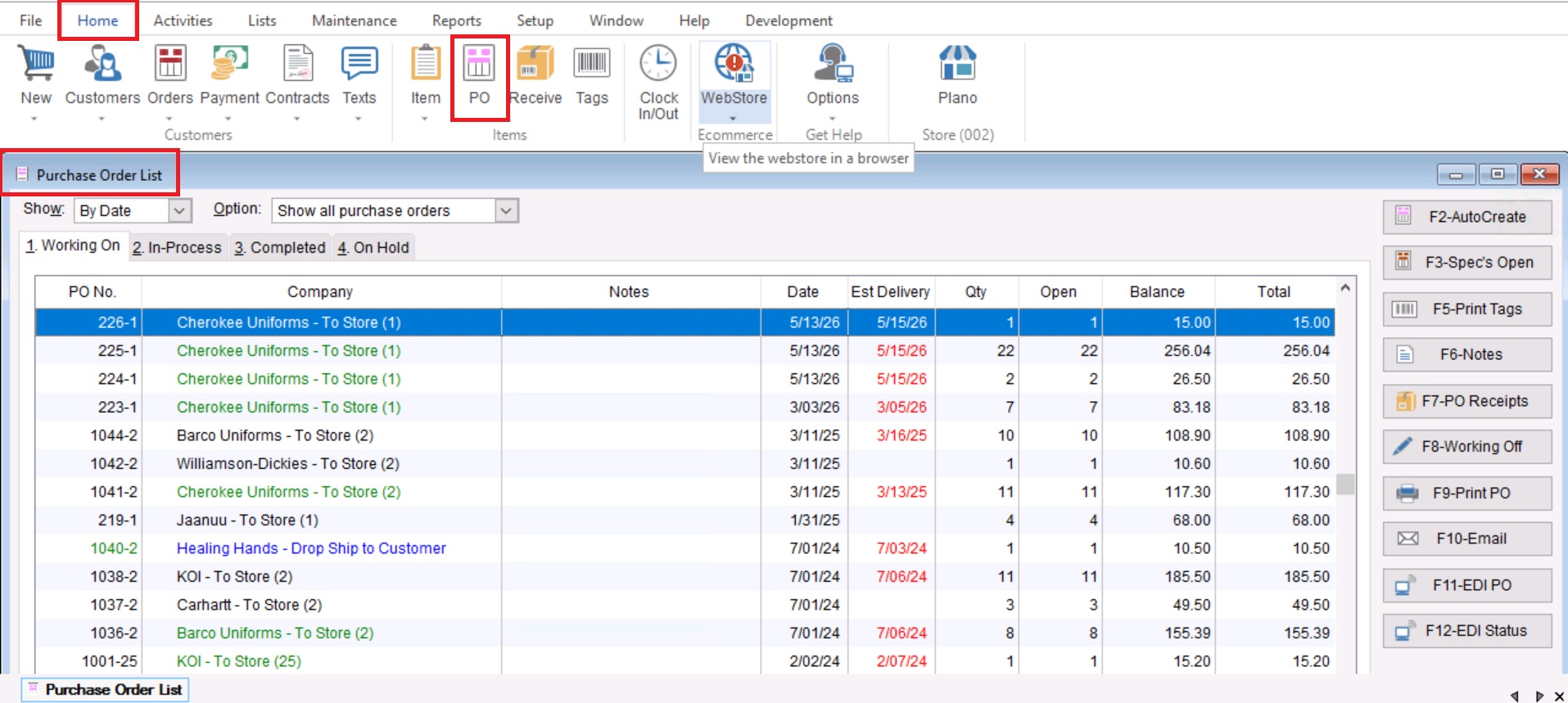
- First you will go to Home>PO to open your Purchase Order List.
- Once you have opened your Purchase Order list you will choose the “Show oldest first” check box at the bottom right of the screen.
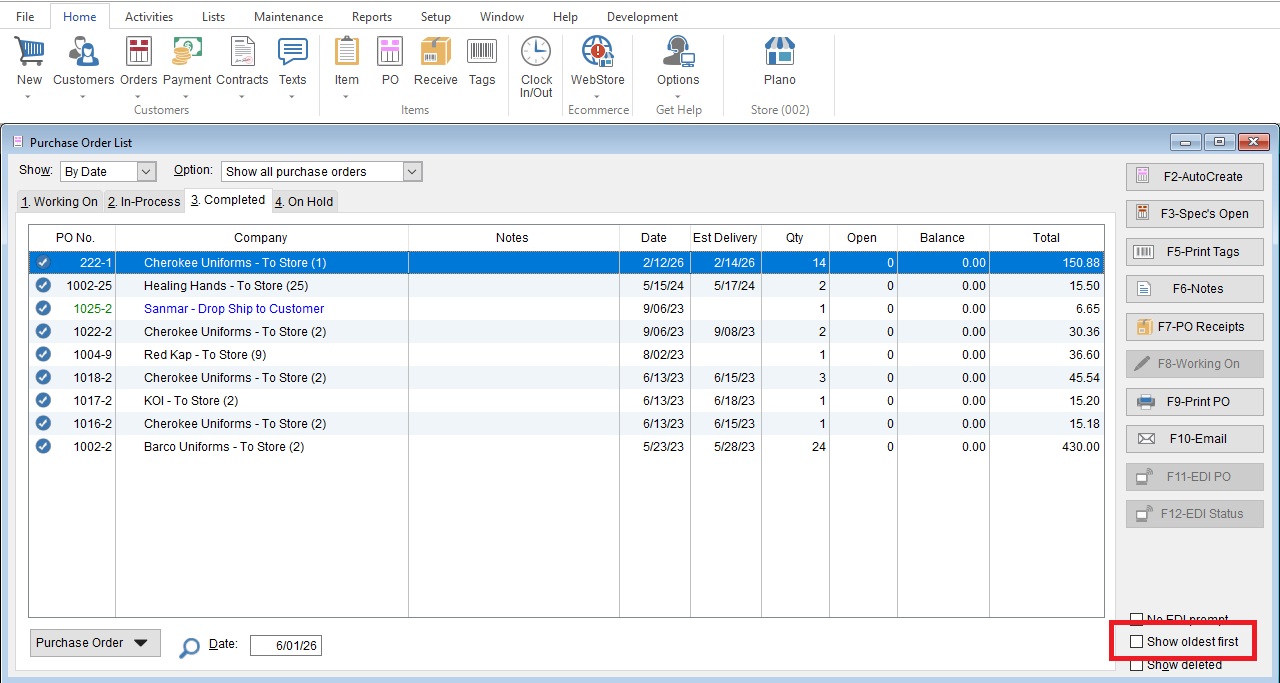
- The list will automatically re-organize accordingly