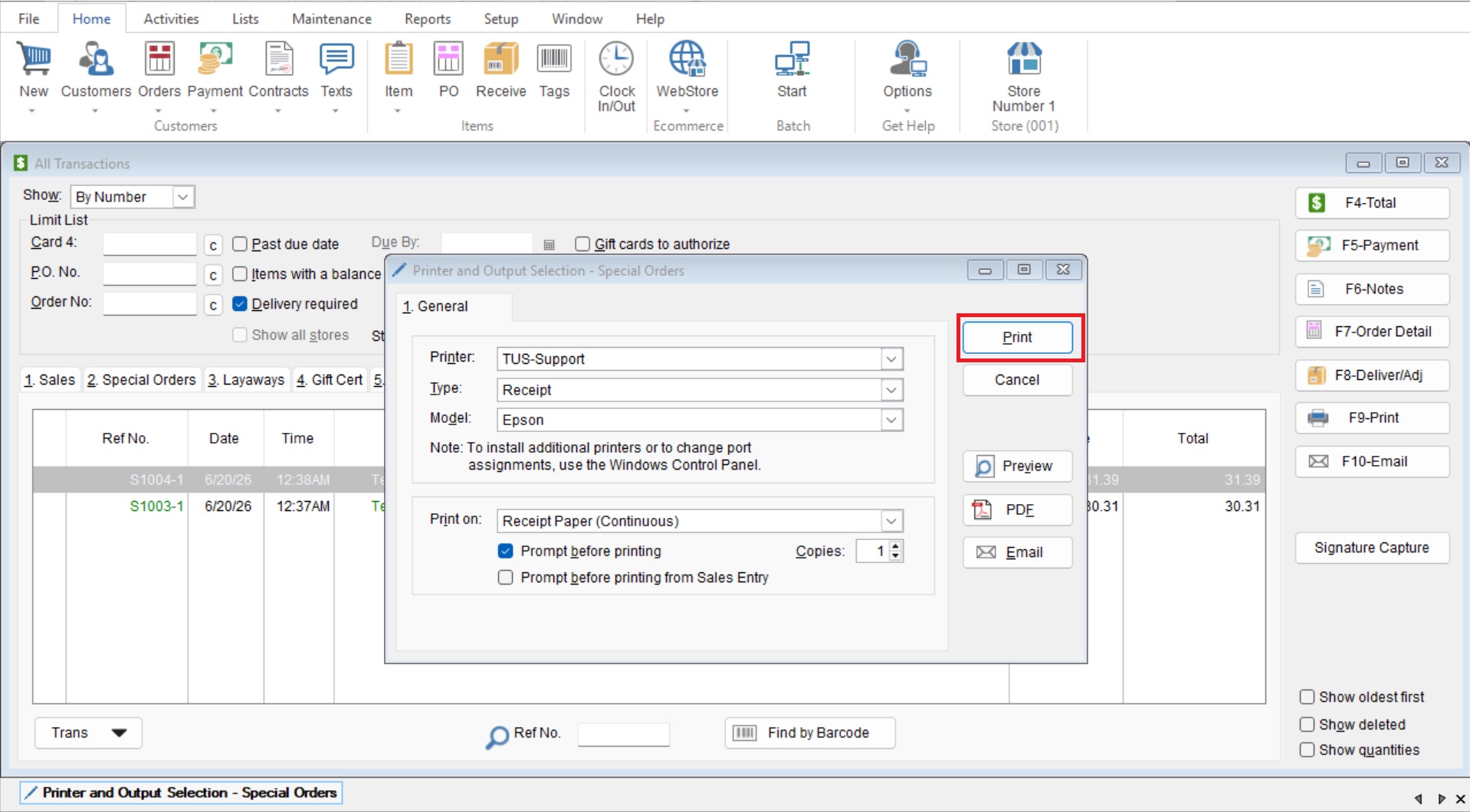
This article will cover how to quickly print a special order.
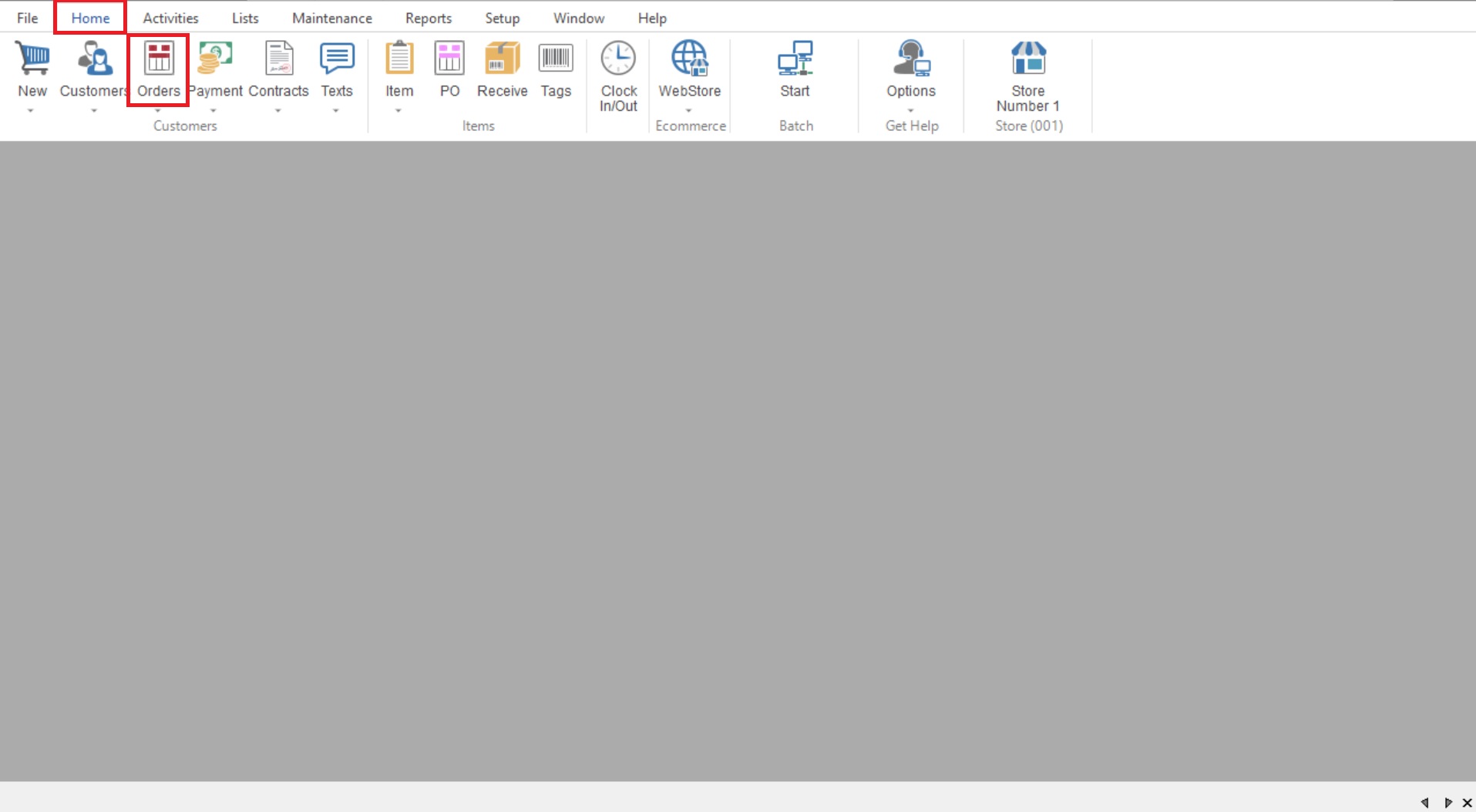
- You will start by going to “Home>Orders” to open your “Open Special Order List (All Transactions)”
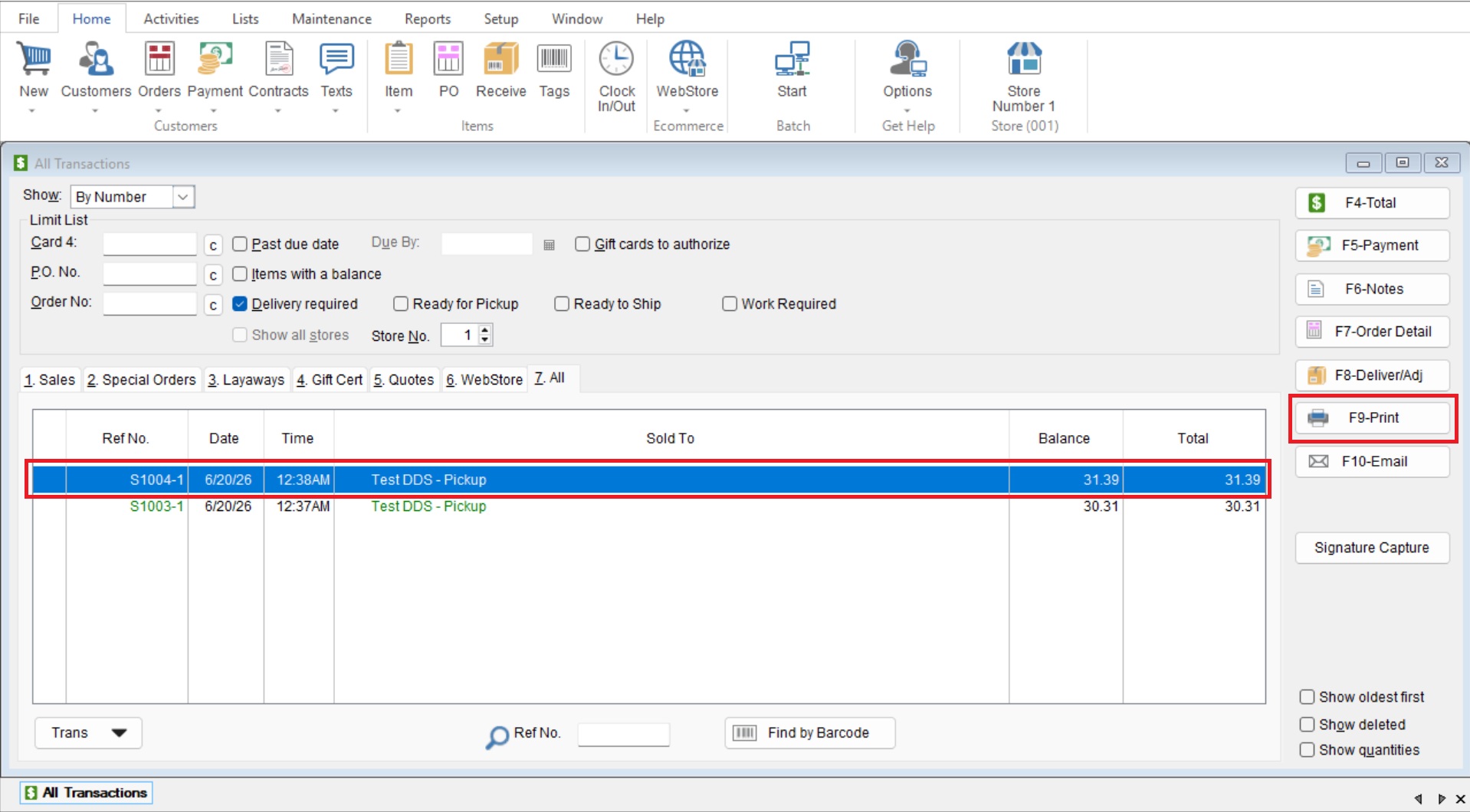
- Highlight your desired Special Order and select the “F9-Print” button.
- Here you will see the “Printer Output and Selections” screen, choose your desired printer and select “Print”.