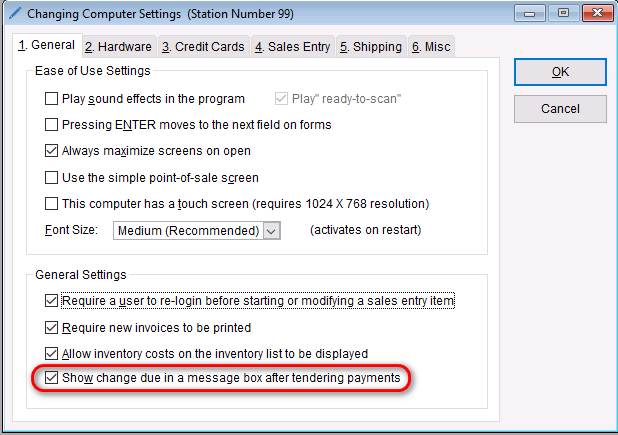
The program can easily display the change due after tendering payments. To deactivate or activate this automated message,
- Go to: Setup > Computer
- On the General tab under “General Settings”, check/uncheck the box that says “Show change due in a message box after tendering payments”
- Select OK to save this change.