This article will cover how to email a Purchase Order.
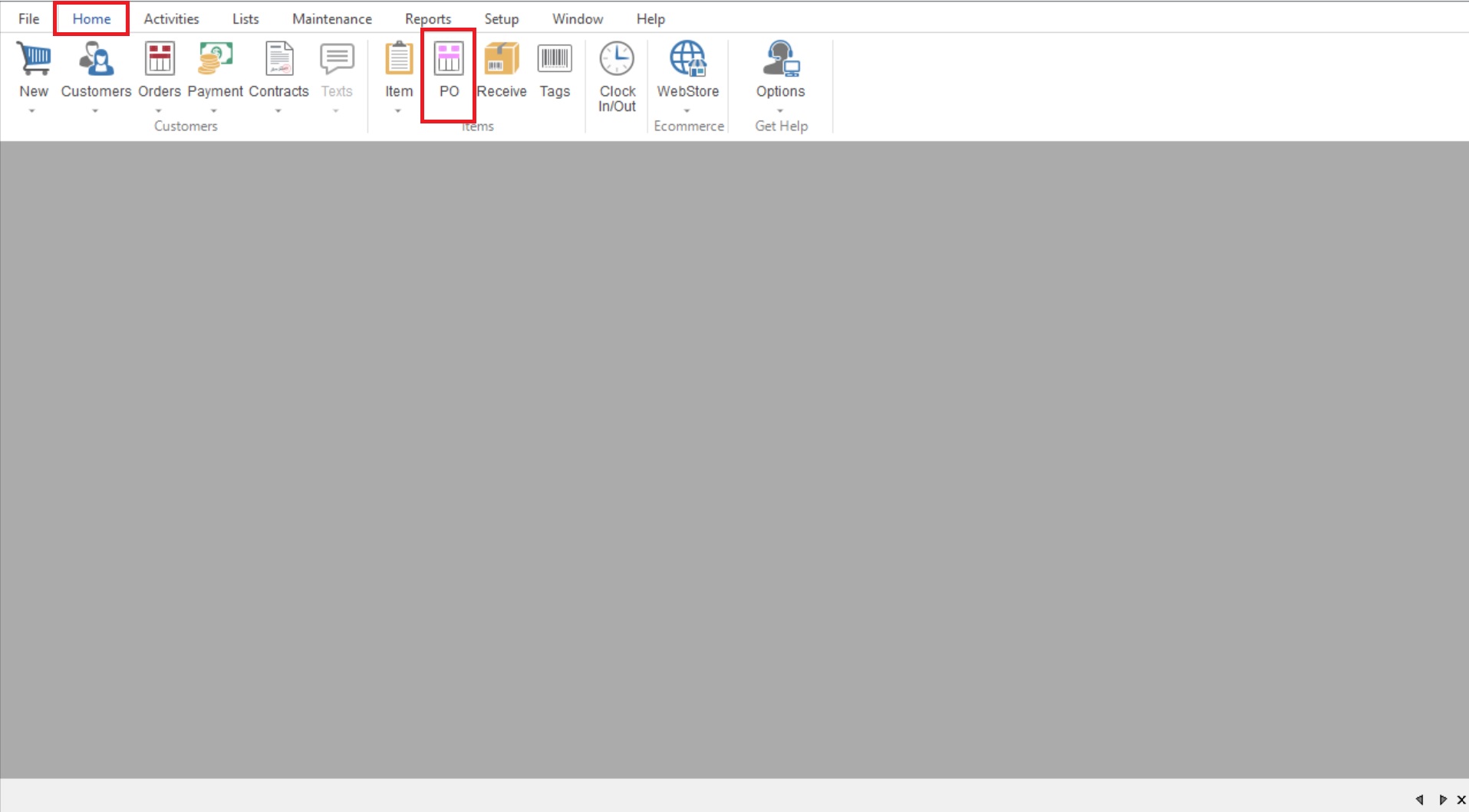
- First you will select Home>PO to open your Purchase Order List.
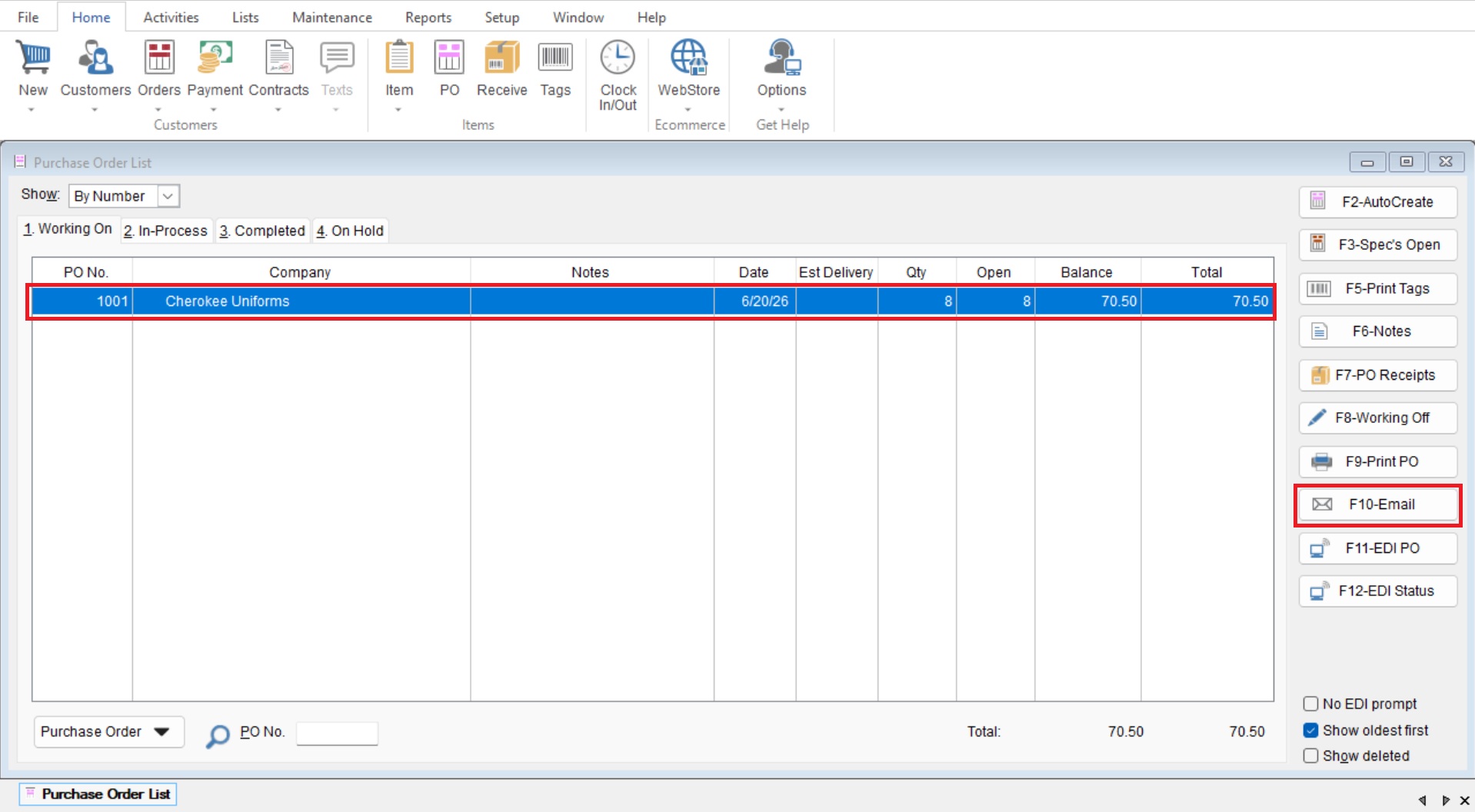
- Select your desired Purchase Order and select “F10-Email” on the right hand side.
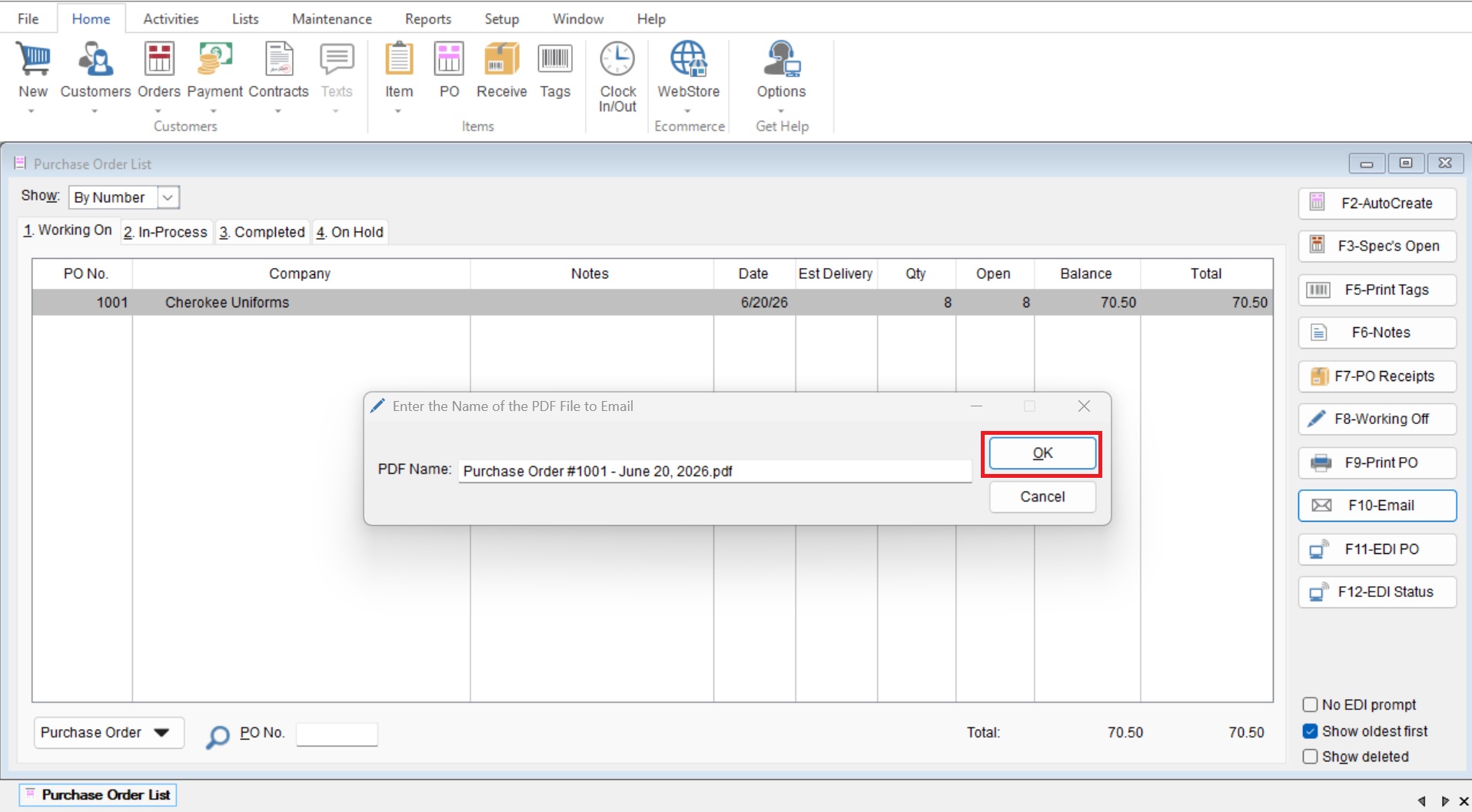
- You are now able to adjust the name of the PDF if you would like, if not we can select “OK” to continue.
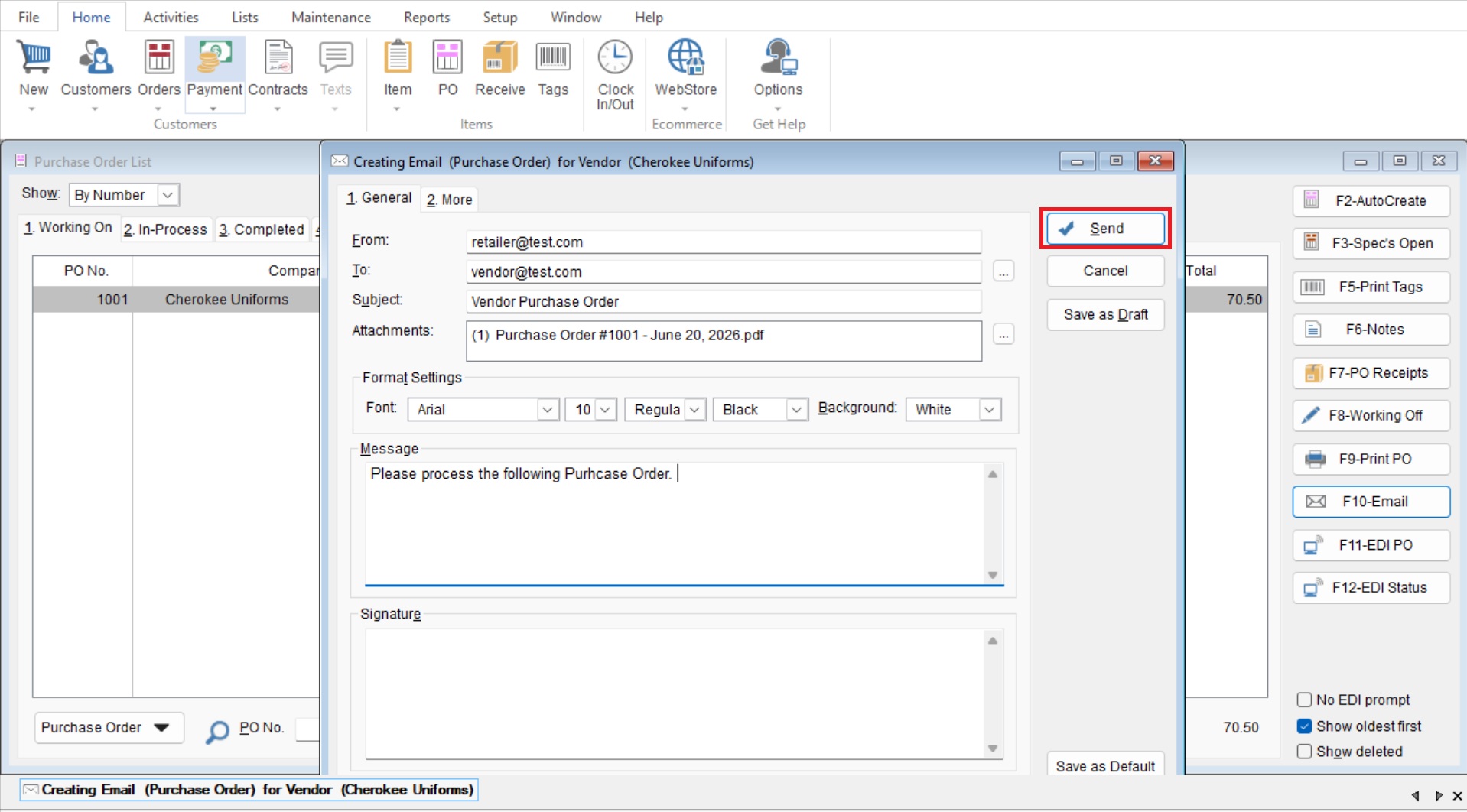
- You will now enter your Email information in the provided section.
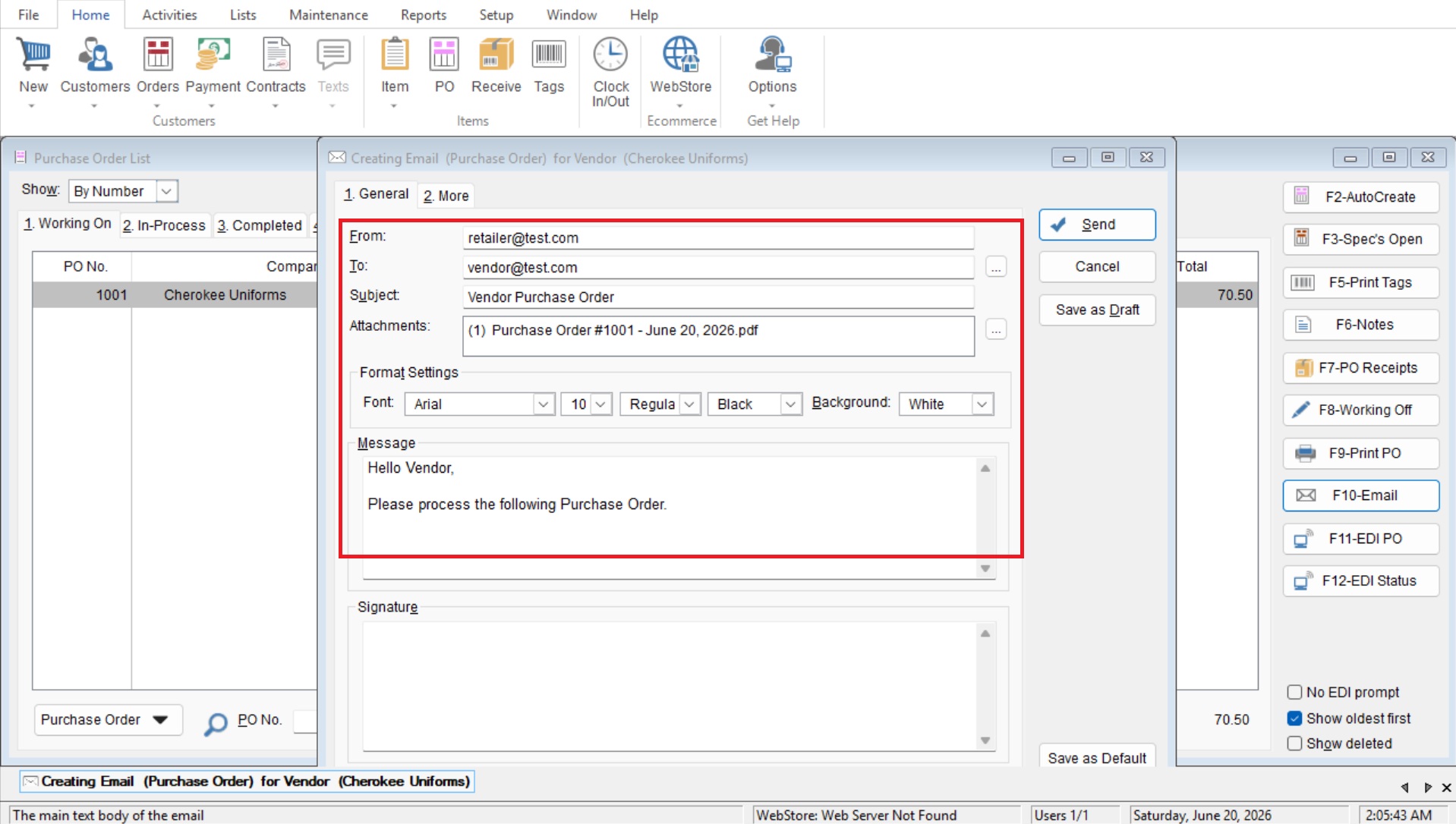
- Select “Send” to complete your email.