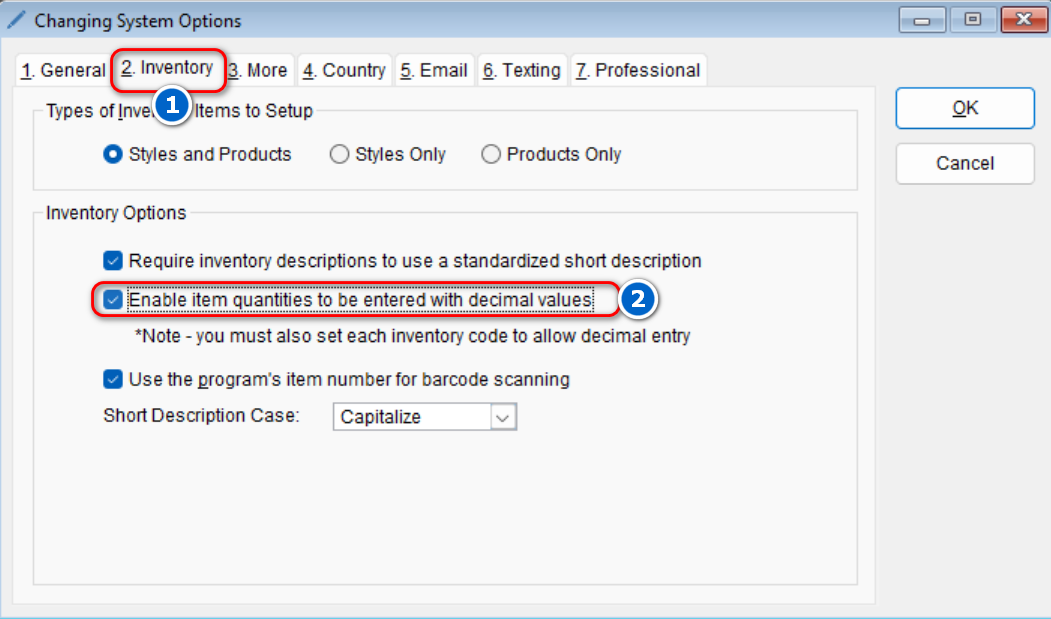
The program automatically defaults to not allow item quantities to be entered with decimal. If you’d like the ability to enter item quantities with decimal values,
- Go to: Setup > System
- Select the Inventory tab > Under the “Inventory Options” section, check the box next to the Enable item quantities to be entered with decimal values option
- Select OK to save your changes