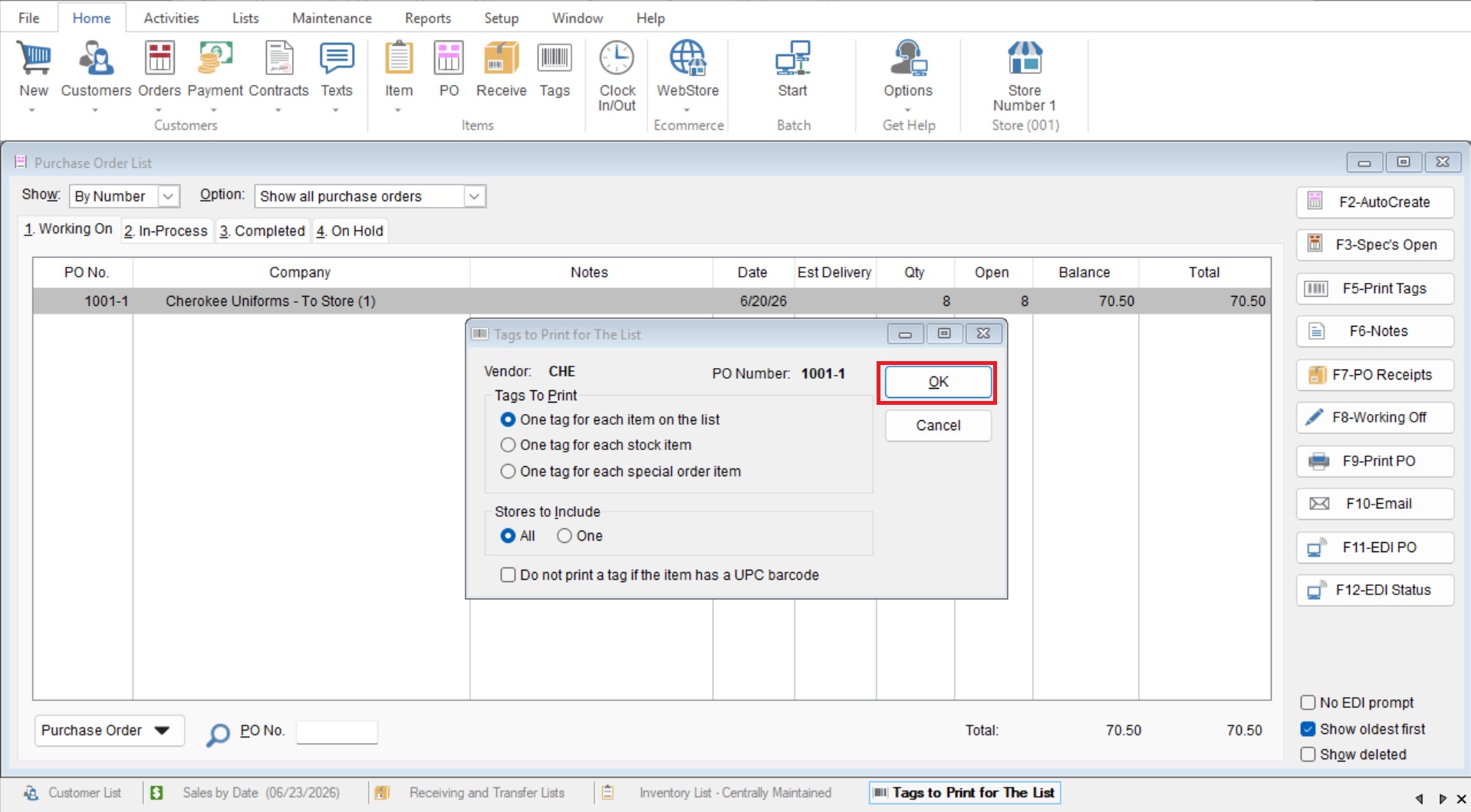
This Article will cover how to print Tags from a Purchase Order.
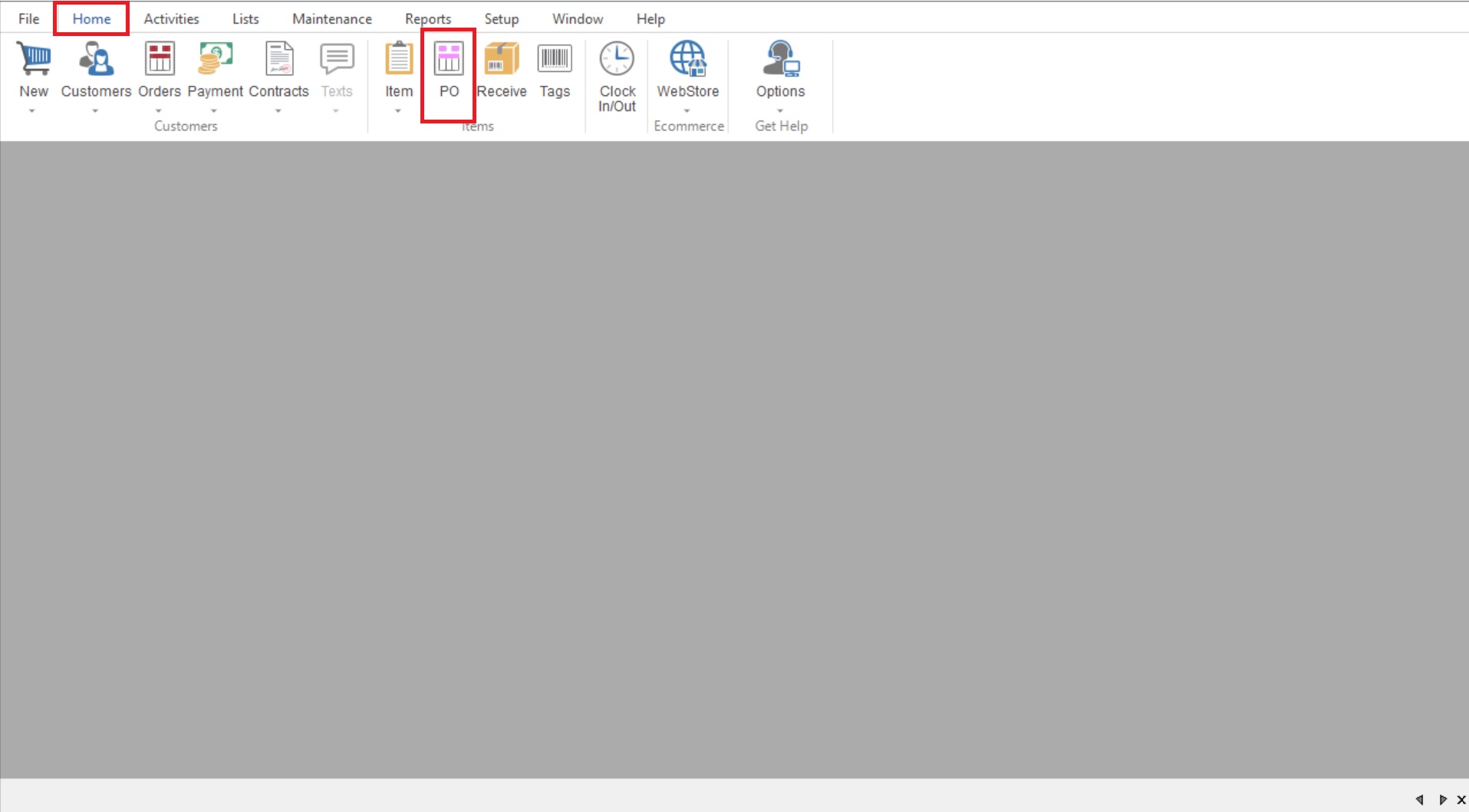
- You will first go to Home>PO to open your Purchase Order List.
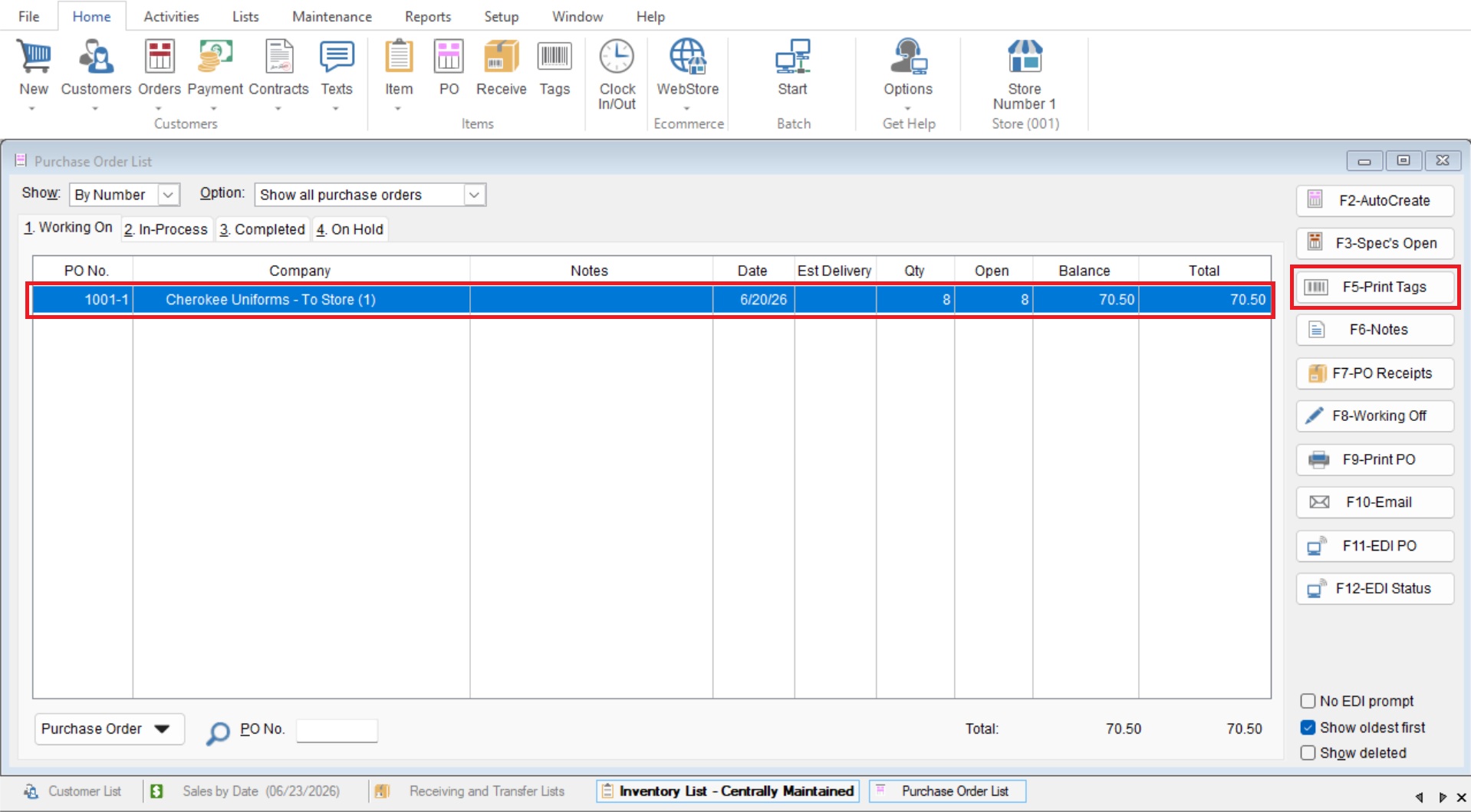
- Highlight your desired Purchase Order by single clicking on it and choose “F5-Print Tags”
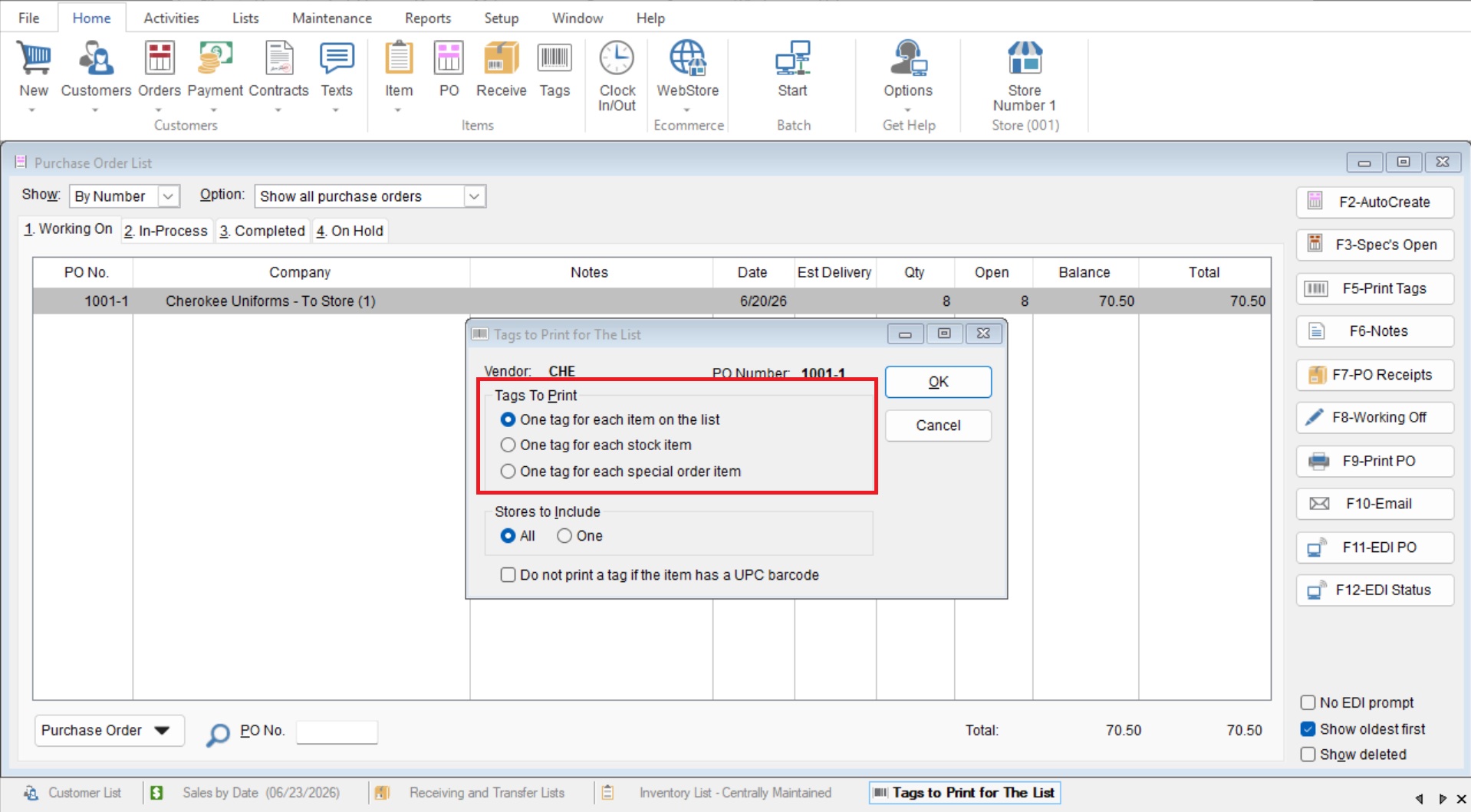
- This will open your “Tags to Print for List” screen.
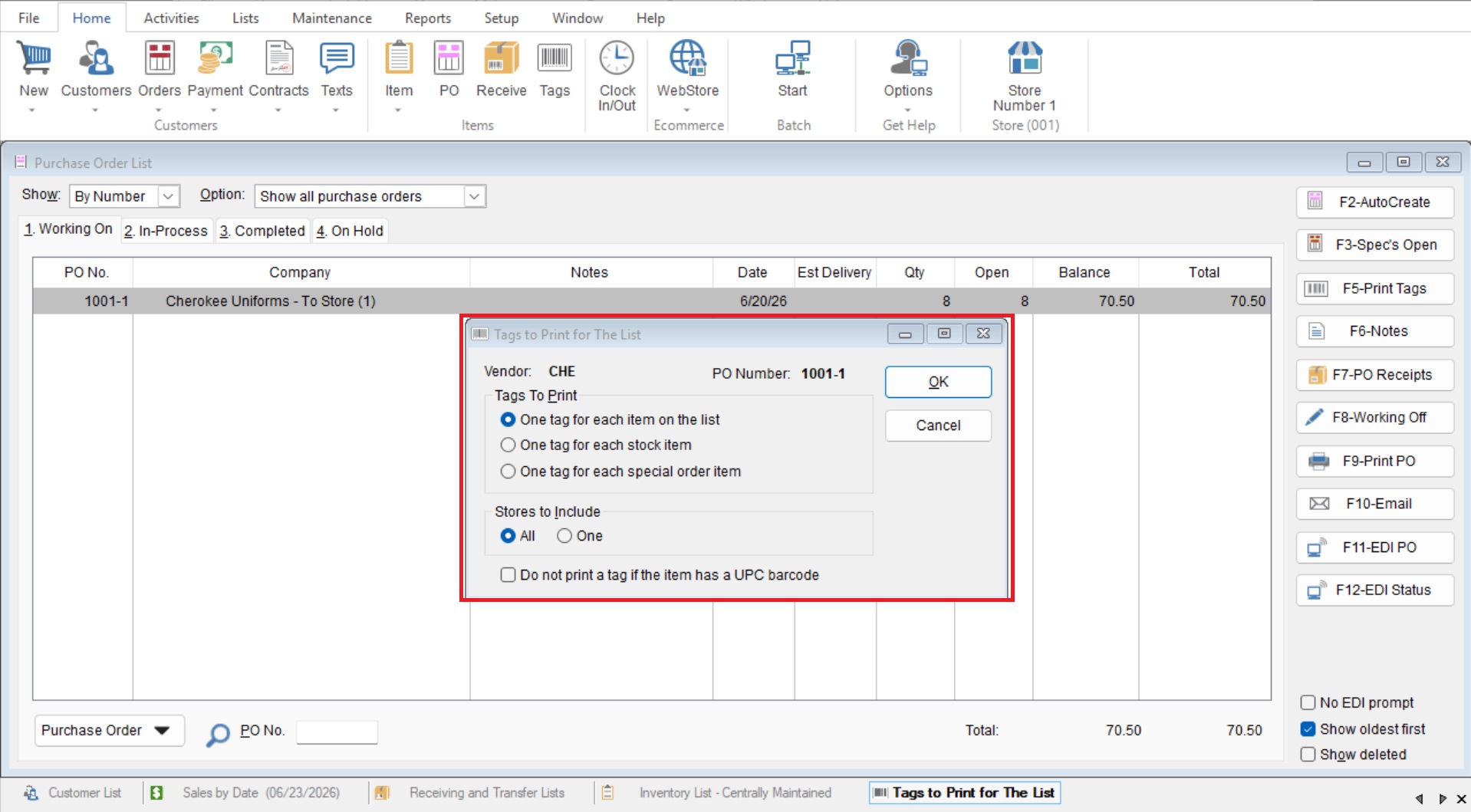
- Here you will first select which tags you would like from the “Tags to Print” section.
- Lastly you can choose what store to print for and if you want to skip tags if they have a UPC barcode.
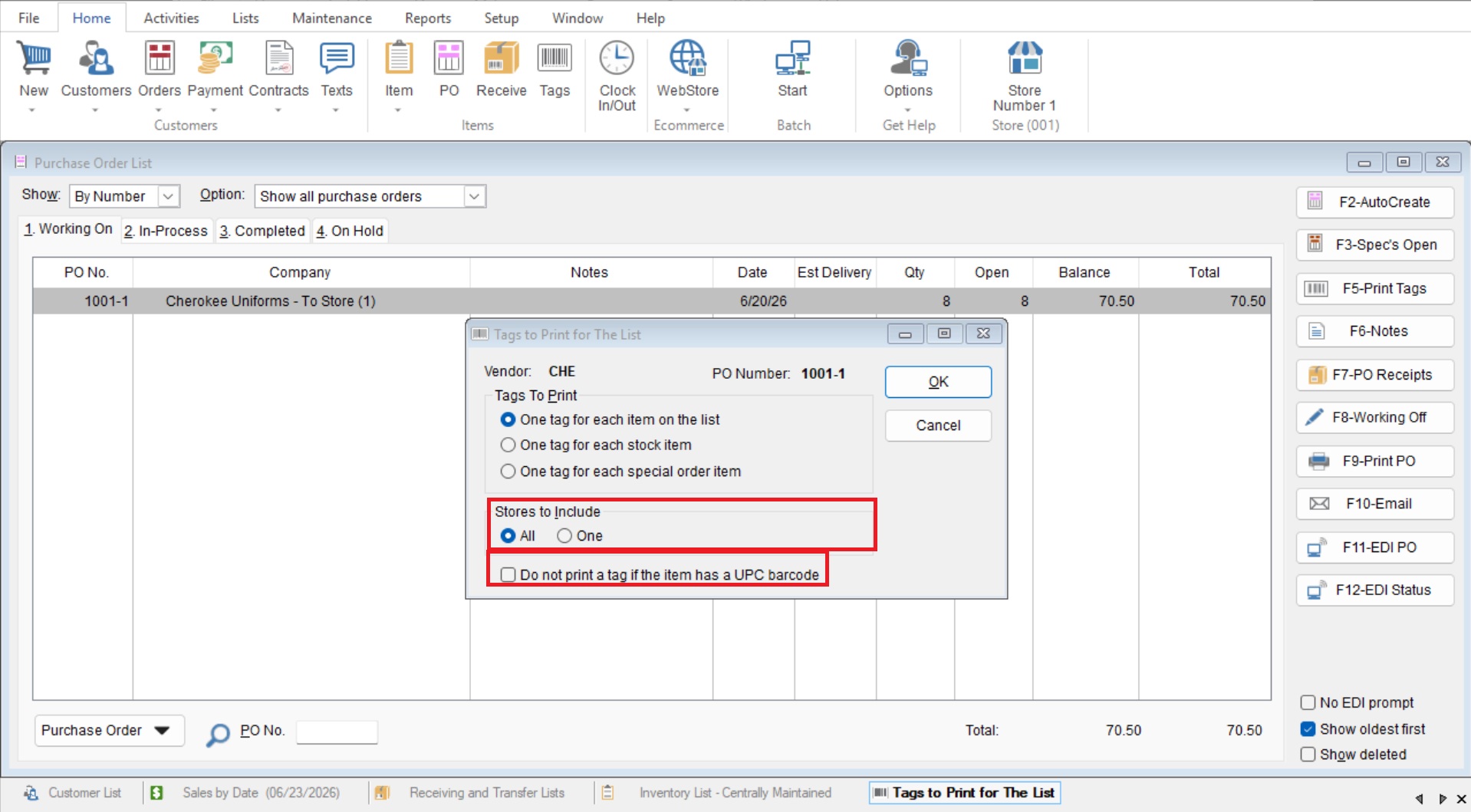
- Now you can select “OK” to print your tags.