This article will cover how to rerun a catalog for a vendor, this can be helpful if you missed something when running the update initially or are missing items after your Catalog Update.
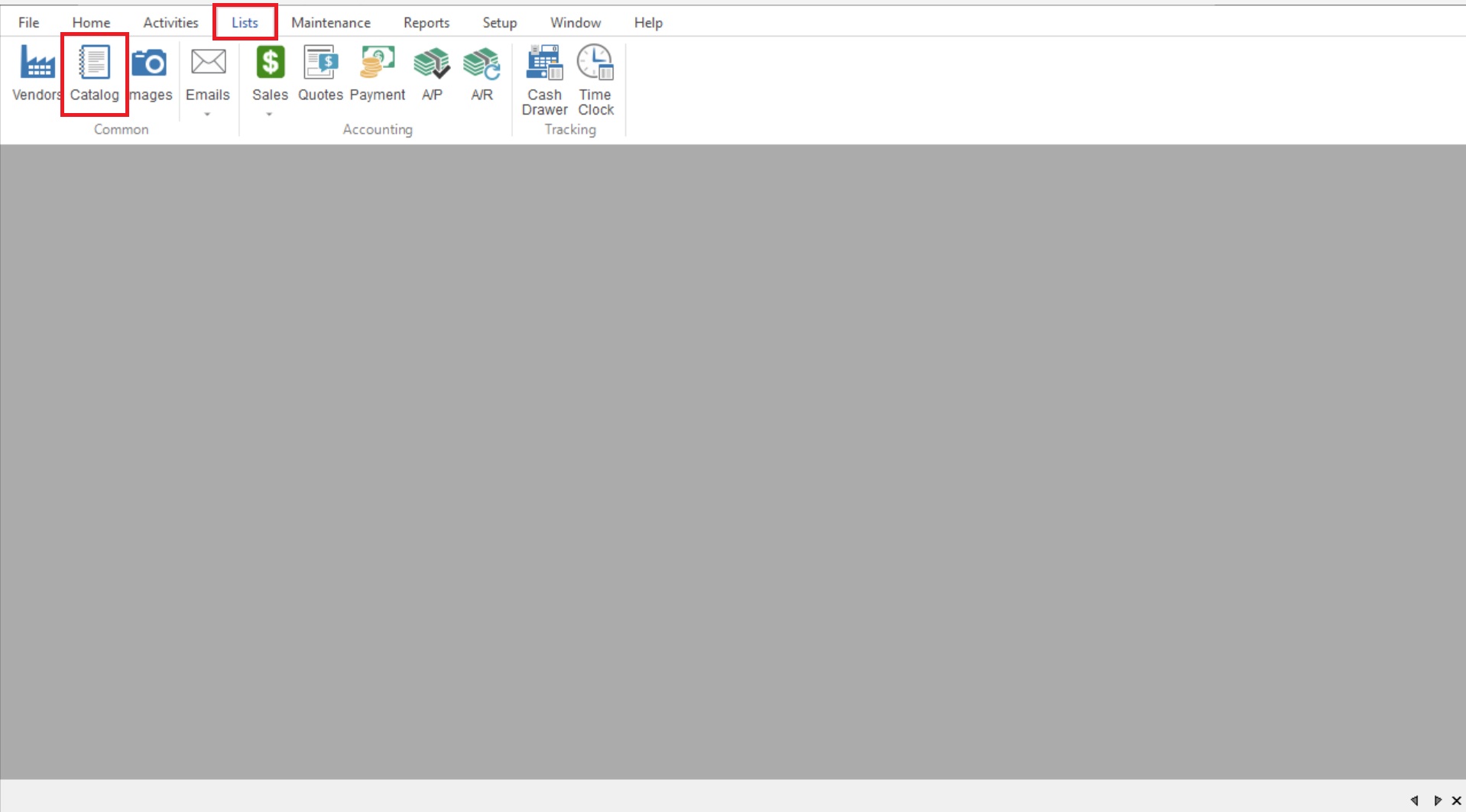
- You will start by going to List>Catalog to open your Catalog List.
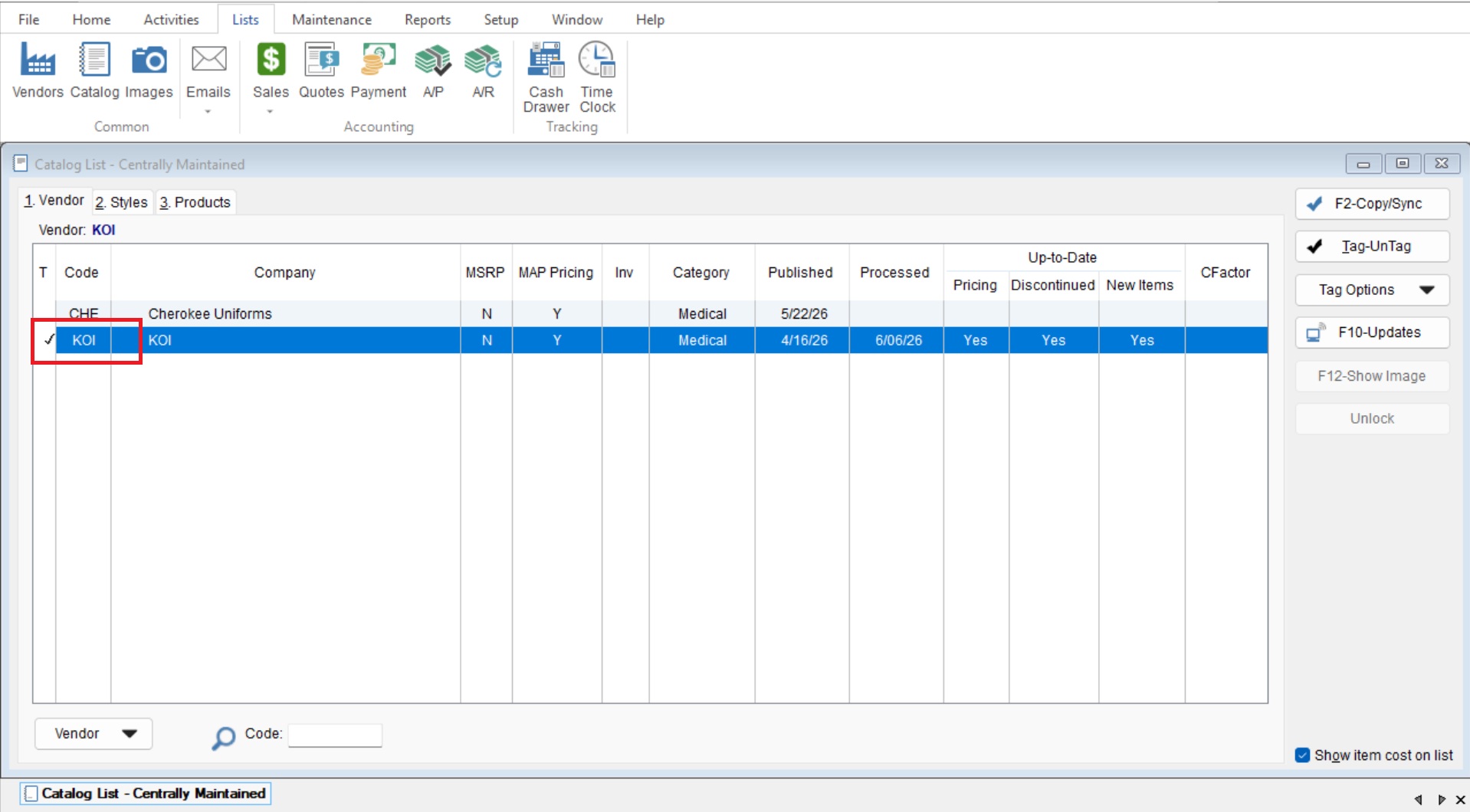
- “Tag” your desired catalog by single clicking on it to make a check mark appear to the left of the catalog record.
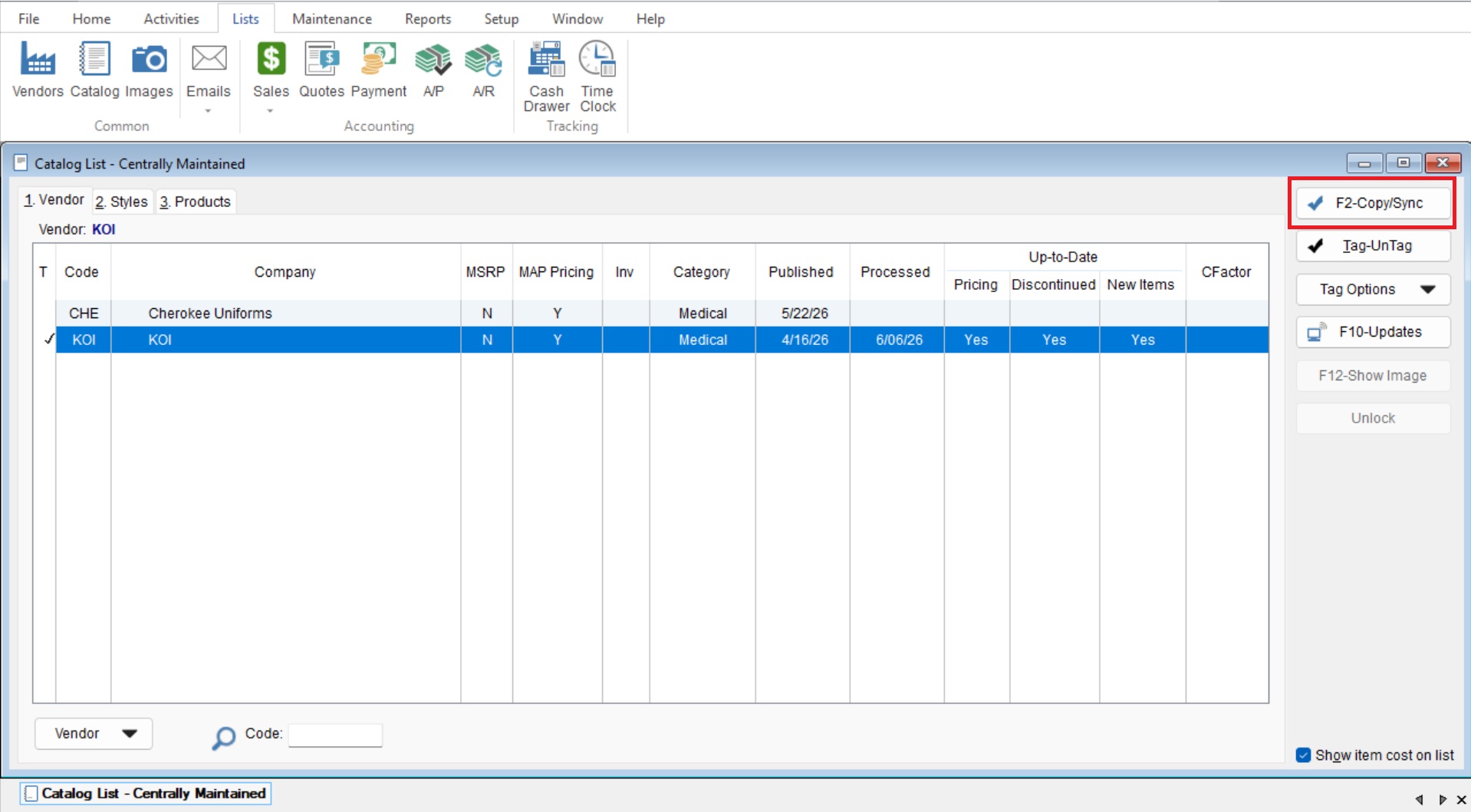
- Once you have your catalog tagged you will select “F2-Copy/Sync” to run your catalog.