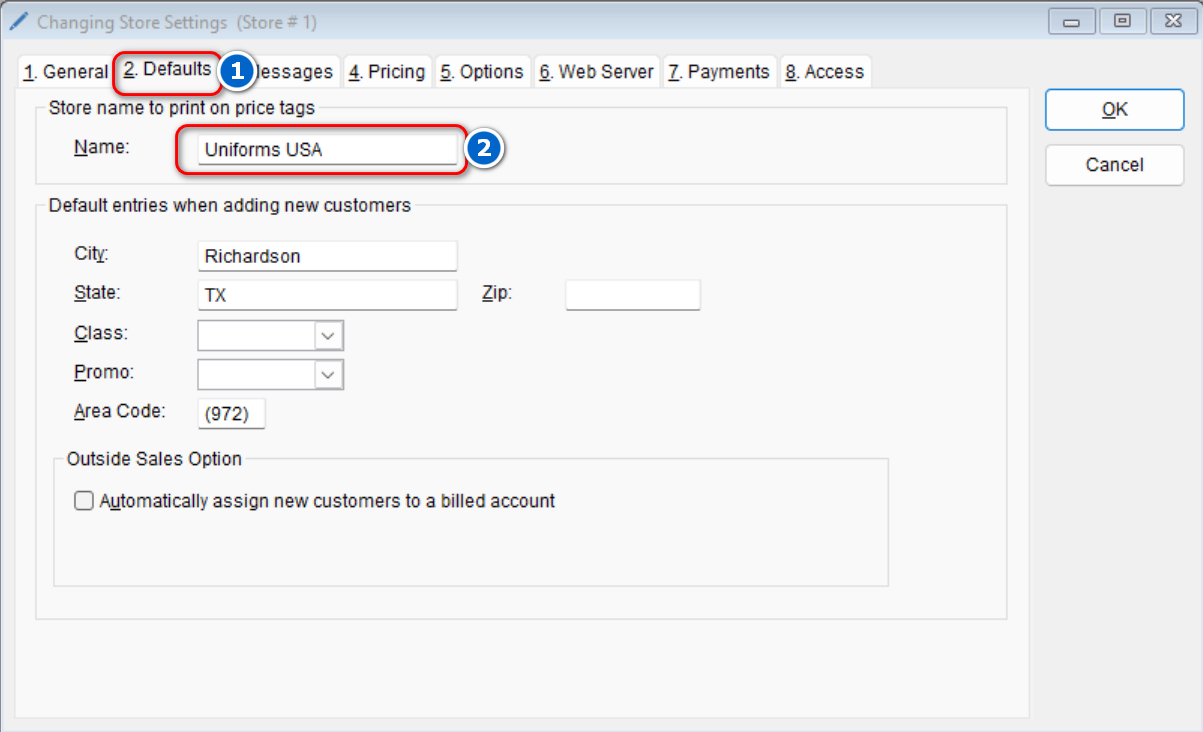
The store name to be printed on price tags can be quickly updated in the program.
- Go to: Setup > Store Drop Down Arrow> Update Store Settings
- Select the Defaults tab > Enter the new desired name in the Name Field
- Select OK to save the new changes

The store name to be printed on price tags can be quickly updated in the program.