
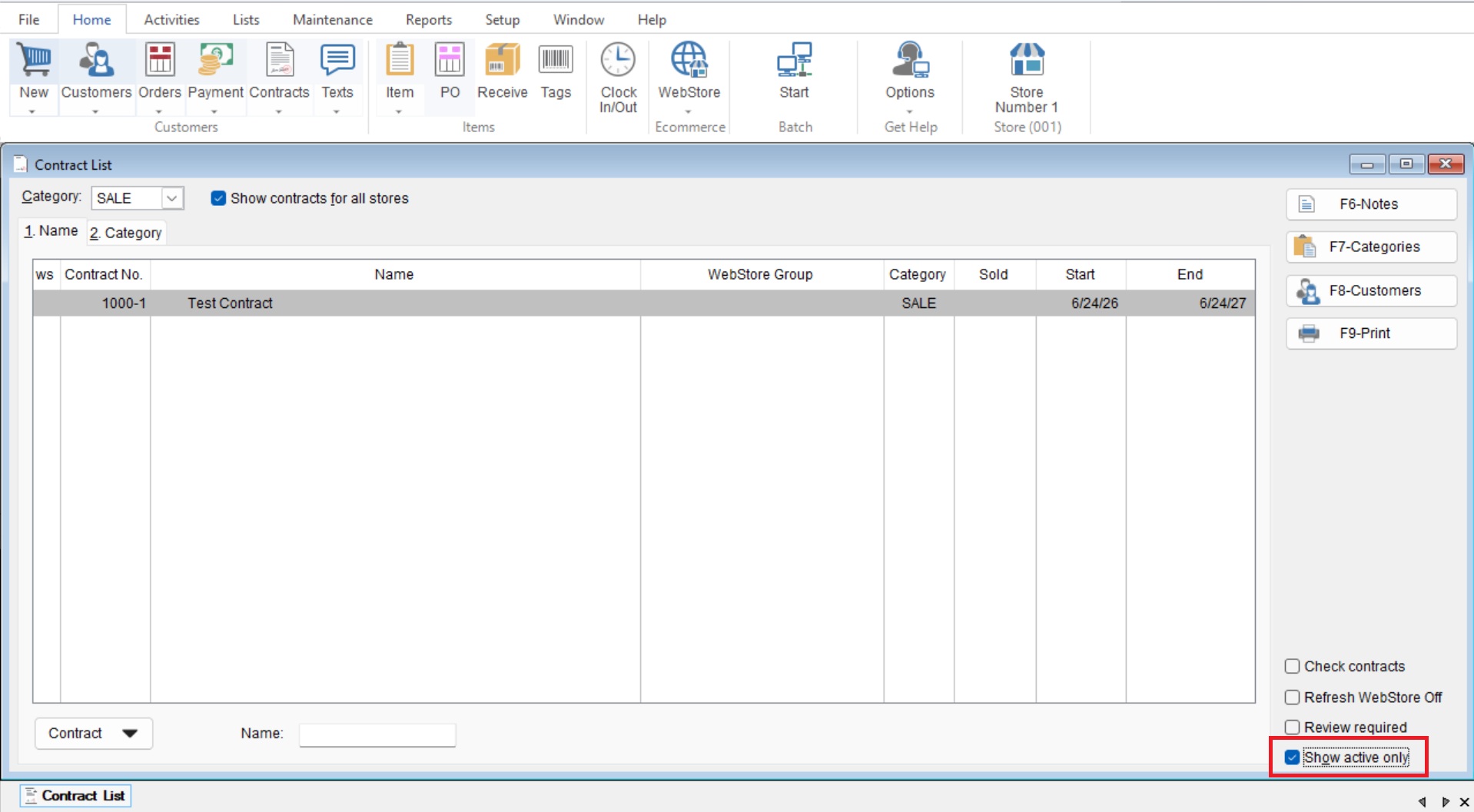
This Article will cover how to display only Active Contracts in your Contract List.
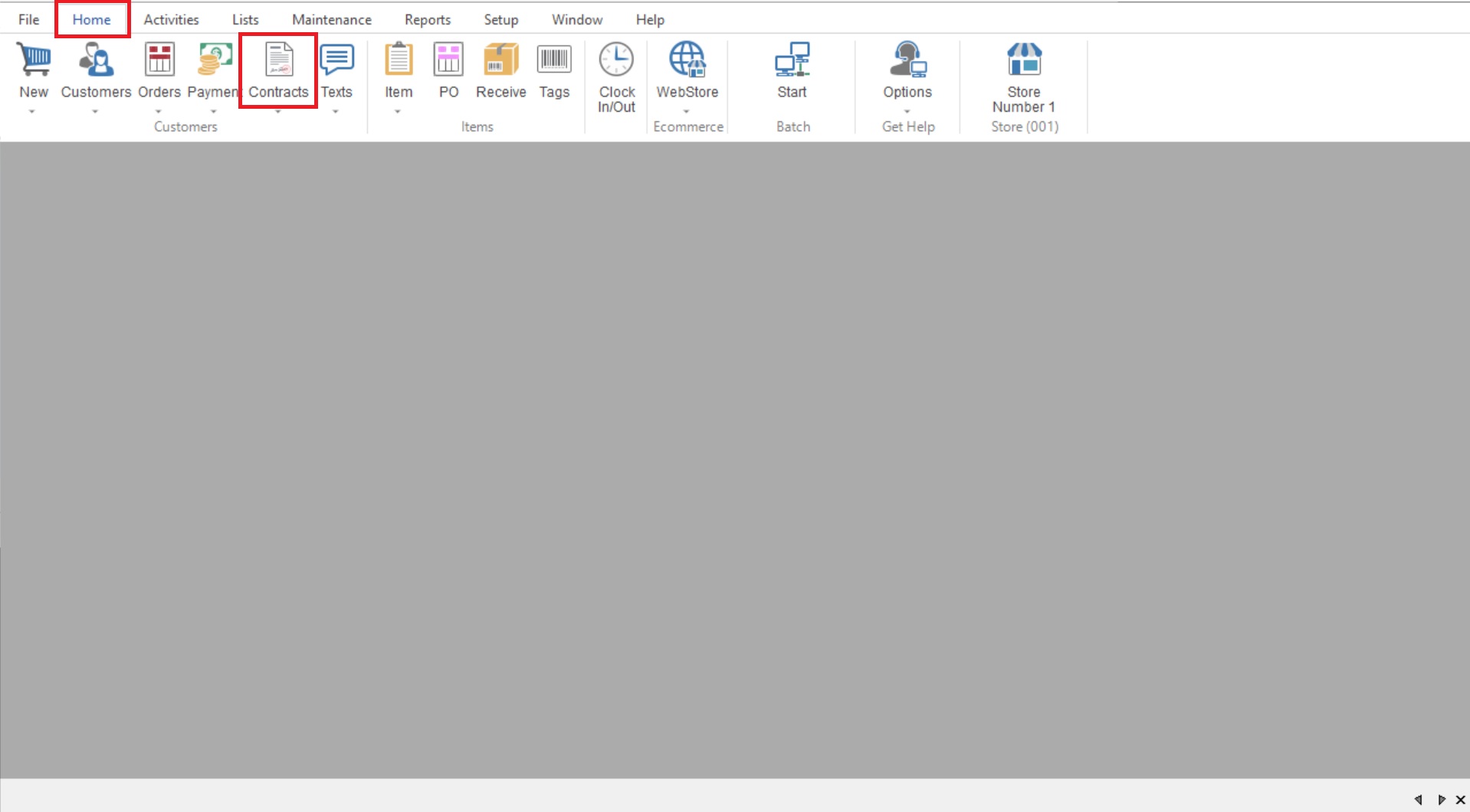
- First you will go to List>Contracts to open your “Contract List”.
- Next you will select the “Show Active Only” at the bottom right.
For additional information on Contracts please refer to the “Create a Contract” knowledgebase article.